Switch between companies on the portal
Aug 22, 2024●
1
Log in with your credentials.


2
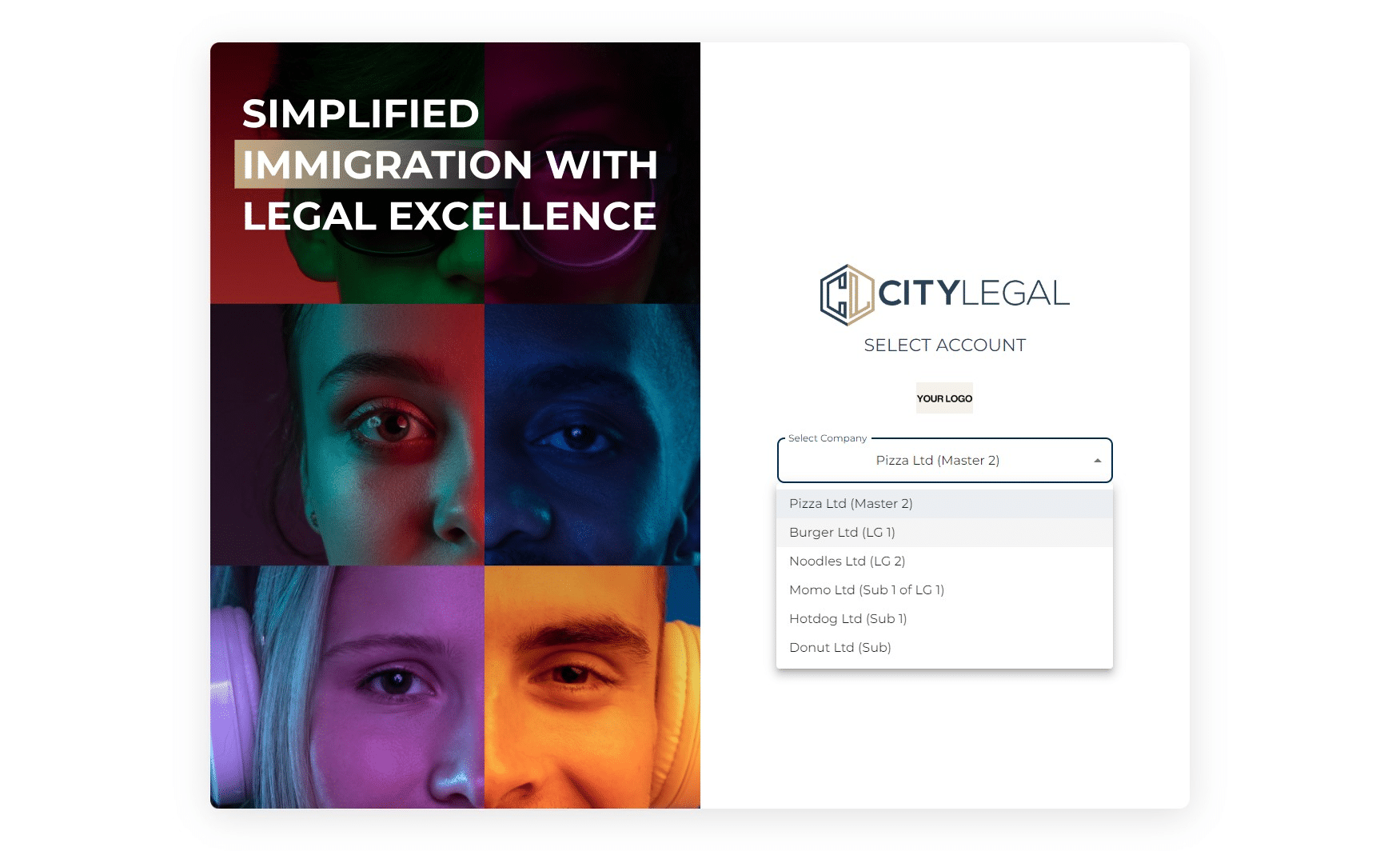
Click on the drop down option to select the company you want to log in to.
3
Click on "Select"

4
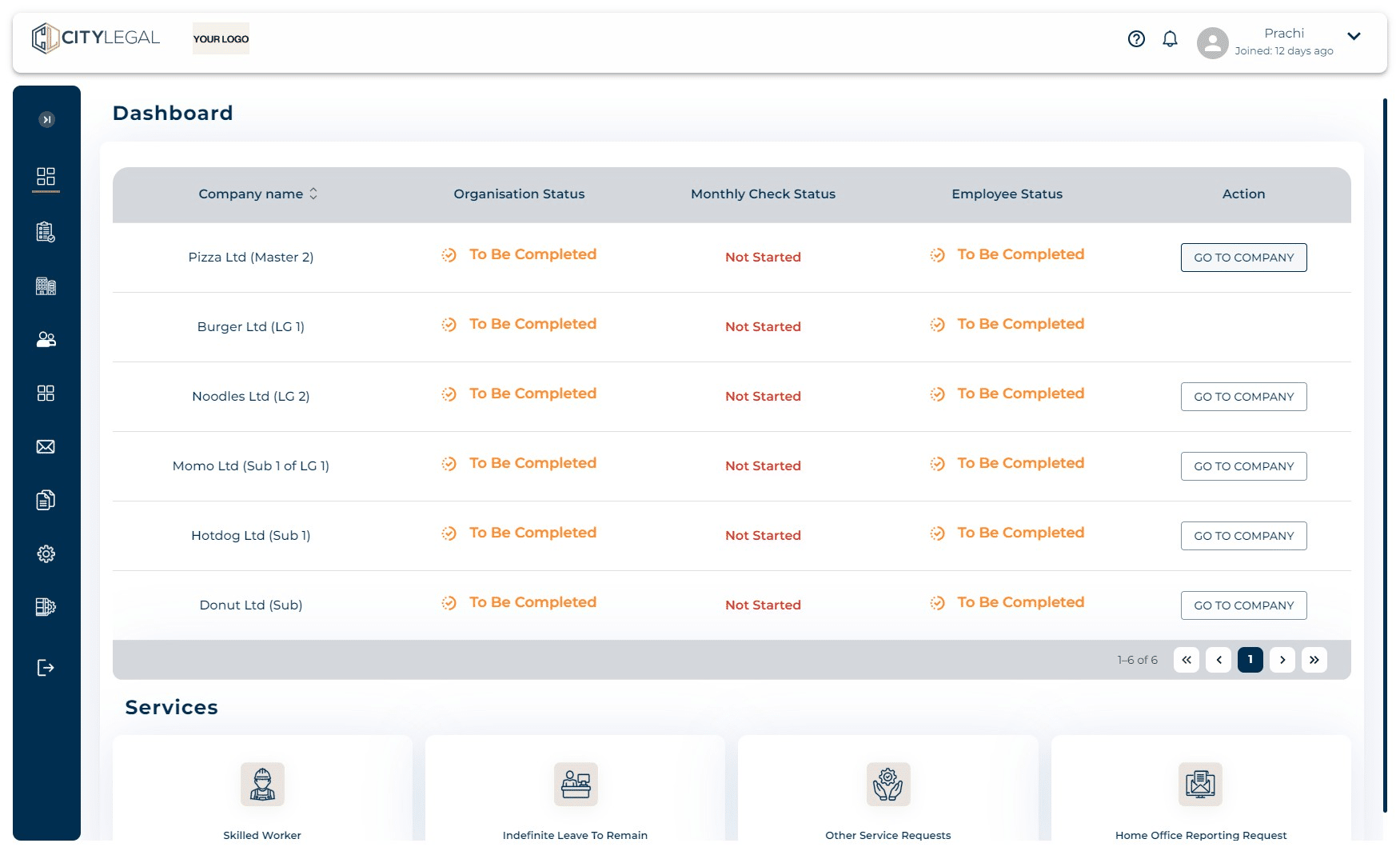
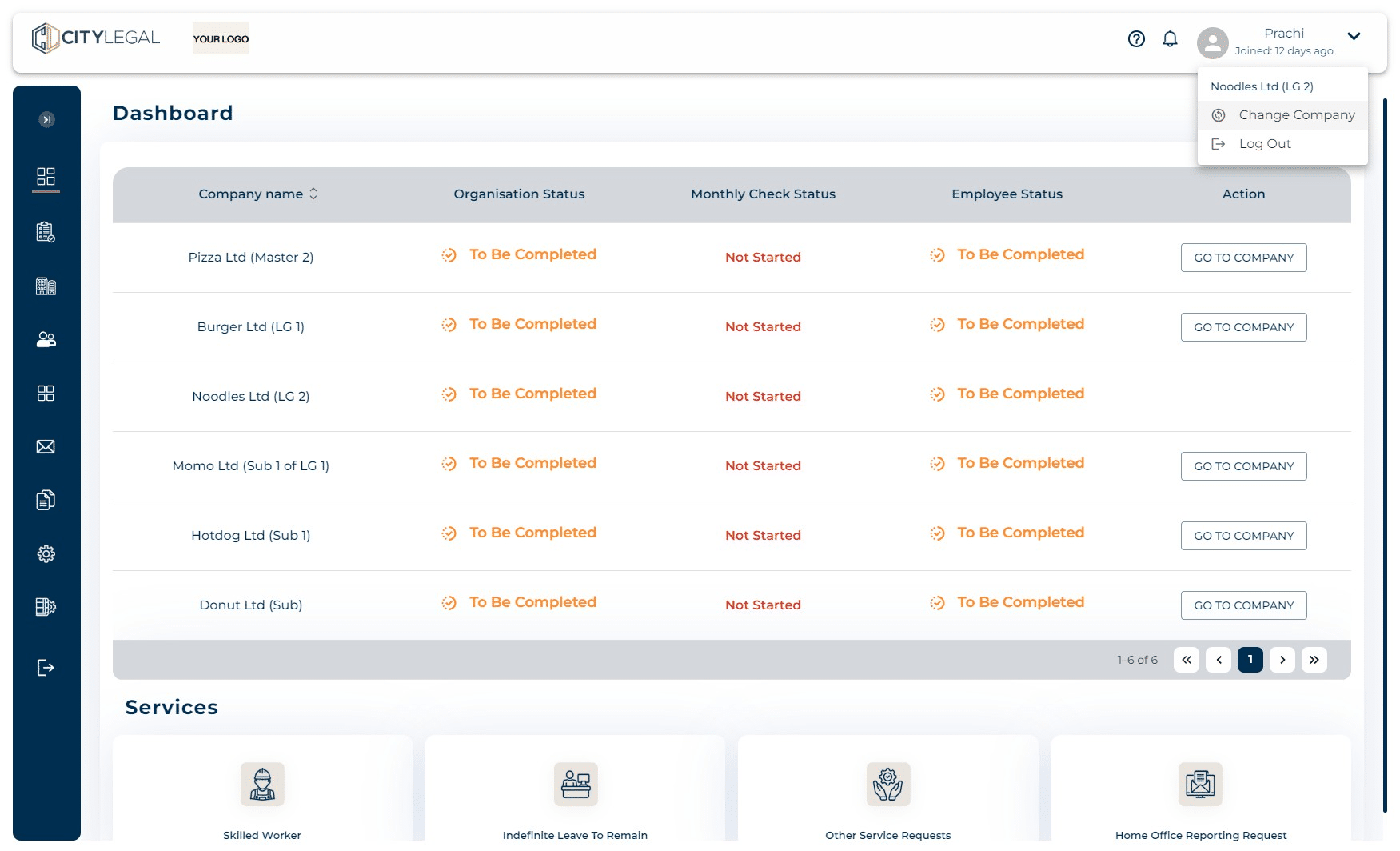
Alternatively, you can also change the company from the Dashboard by clicking on "Go to company" next to the company you want to switch to.
5
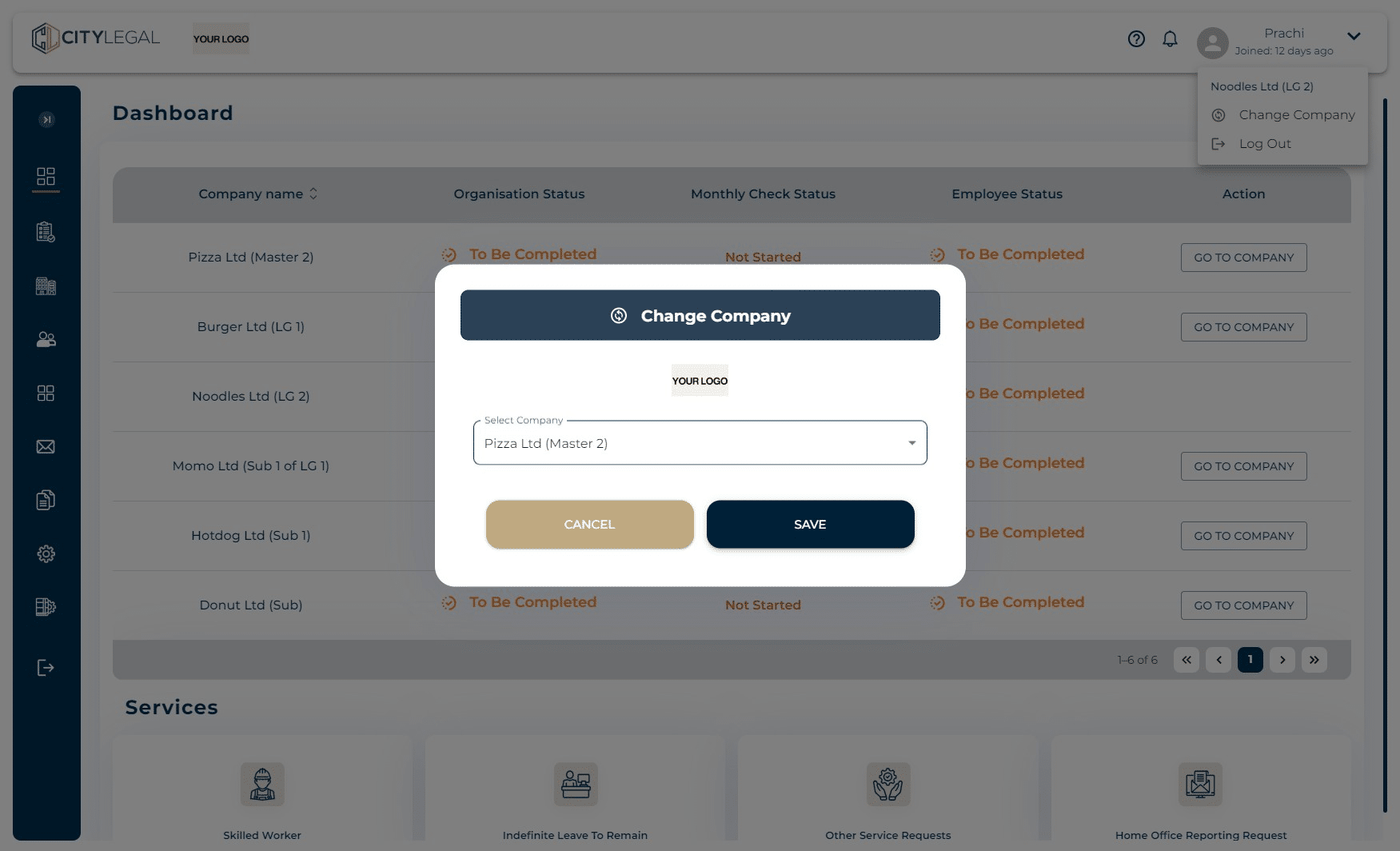
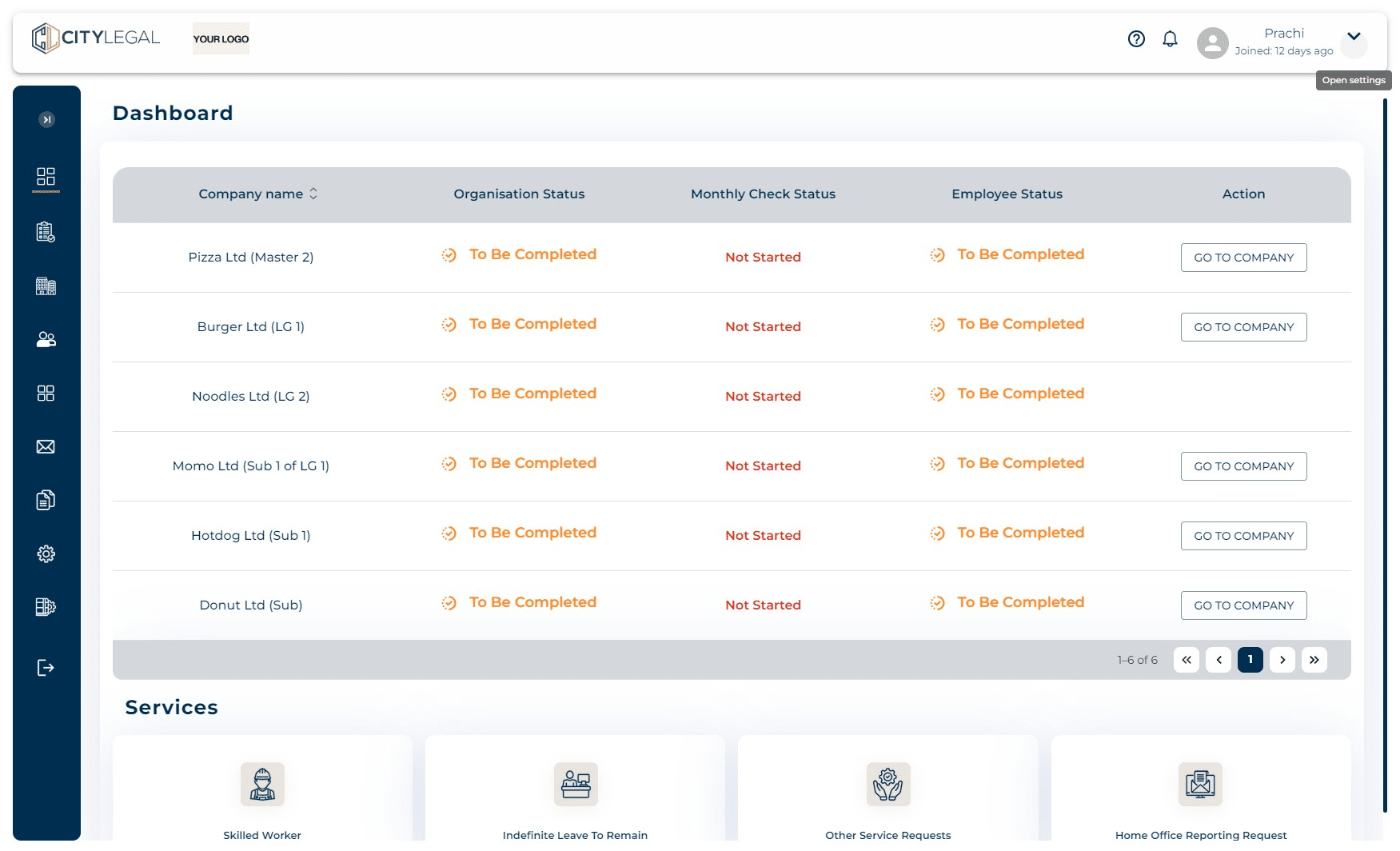
Another way to switch the company from within the portal is by clicking this drop down button on the right next to the username.
6
Click on 'Change Company'.
7
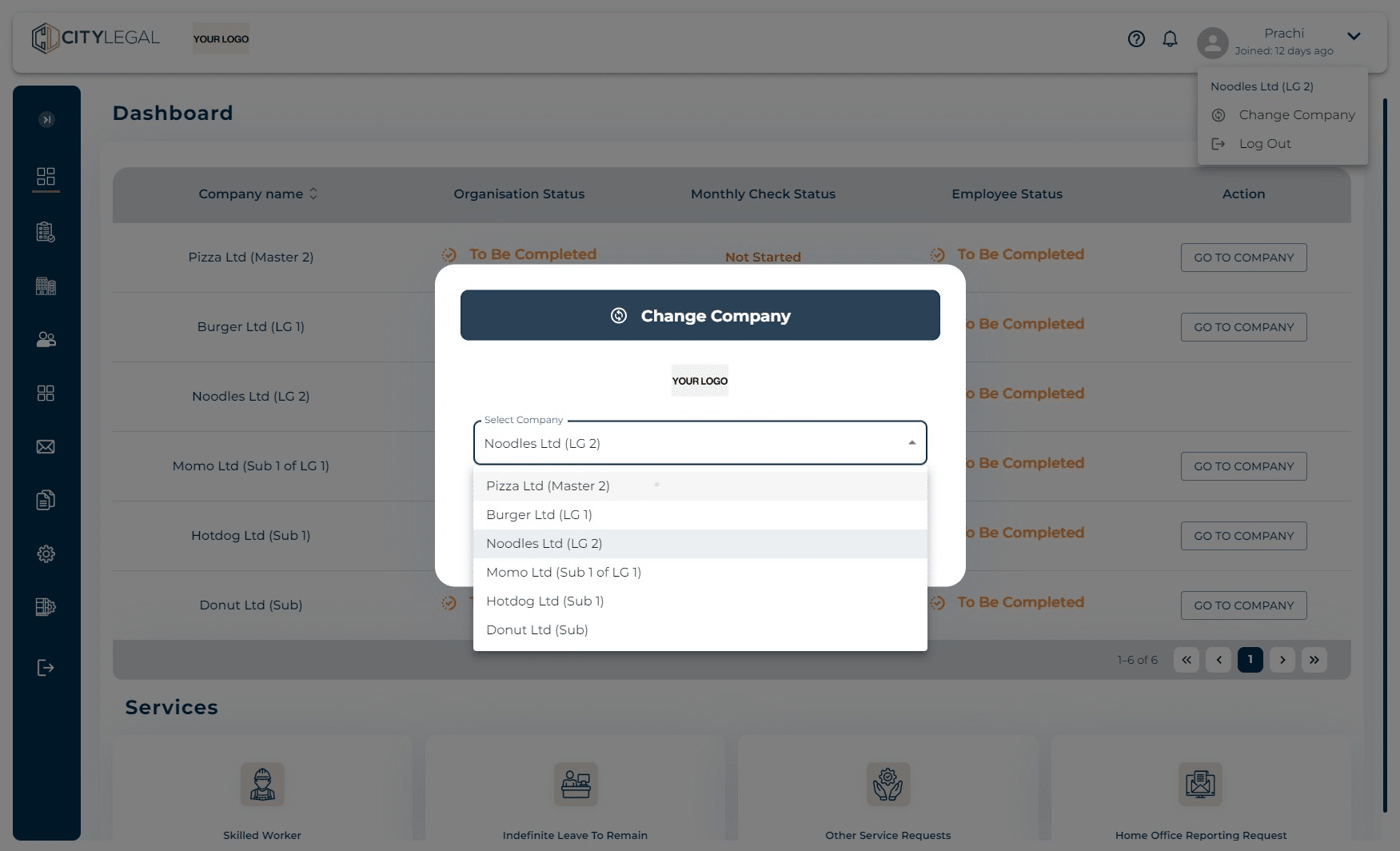
From the drop down here, select the company you want to switch to.
8
Click on "save"