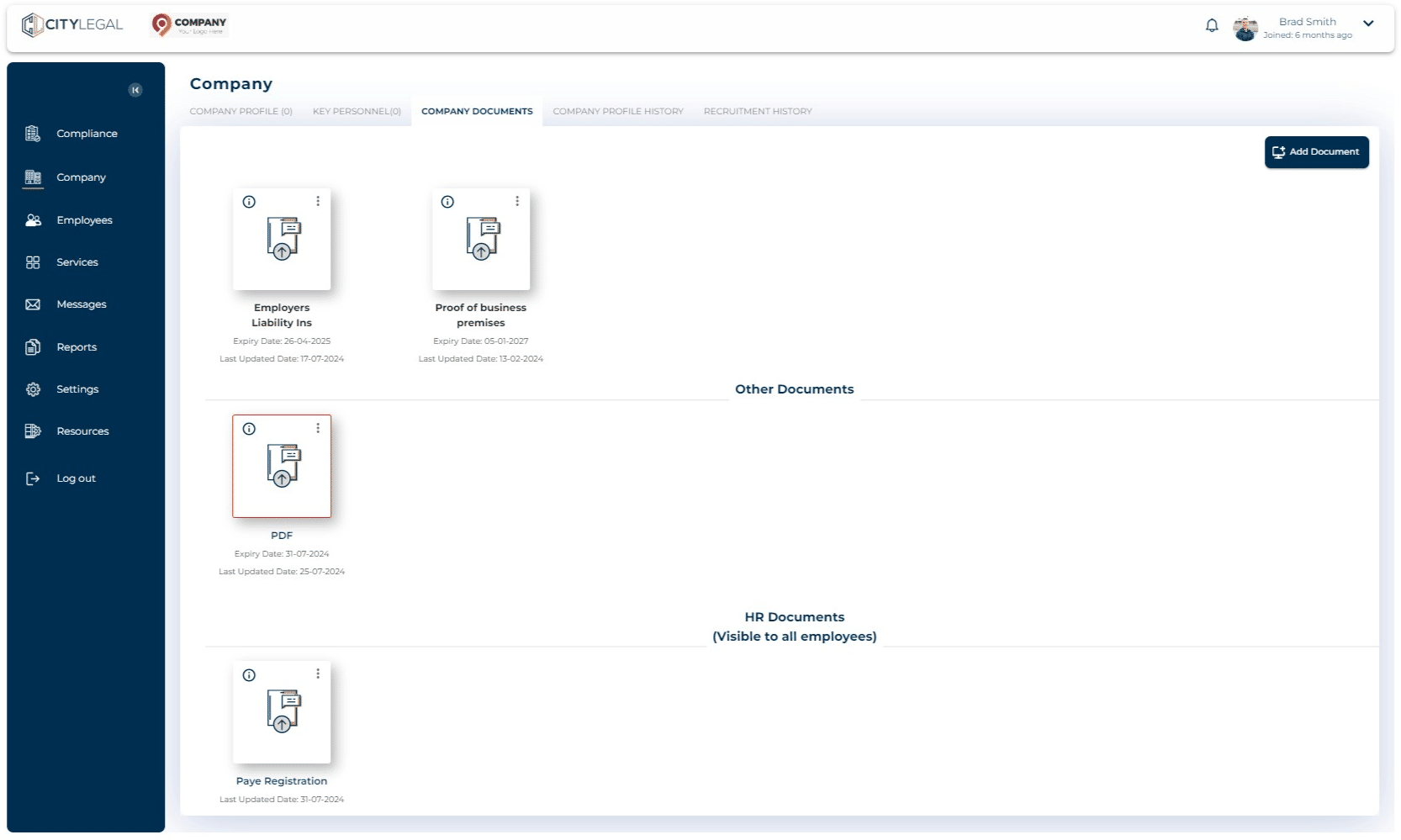
Display Company HR documents to all employees
Jul 31, 2024●
1
Navigate to Company tab and click on "Company Documents".
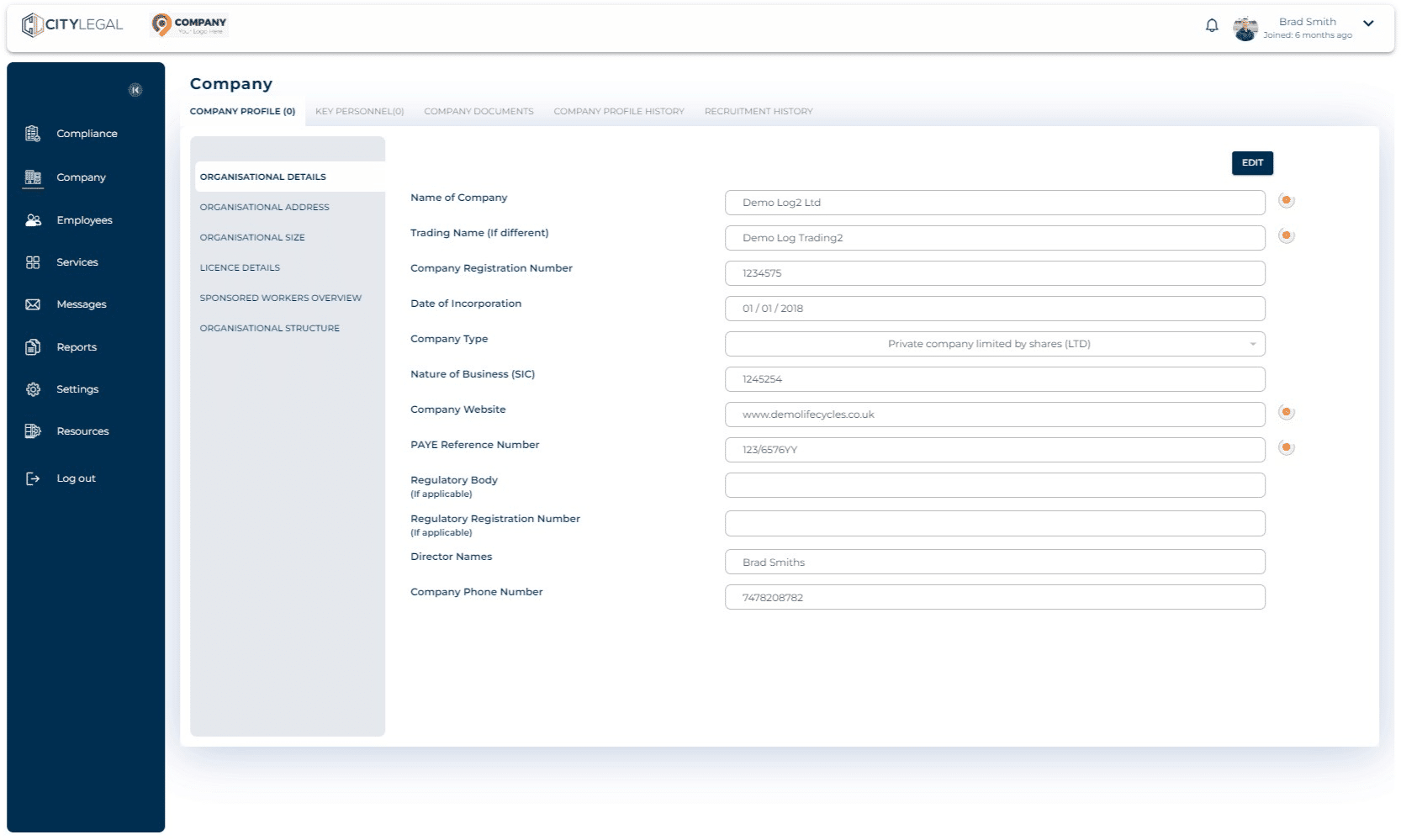

2
Click the three dots on the HR document you want to share with all the employees.
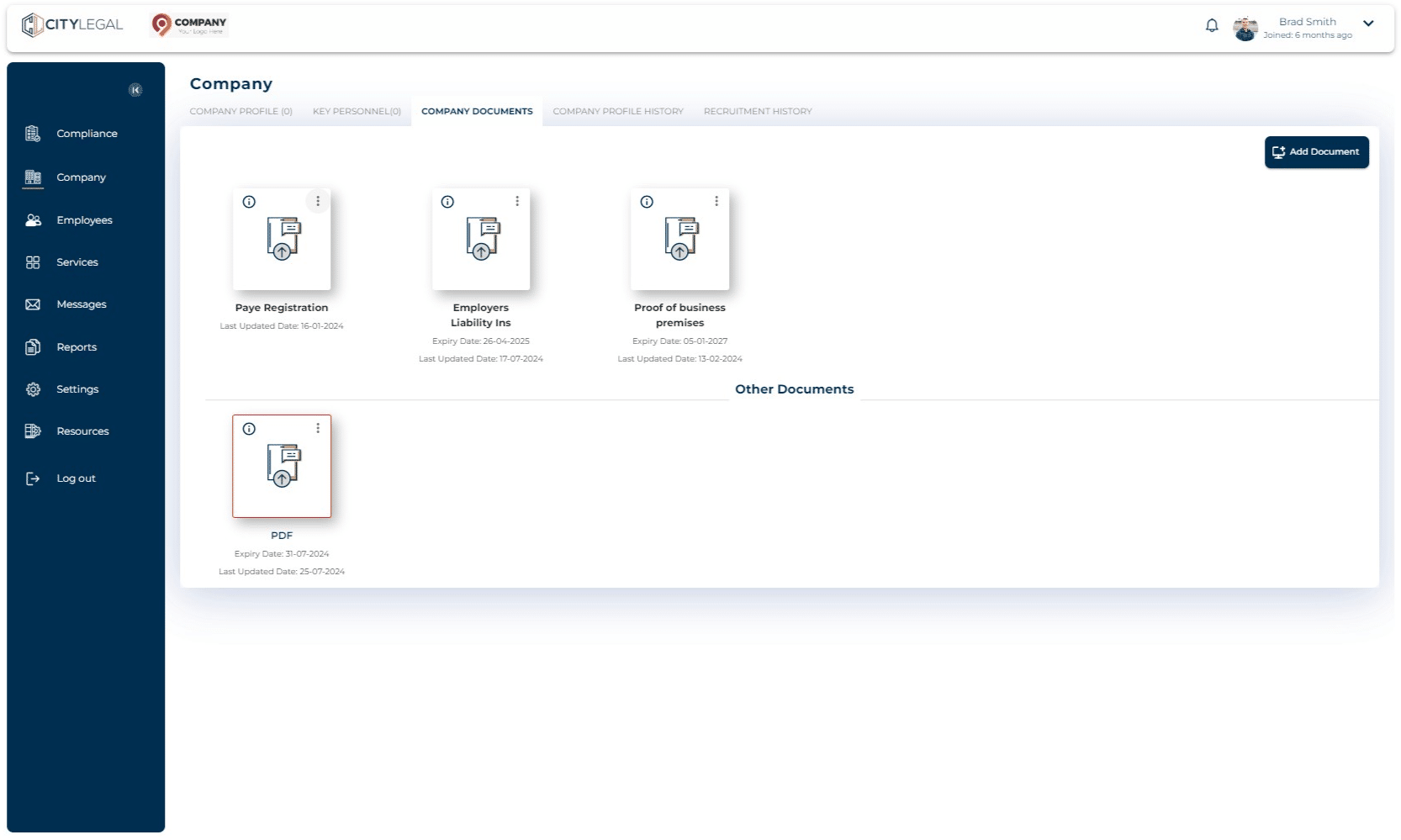
3
Click 'Edit'
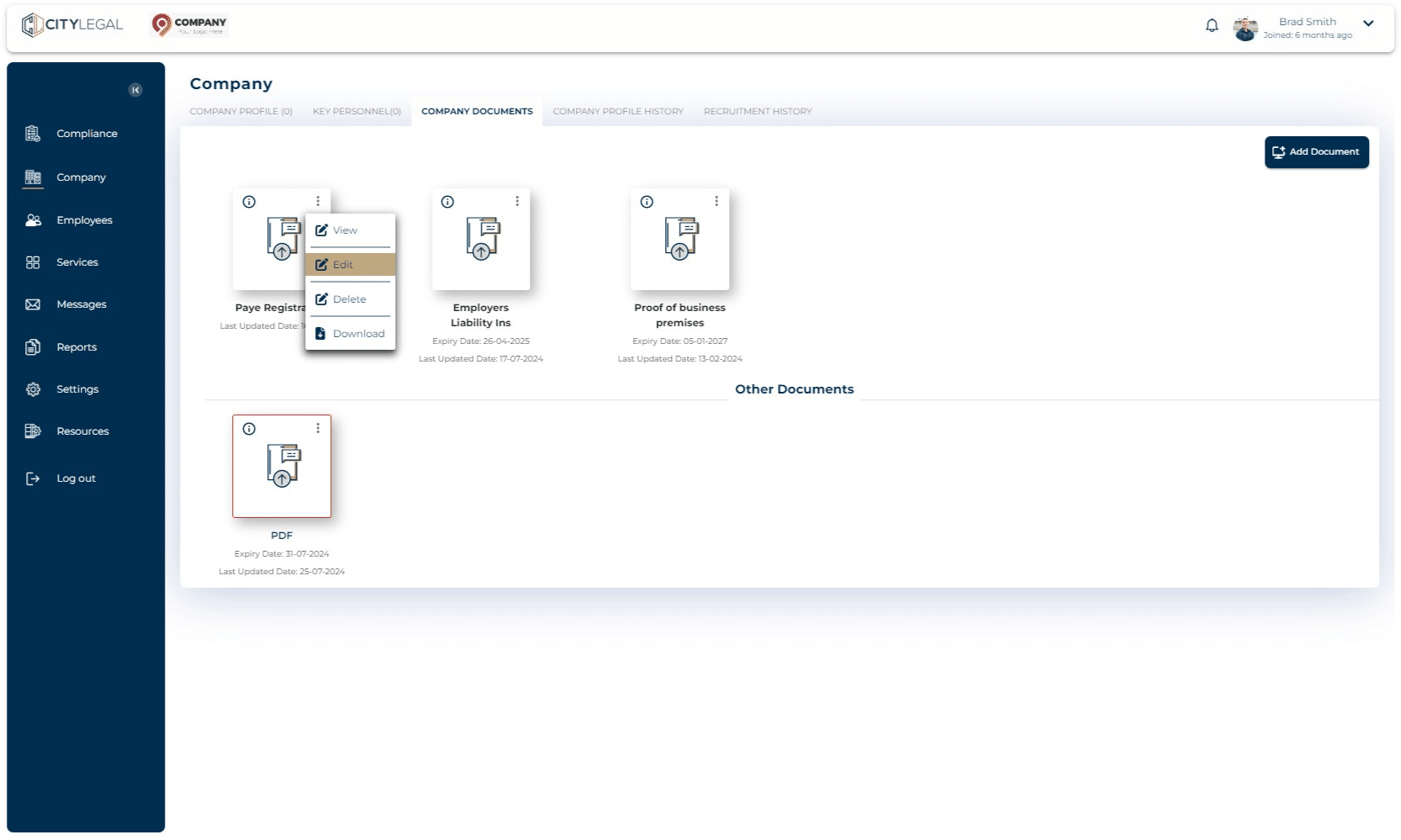
4
Tick the box that says 'HR document (visible to all employees)' and click 'Save'.
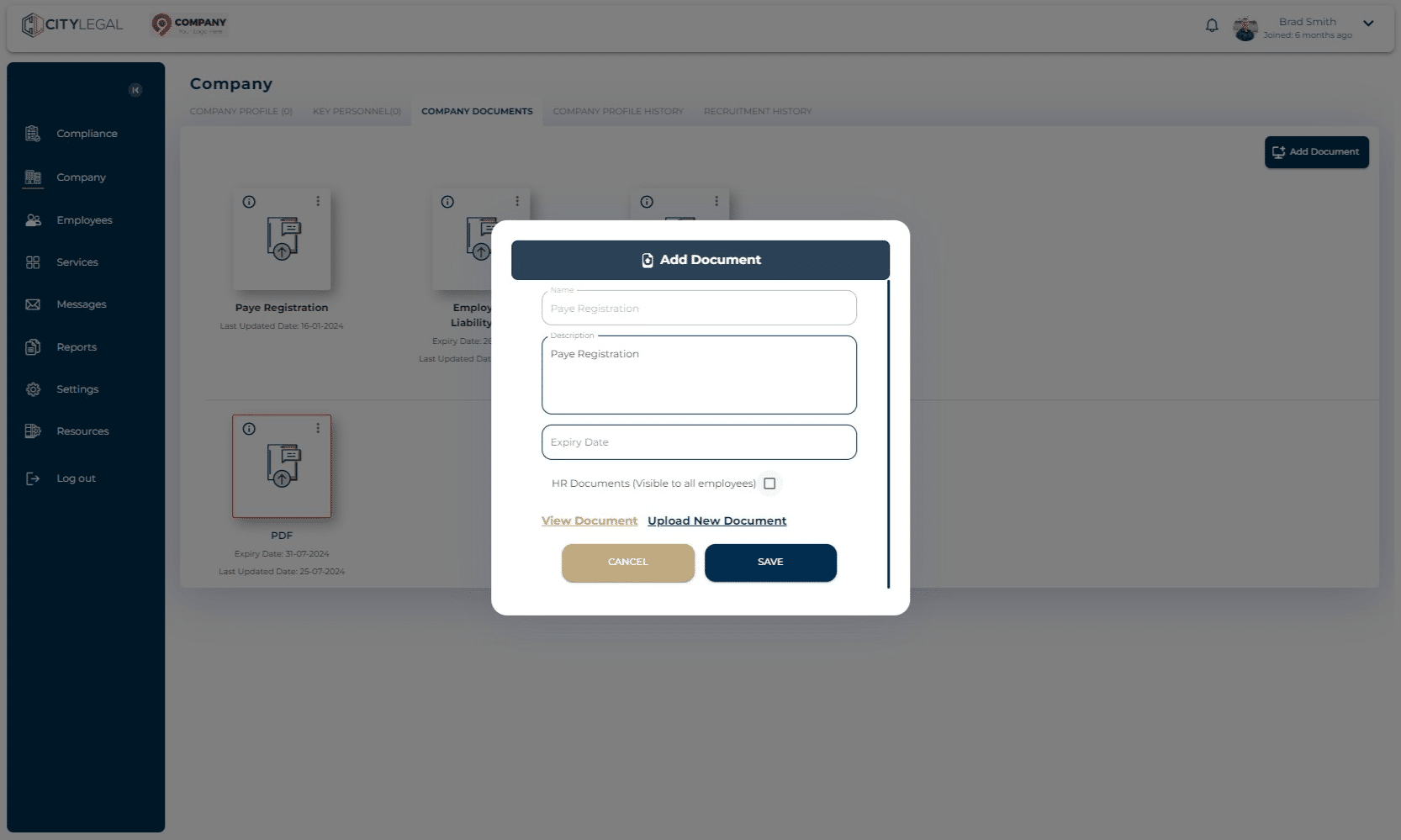
5
The section will be created that shows all the HR dcuments that have been shared with all the employees.