Add Employee Specific Additional Documents
Jan 17, 2025●
1
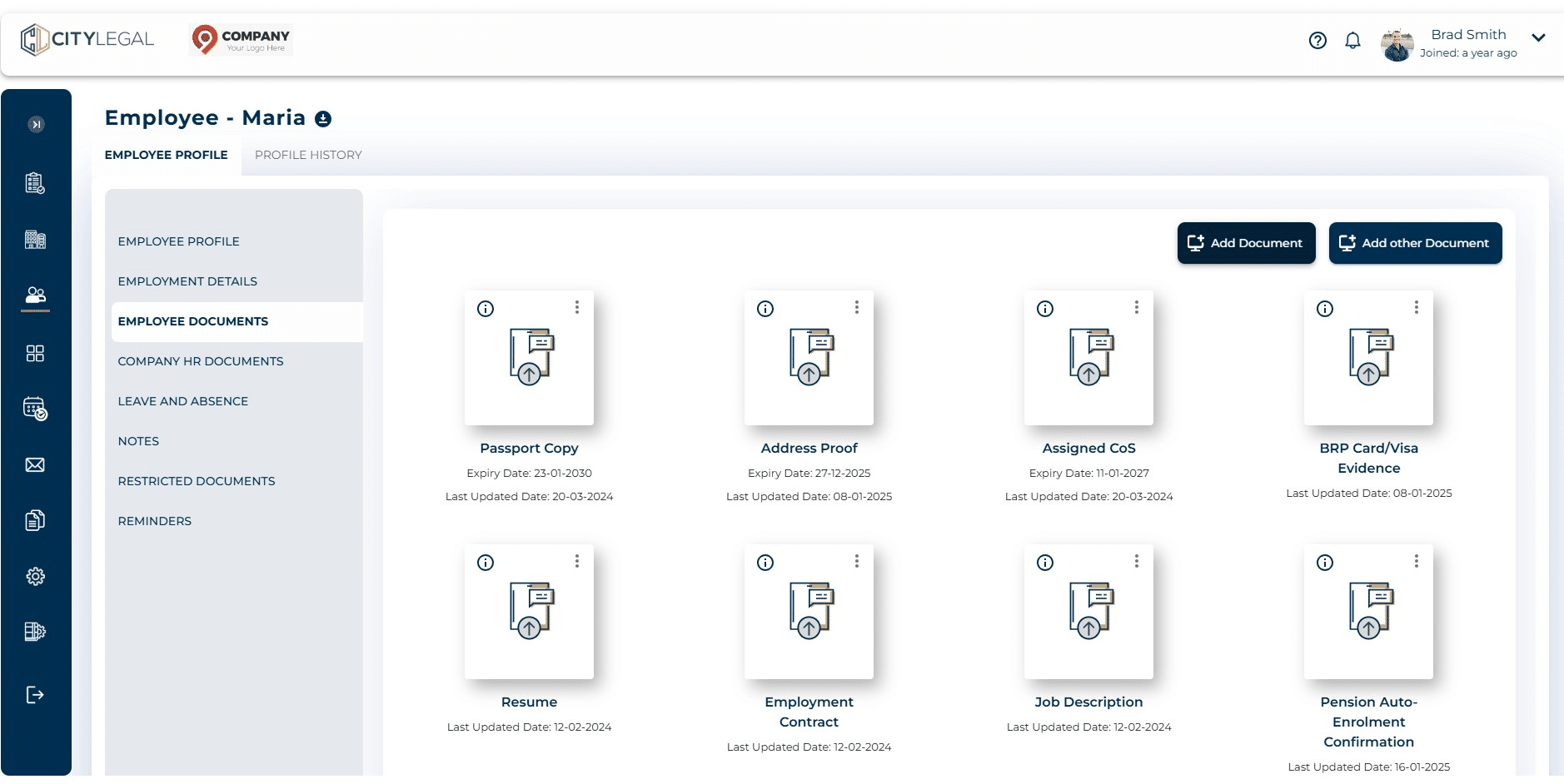
Navigate to Employee Profile > Employee Documents
2
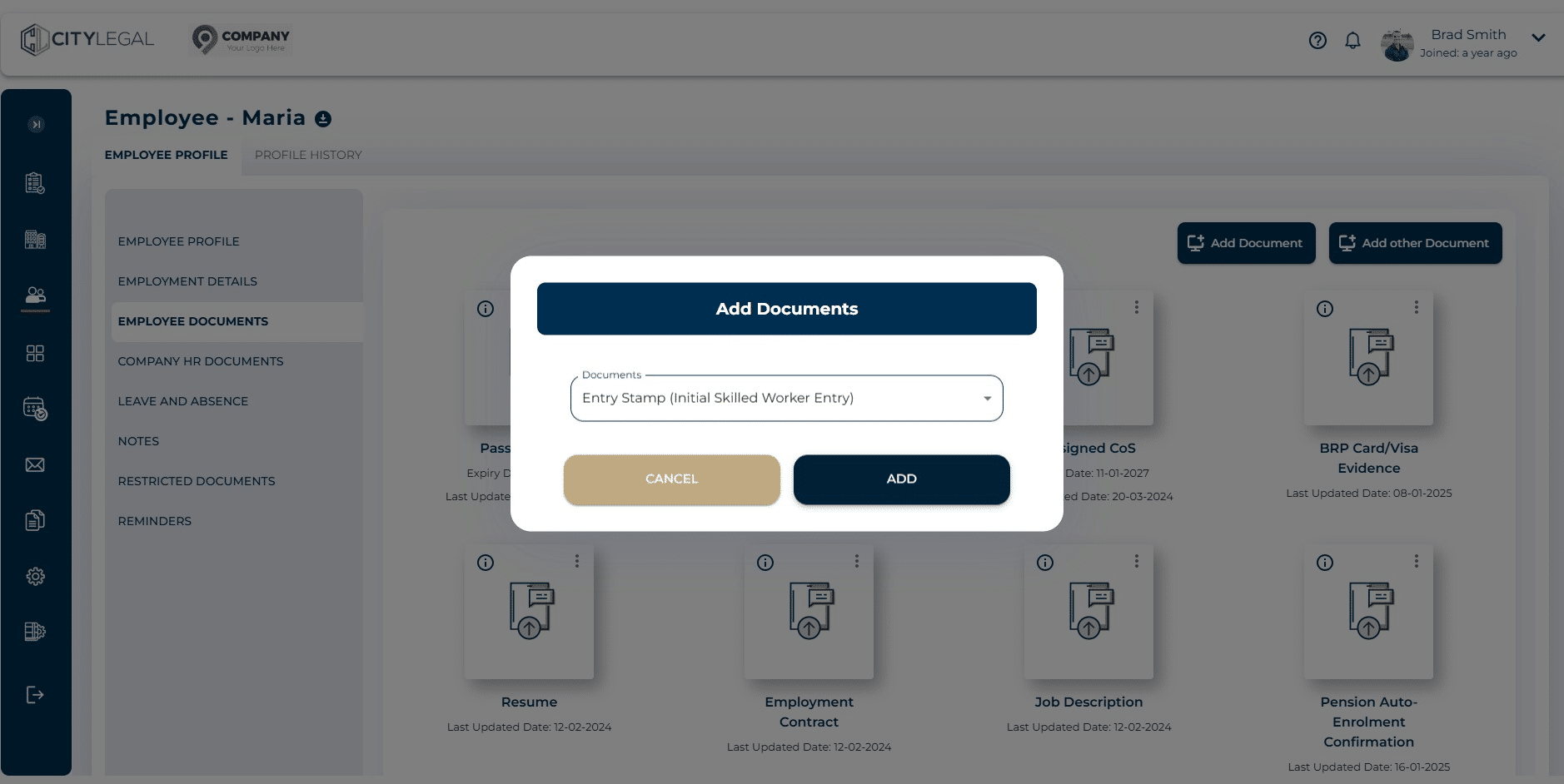
Click on Add Documents to add some listed documents in line with record keeping obligations.

3
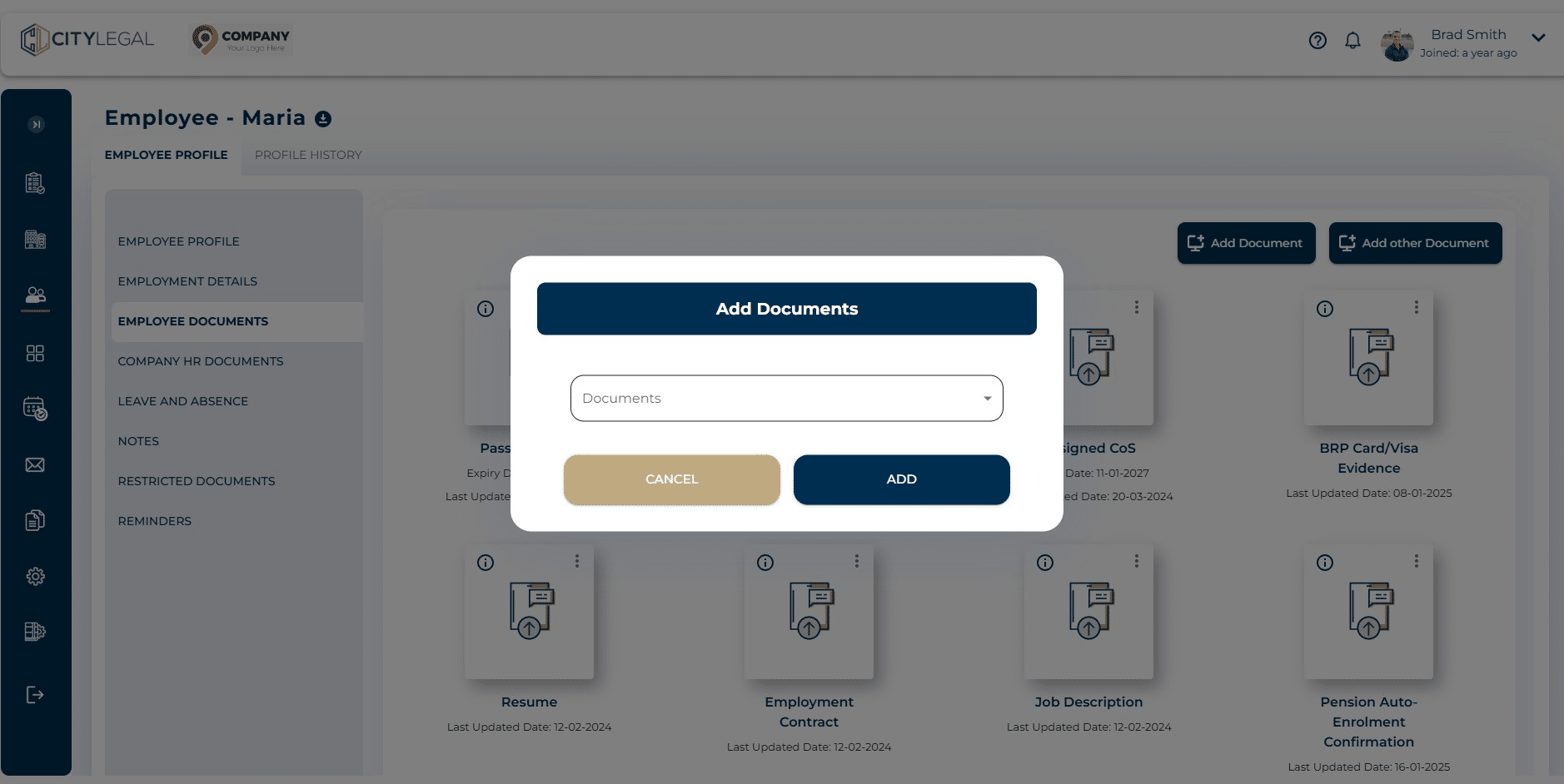
Click on the drop-down menu to see the list of available documents.
4
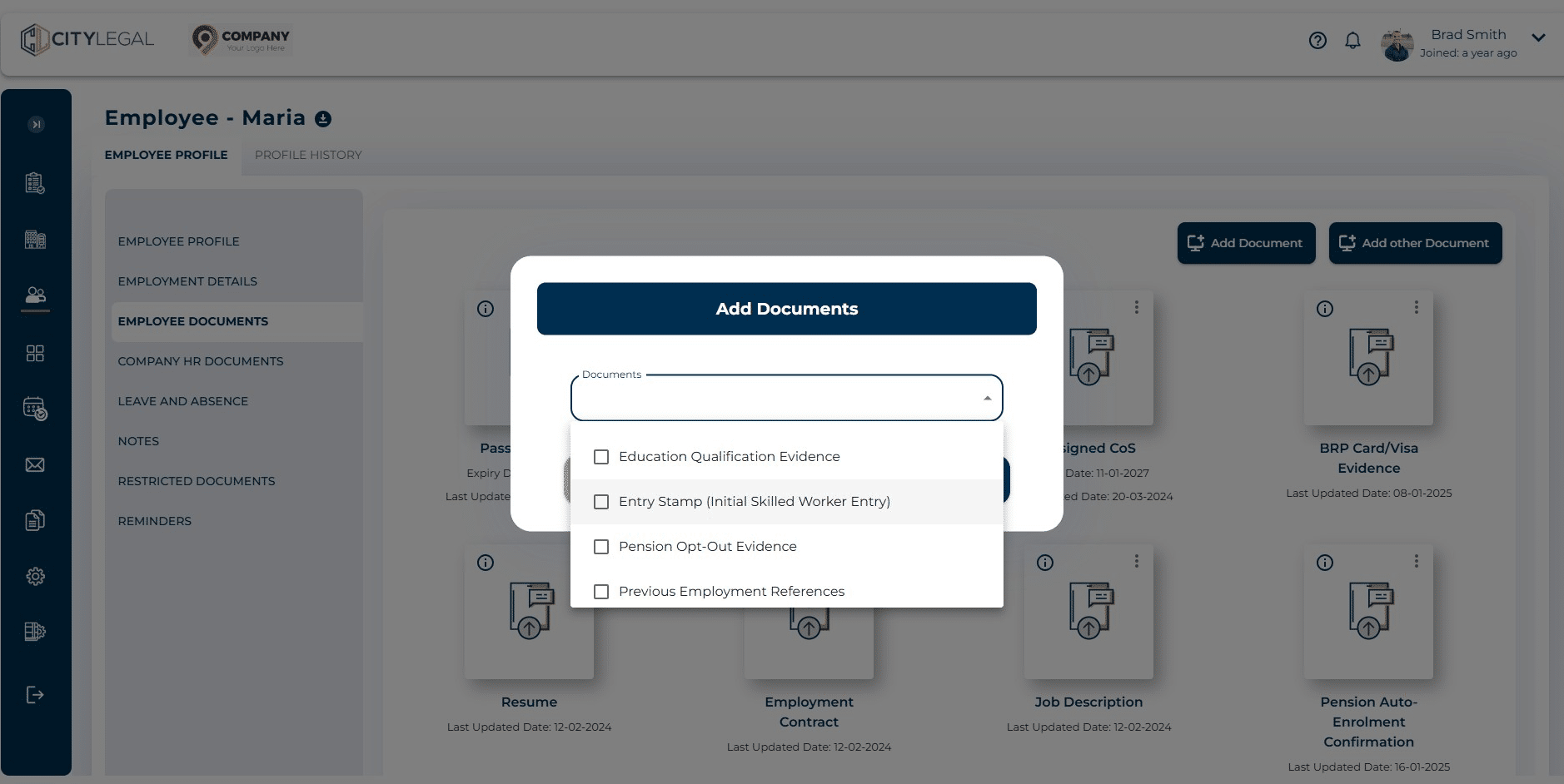
Click on the document you want to add for this particular employee. For example: Entry Stamp (Initial Skilled Worker Entry)
5
Click on "Add"
6
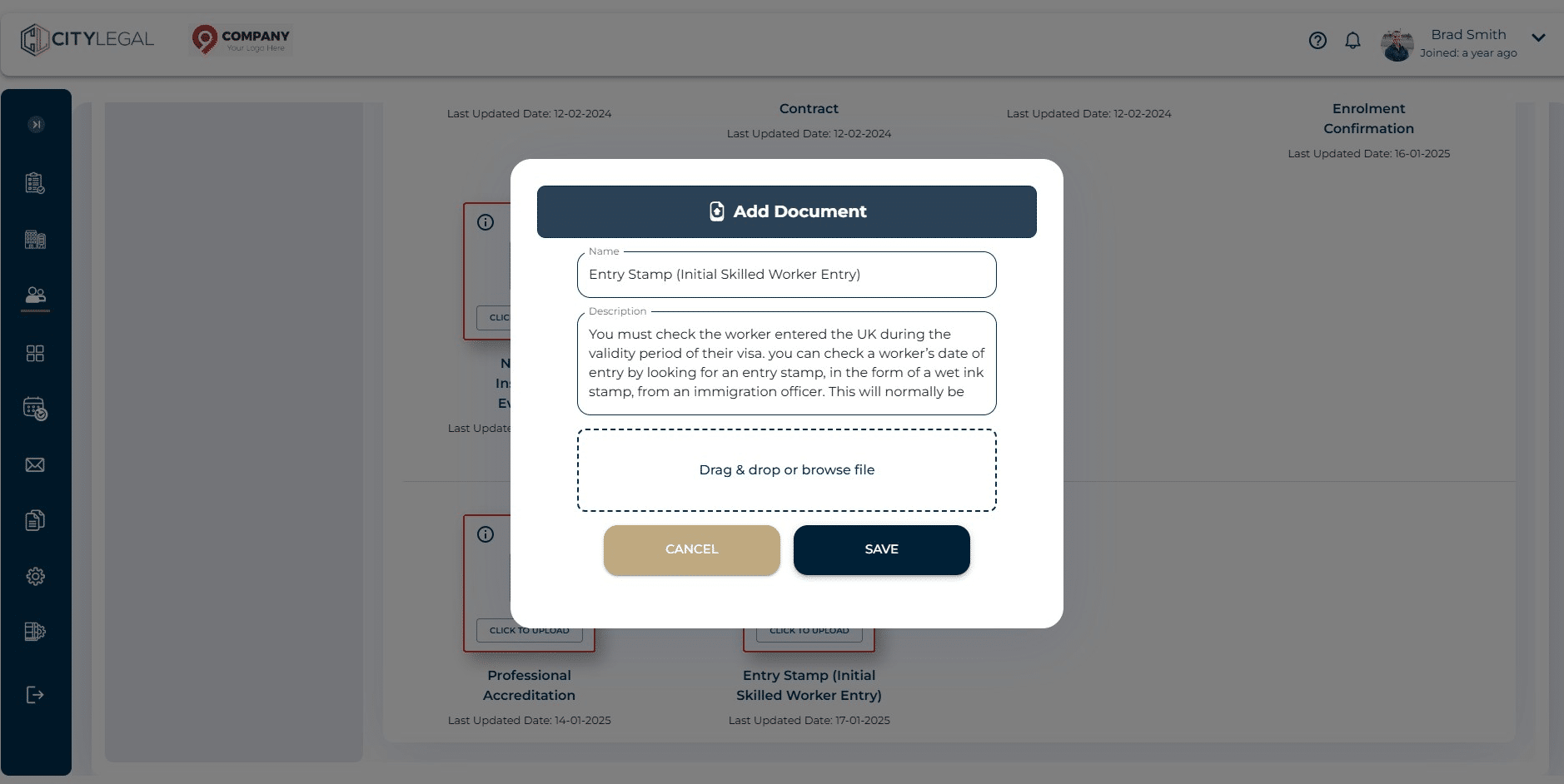
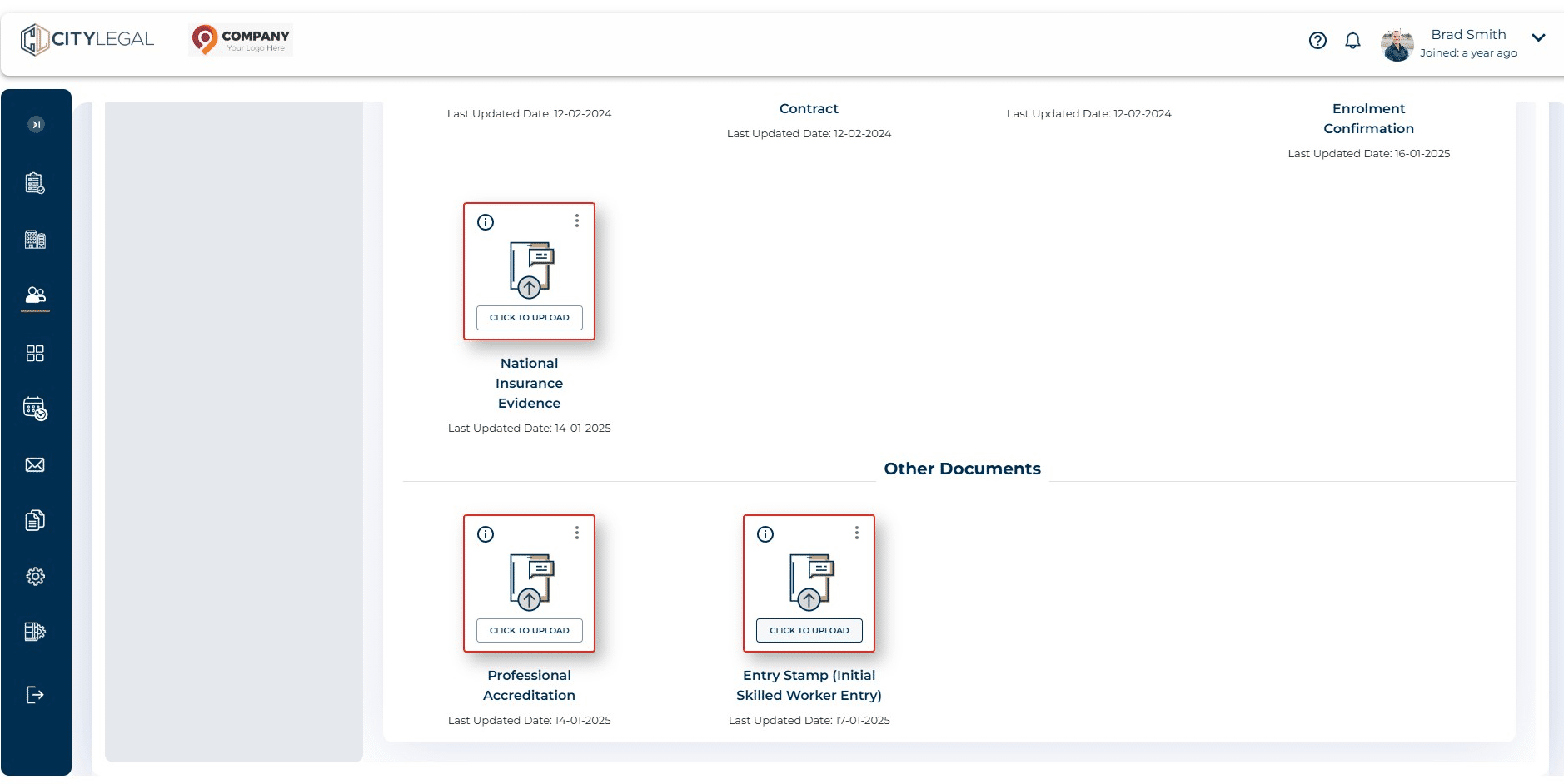
Click on "Click to Upload"
7
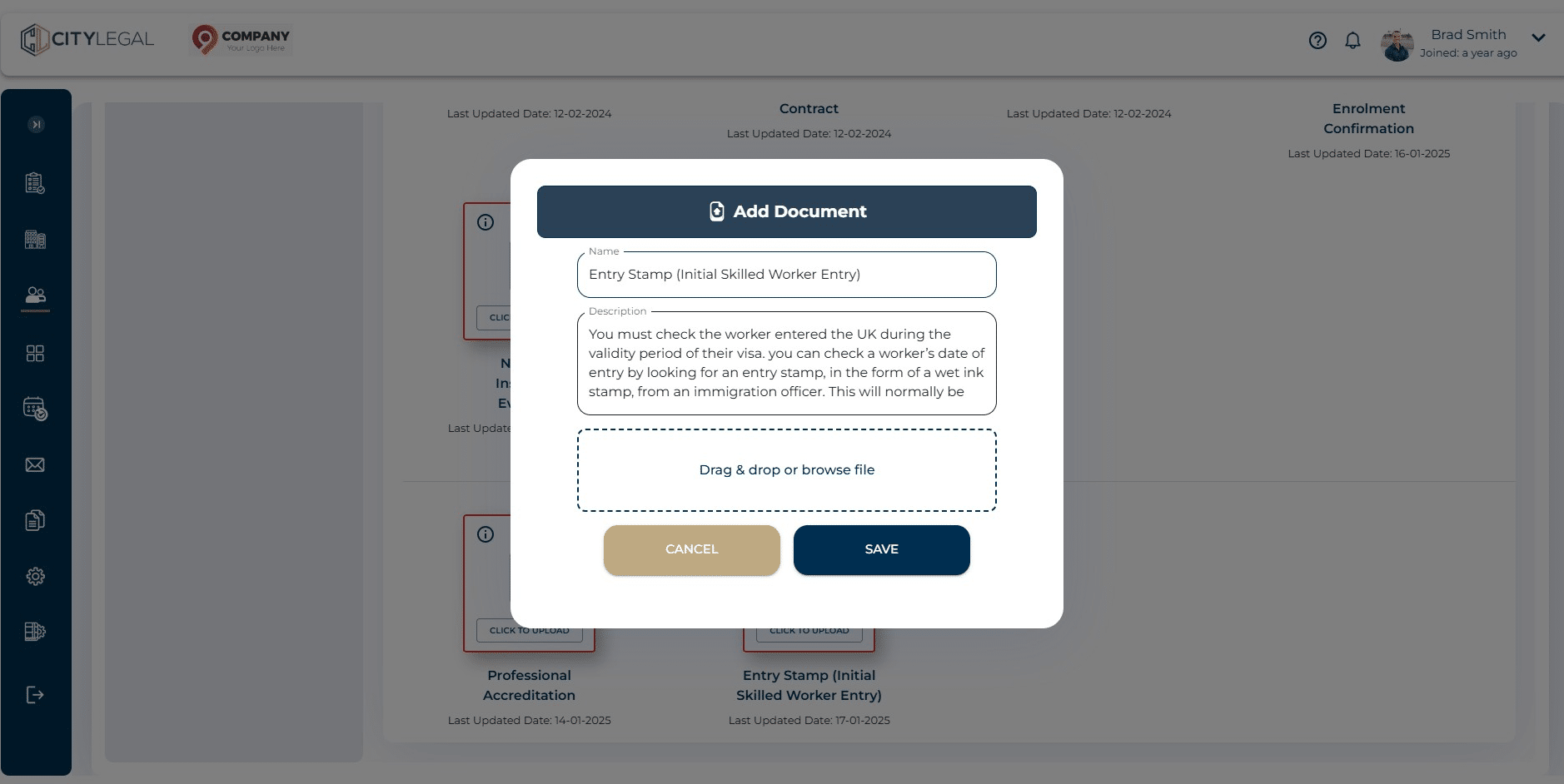
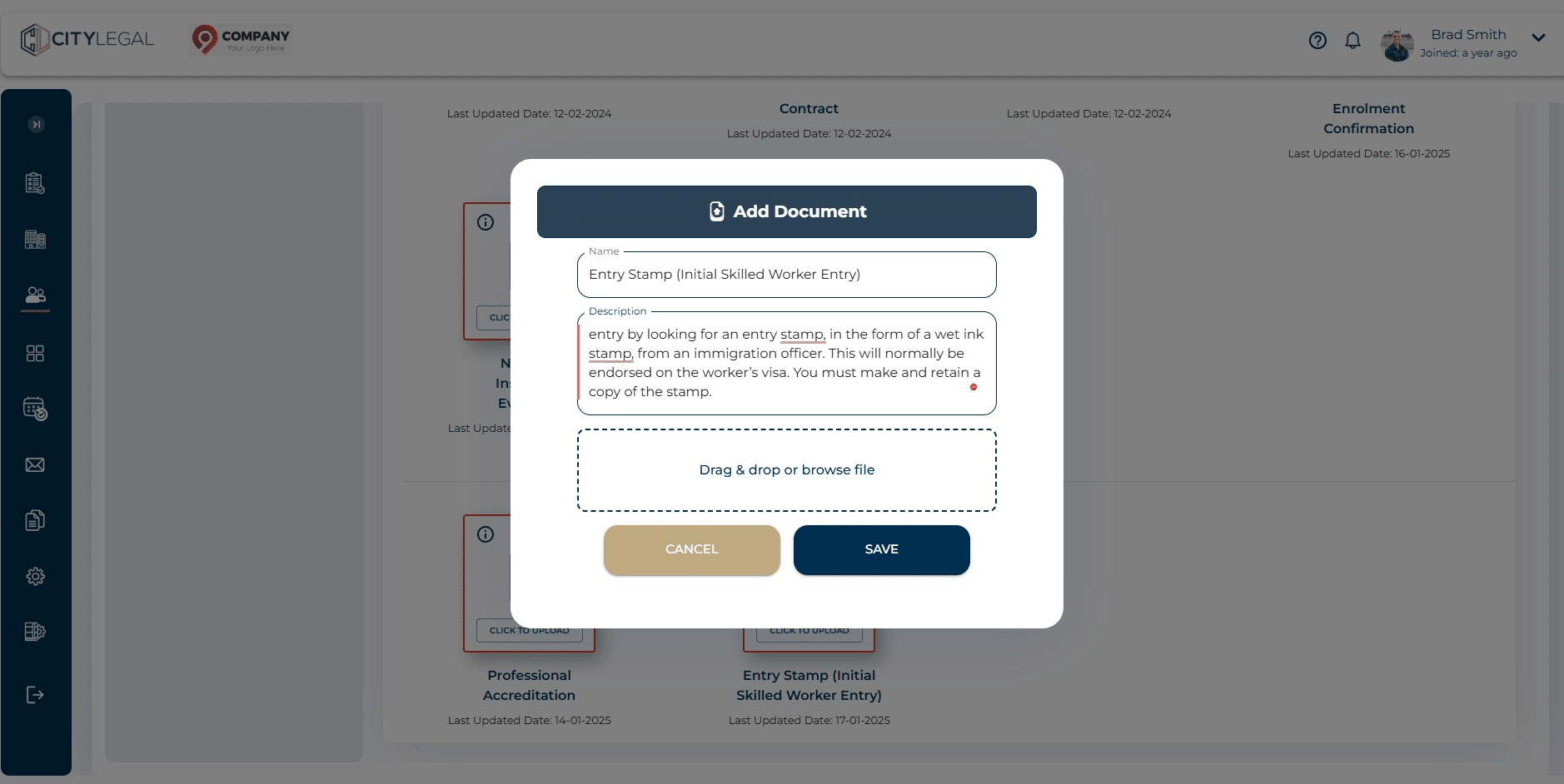
Click on the description to see the notes regarding this particular document.
8
Click on "Drag & drop or browse file"
9
Click on "Save"