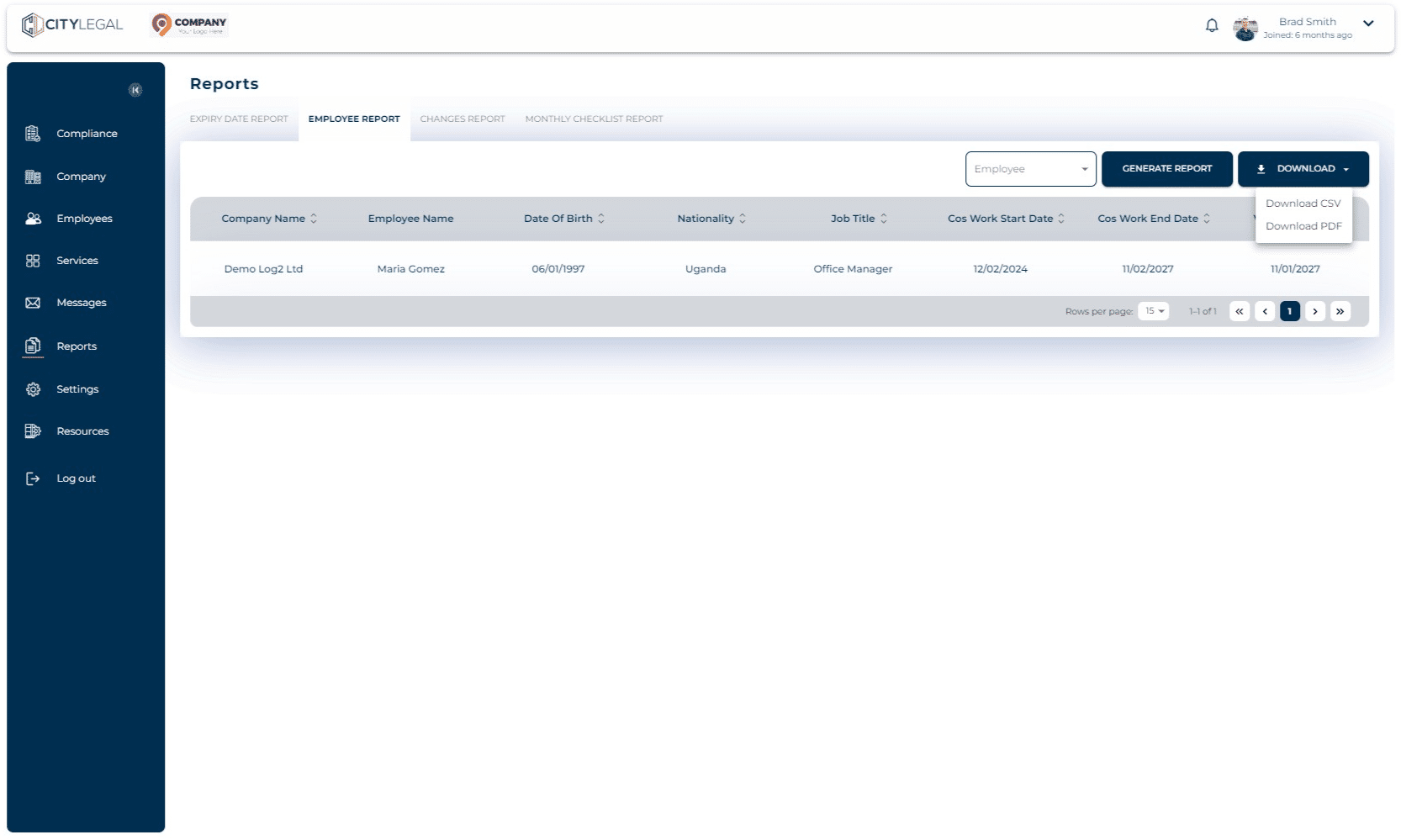
Generate Employee Report
Jul 31, 2024●
1
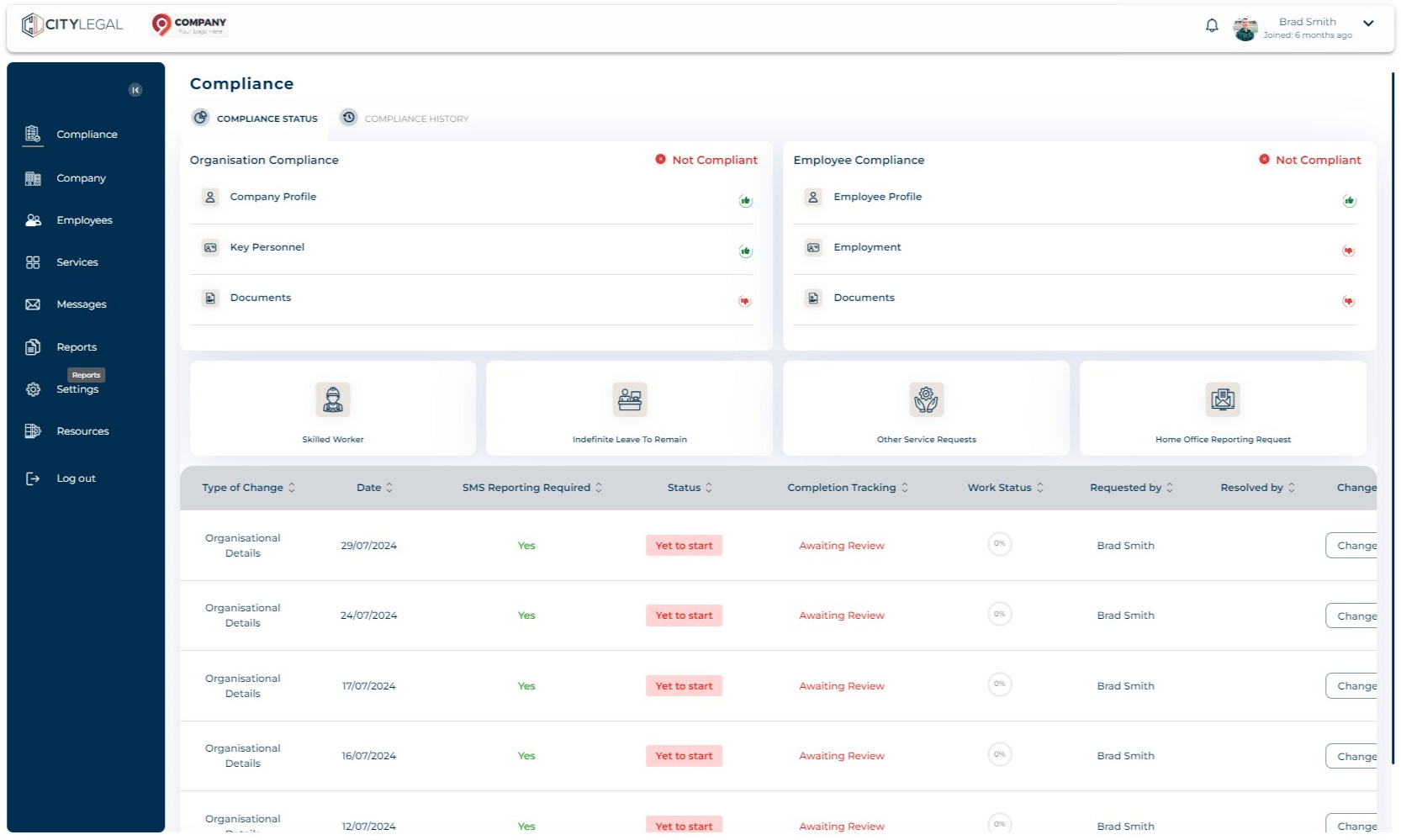
Navigate to "Reports" in the portal

2
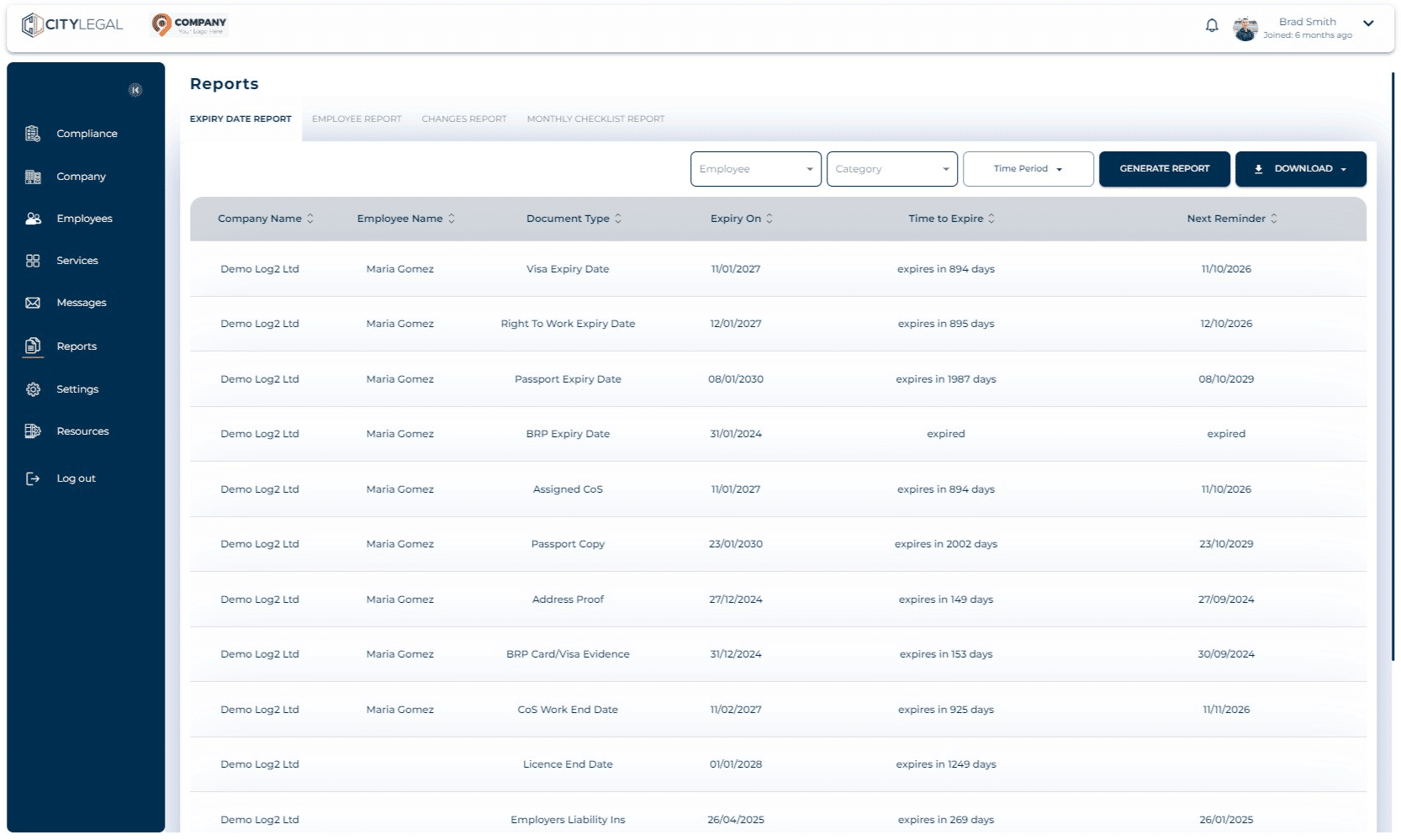
Got to "Employee Report" tab.
3
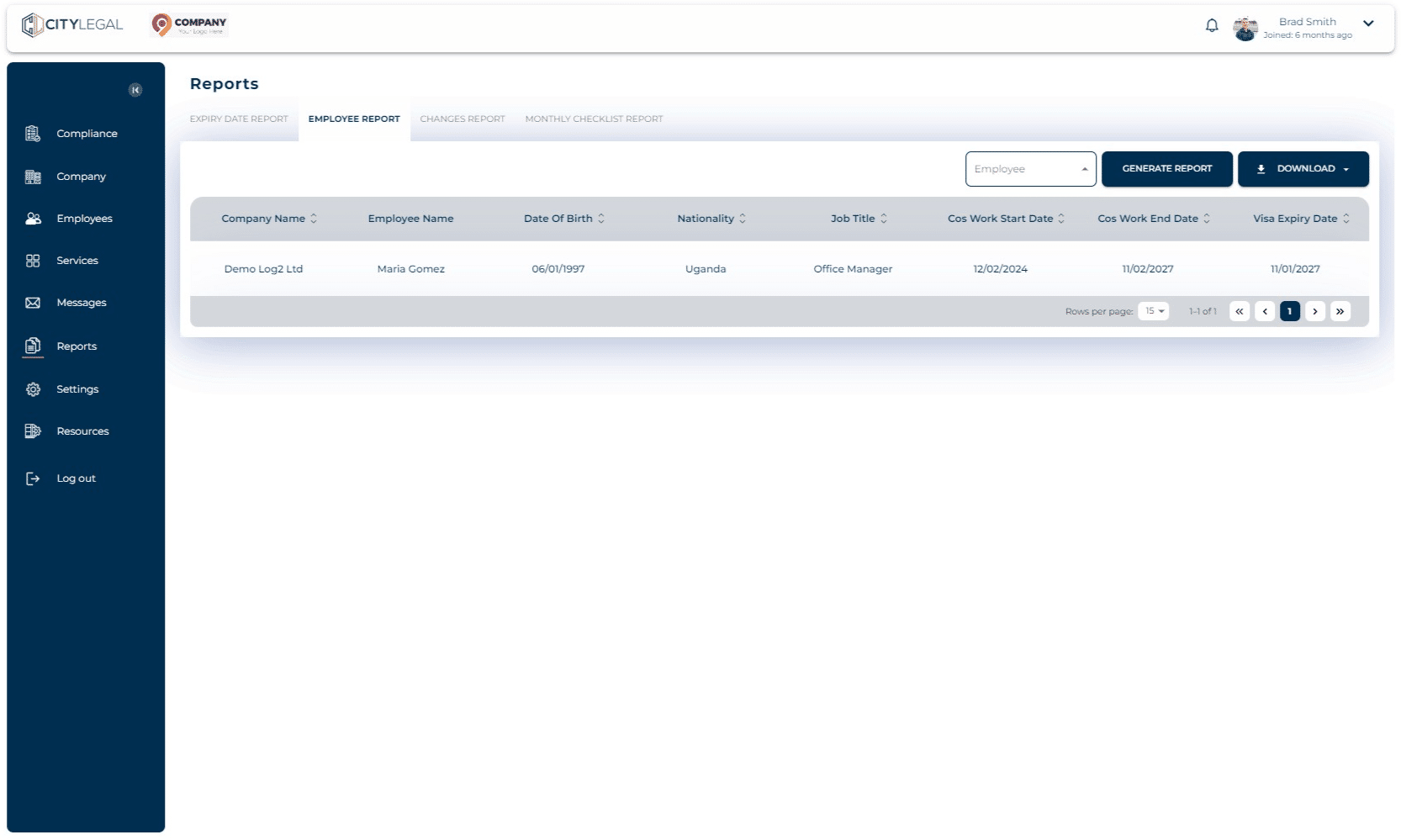
Filter by the employee for whom you want the report. Click on 'Generate Report' to see the results.
4
Click on "Download" which will give you two download options: PDF and CSV. This will save the file in your local system.