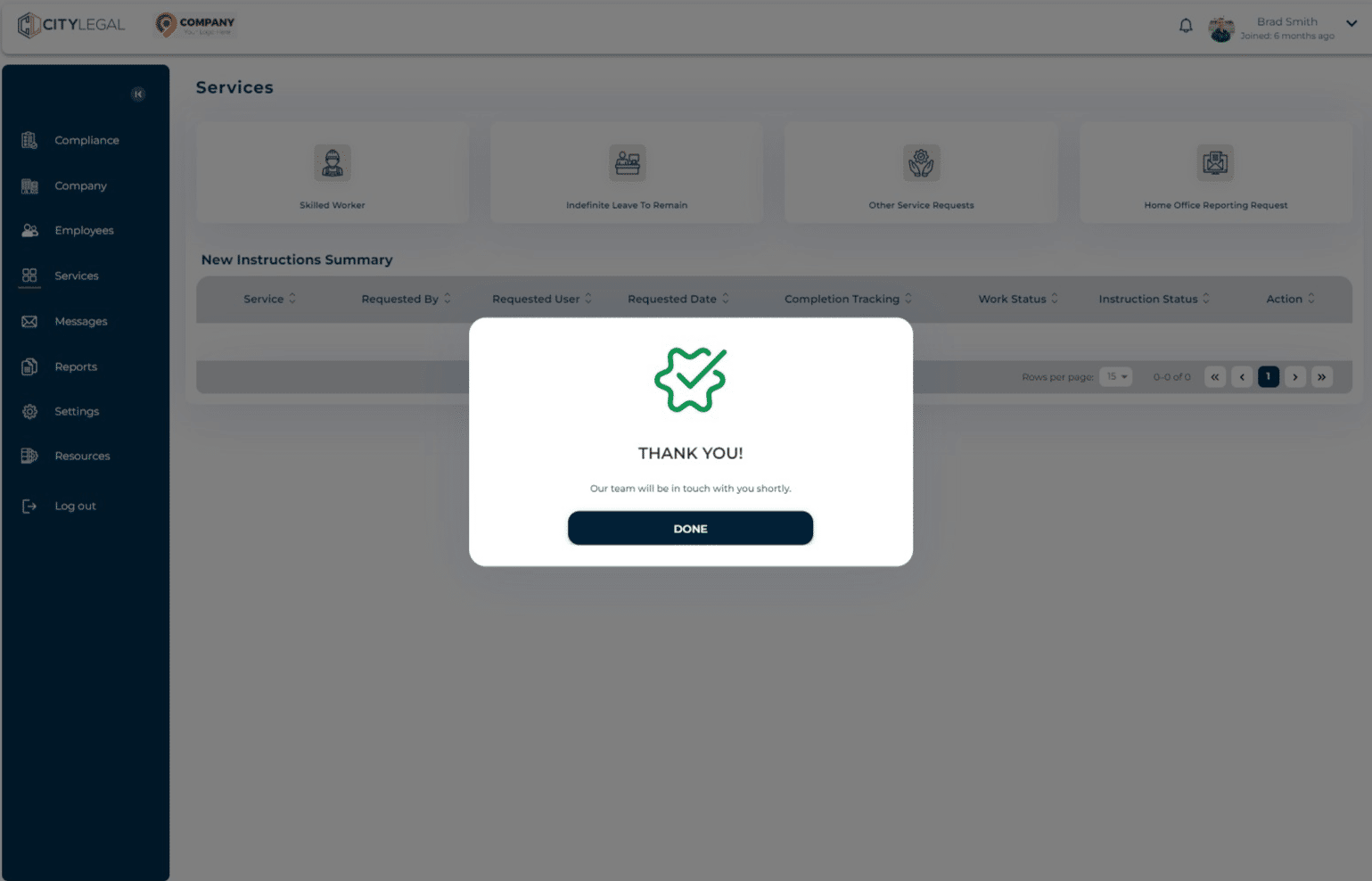
Request additional services on the portal
Aug 02, 2024●
1
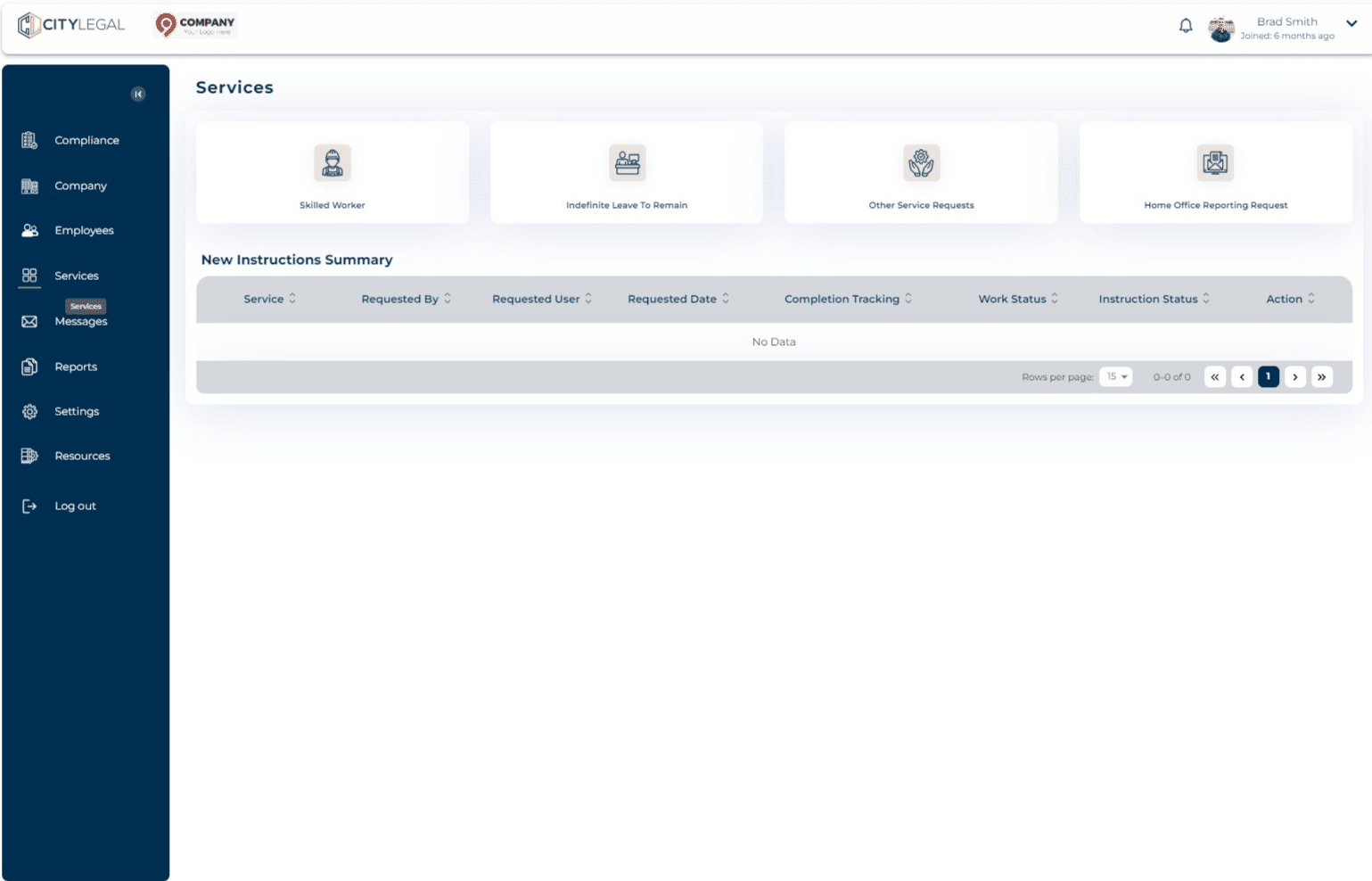
Navigate to "Services"

2
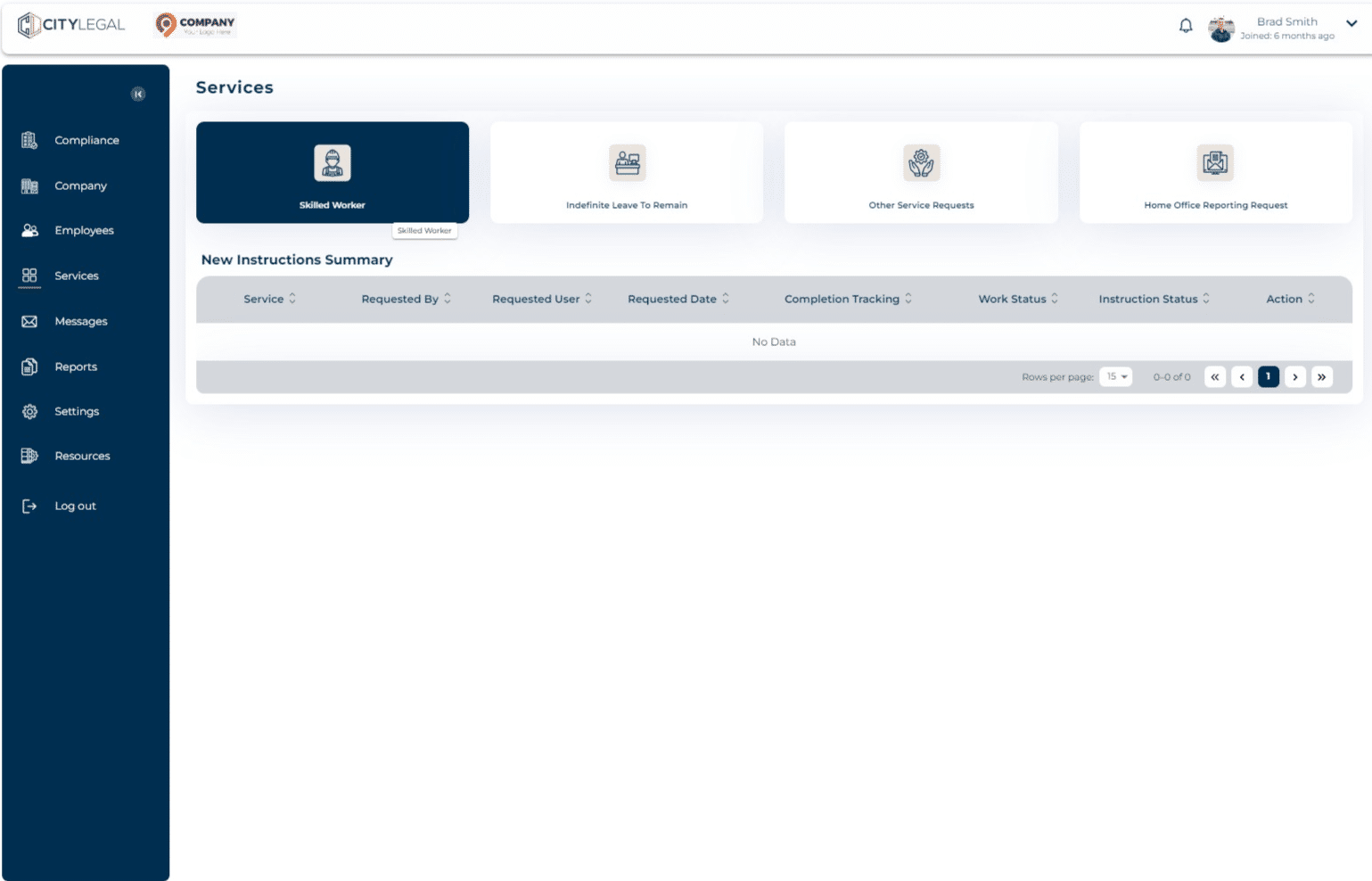
From the given options, click on the service you want to request.
3
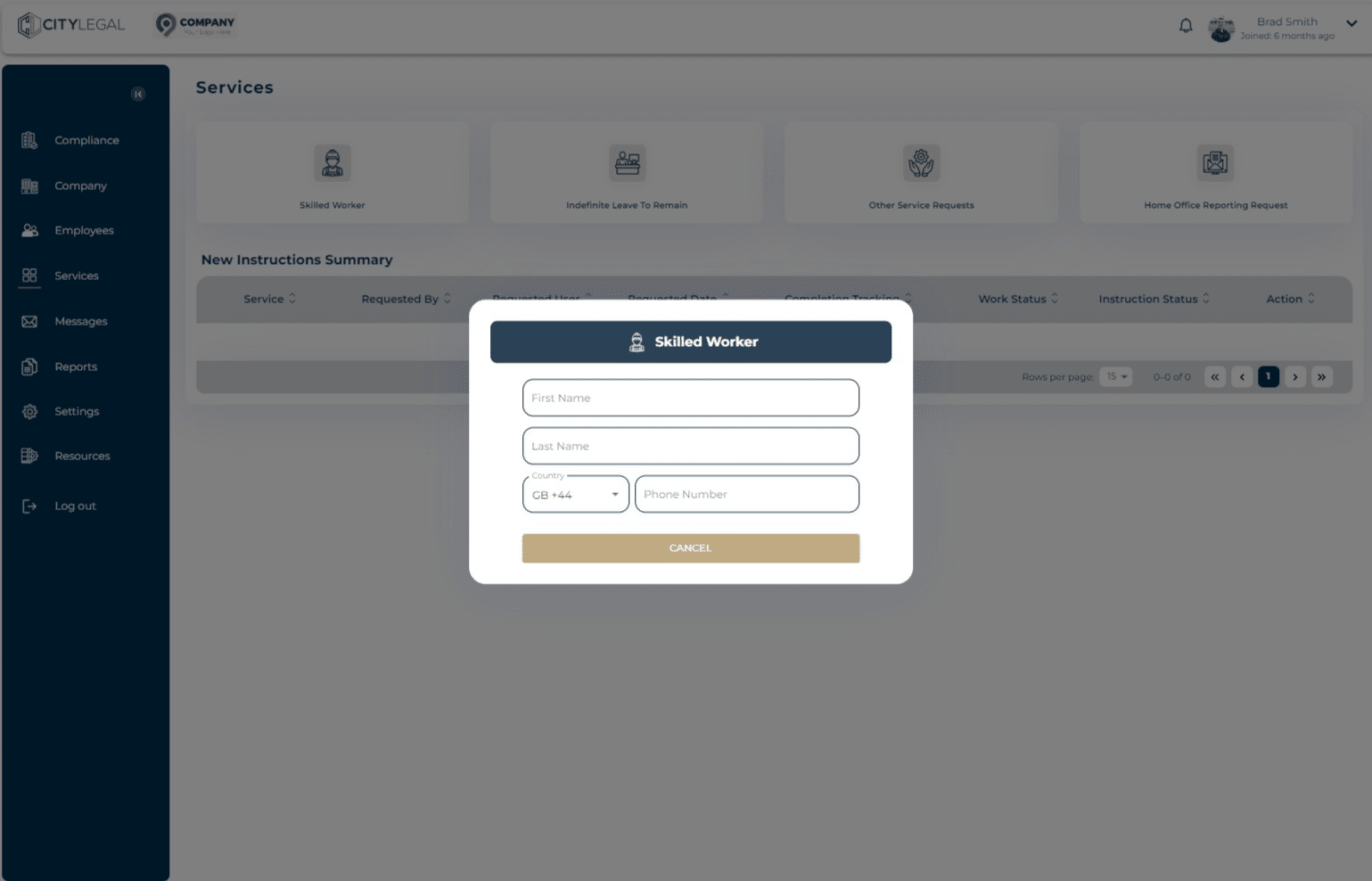
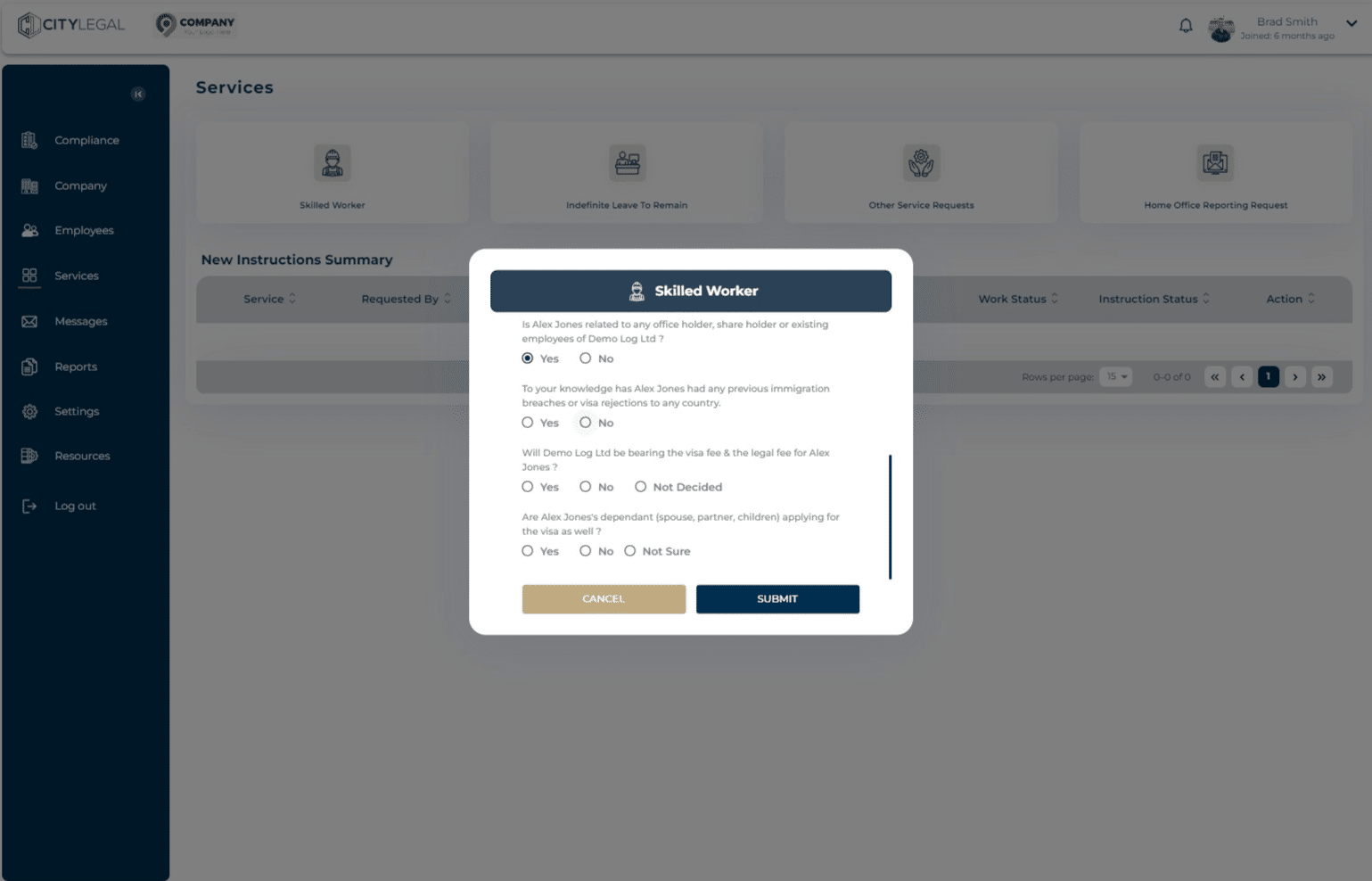
Fill in the required details.
4
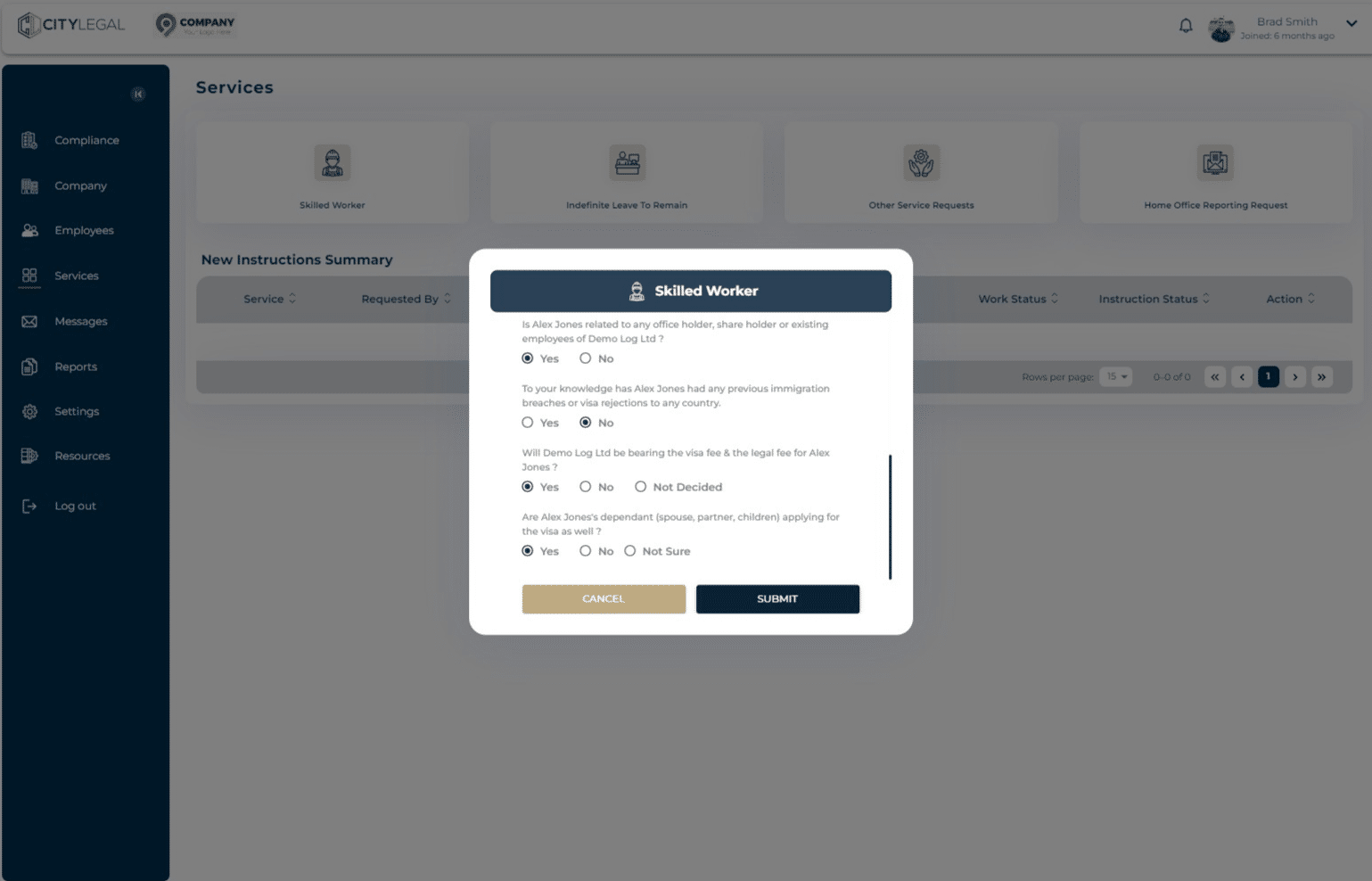
As you fill in the details, the questions are going to pop up accordingly. Please answer them all as correctly as possible.
5
Click on "Submit"
6
The legal team will receive the request and contact you about it.