Add company documents
Aug 02, 2024●
1
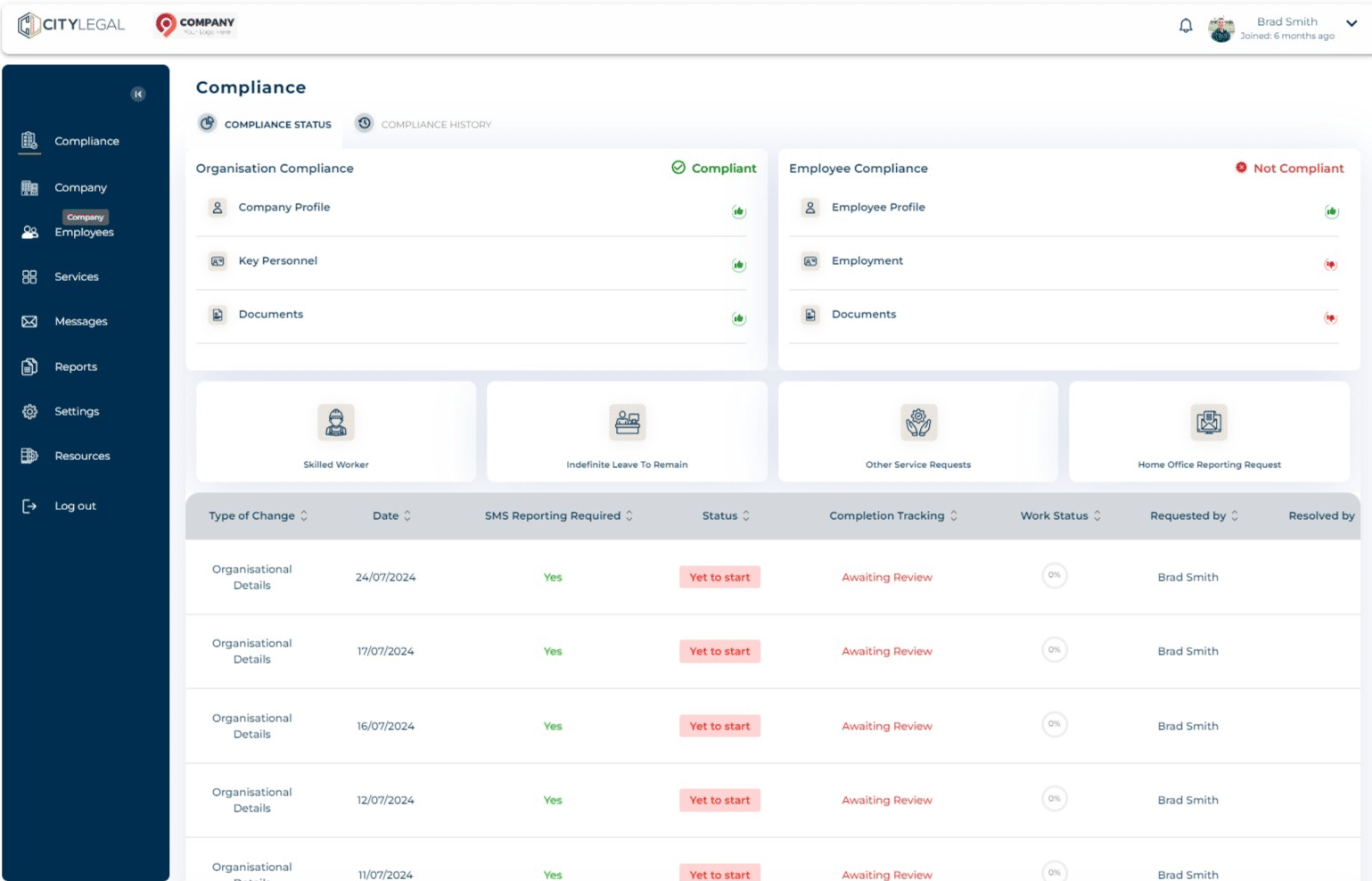
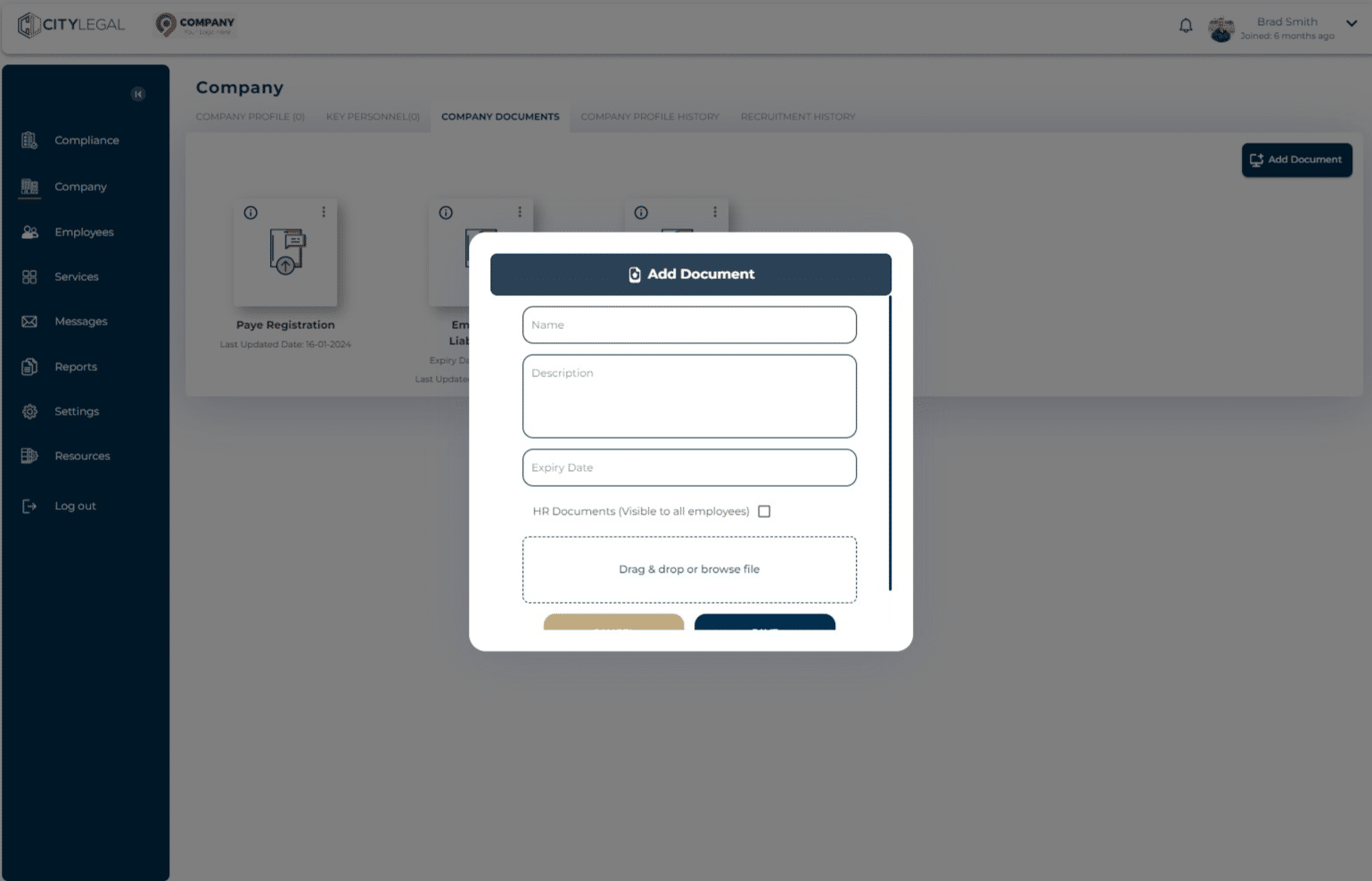
Navigate to 'Company' section.

2
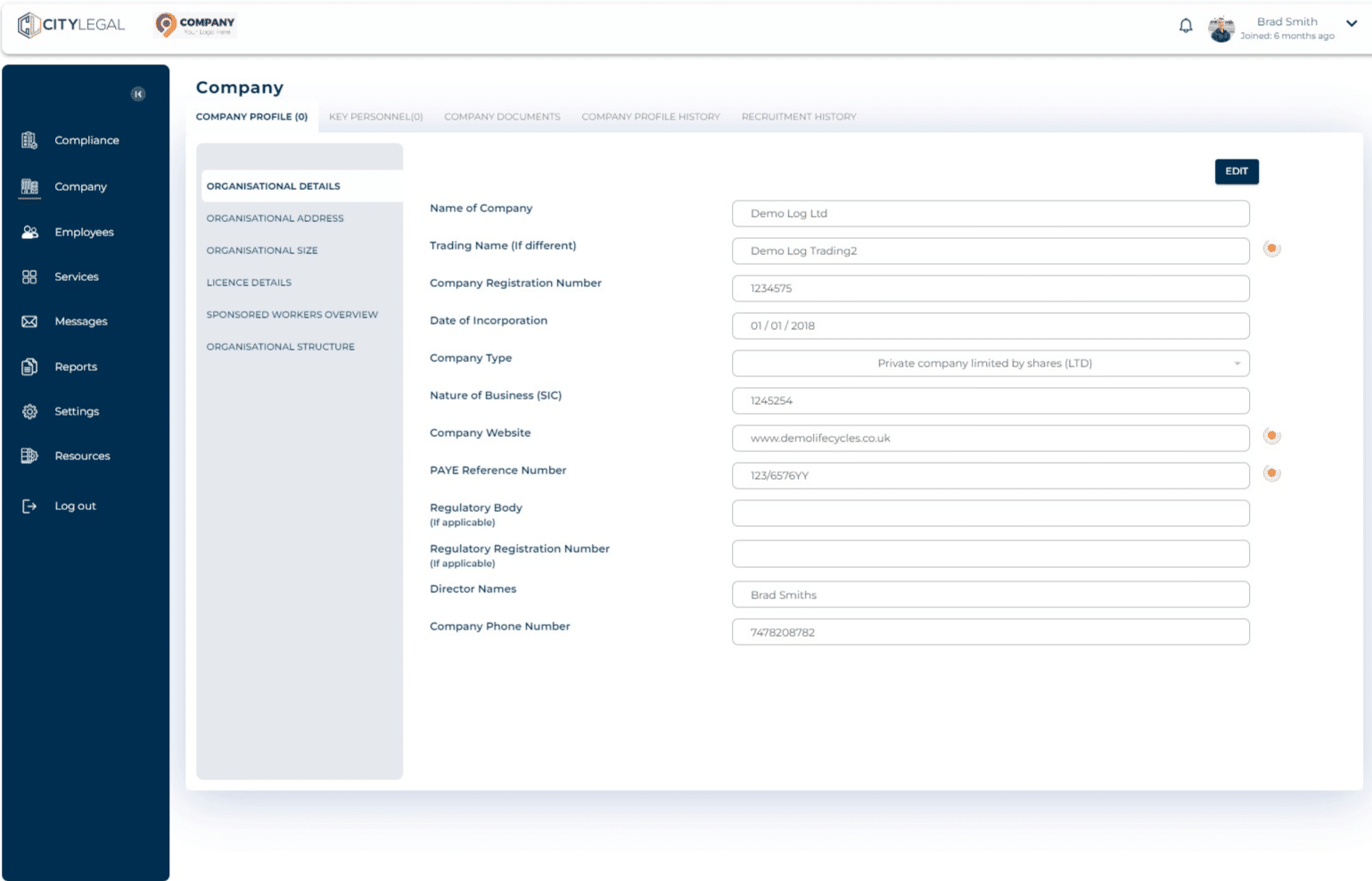
Go to 'Company Documents'
3
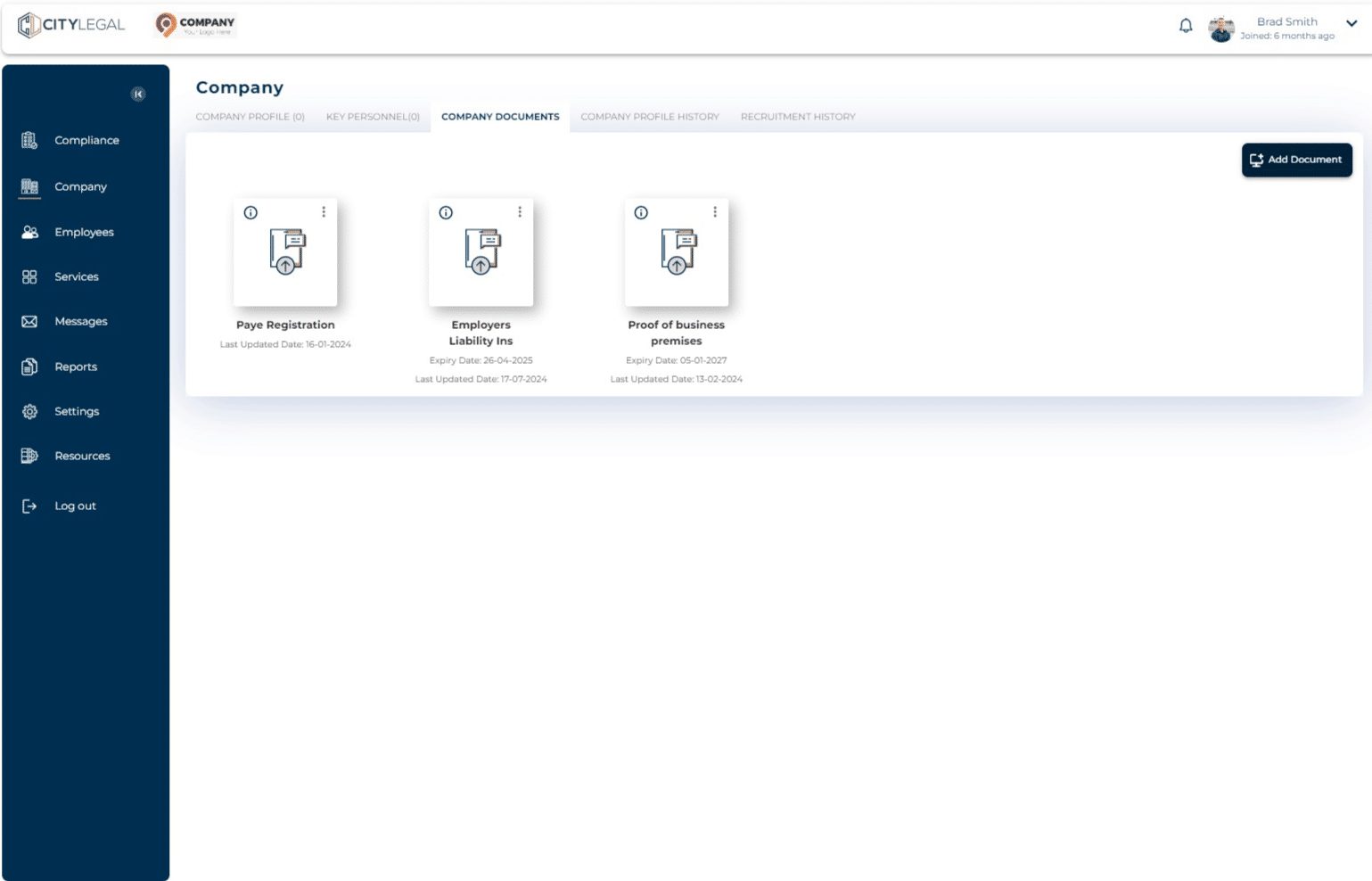
Click on 'Add Document'.
4
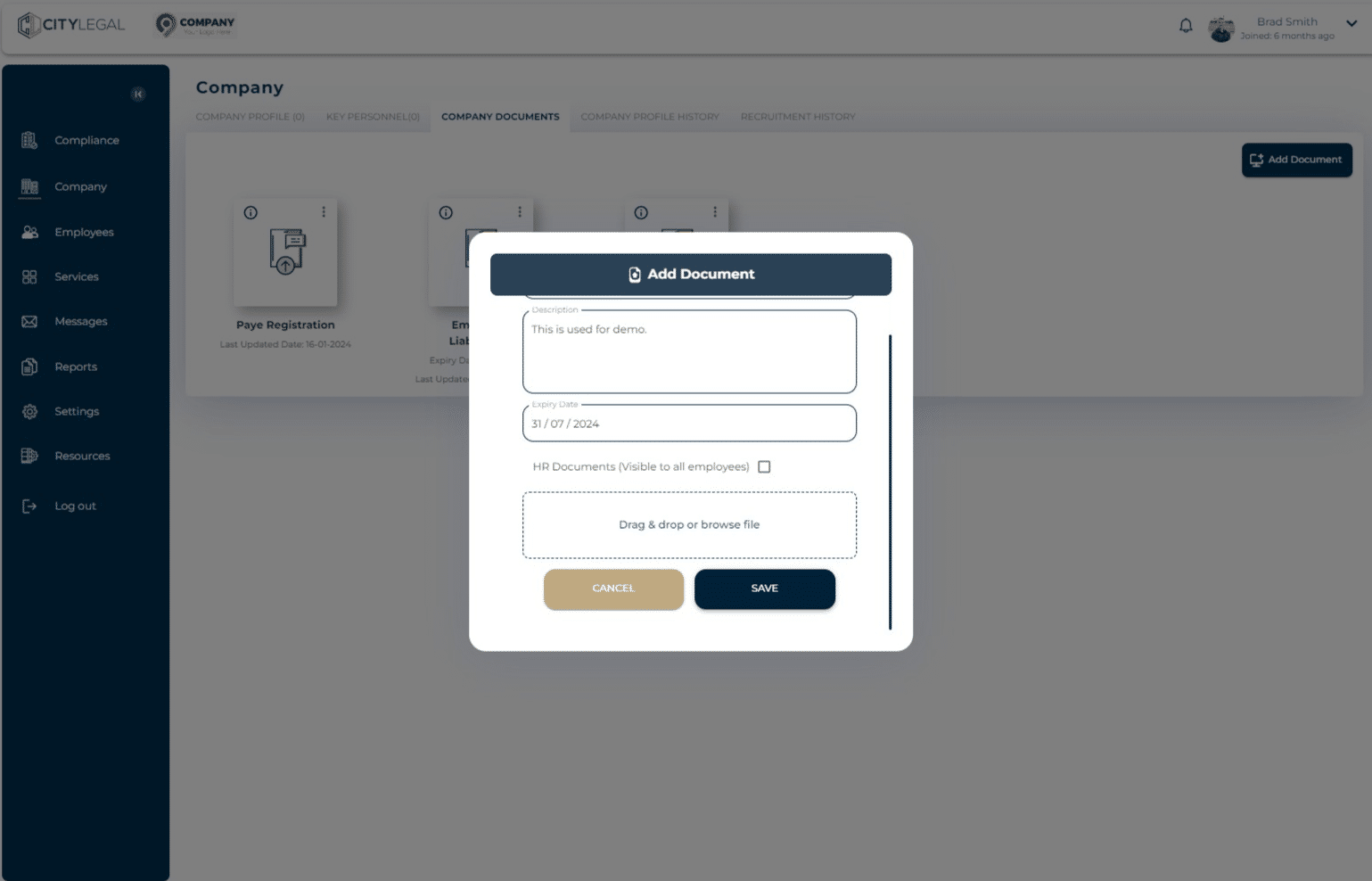
Fill in the details about the document and upload the document.
5
Click on "Save" and its saved in the Coompany Documents section!