Generate monthly checklist report
Jul 31, 2024●
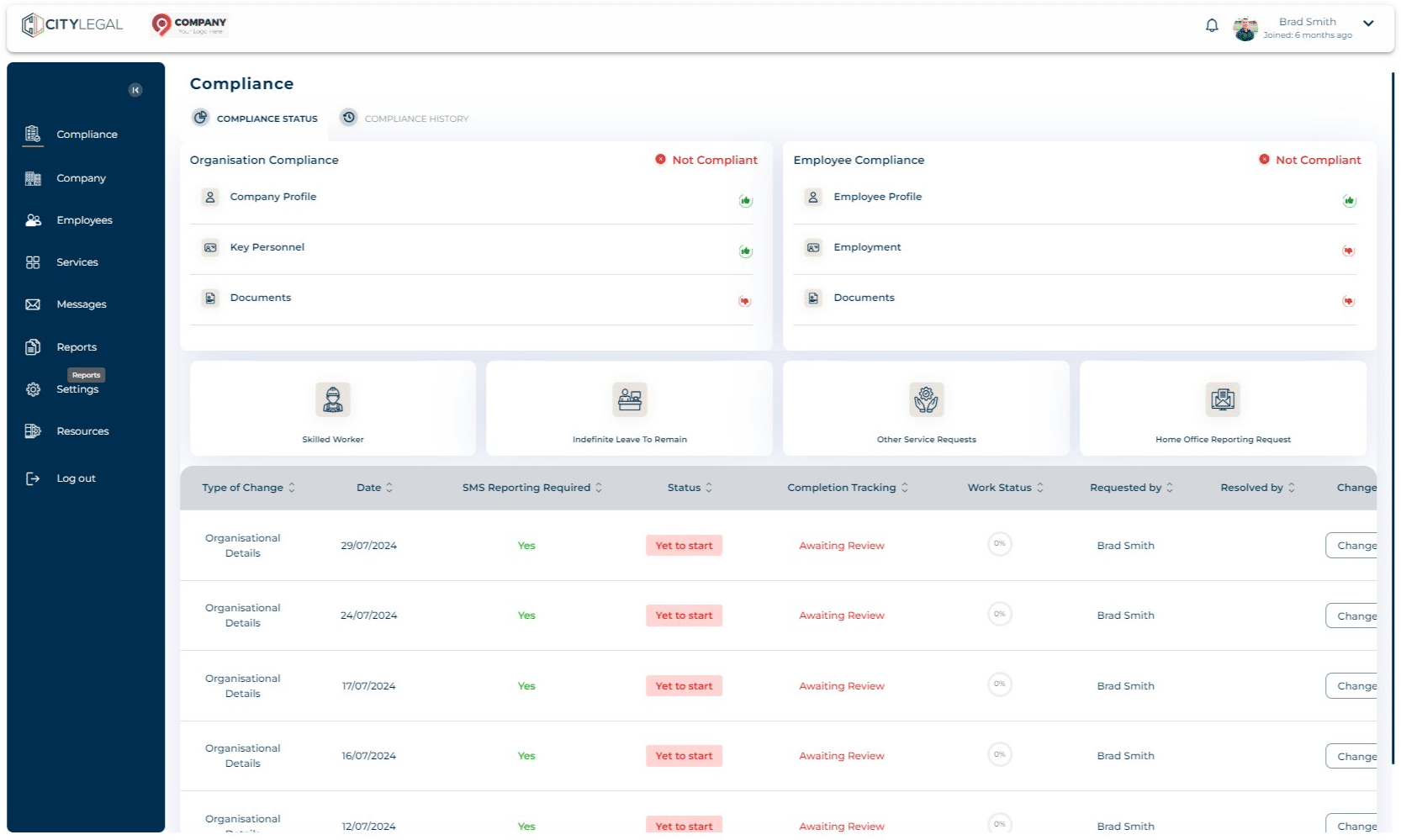
1
Navigate to "Reports".

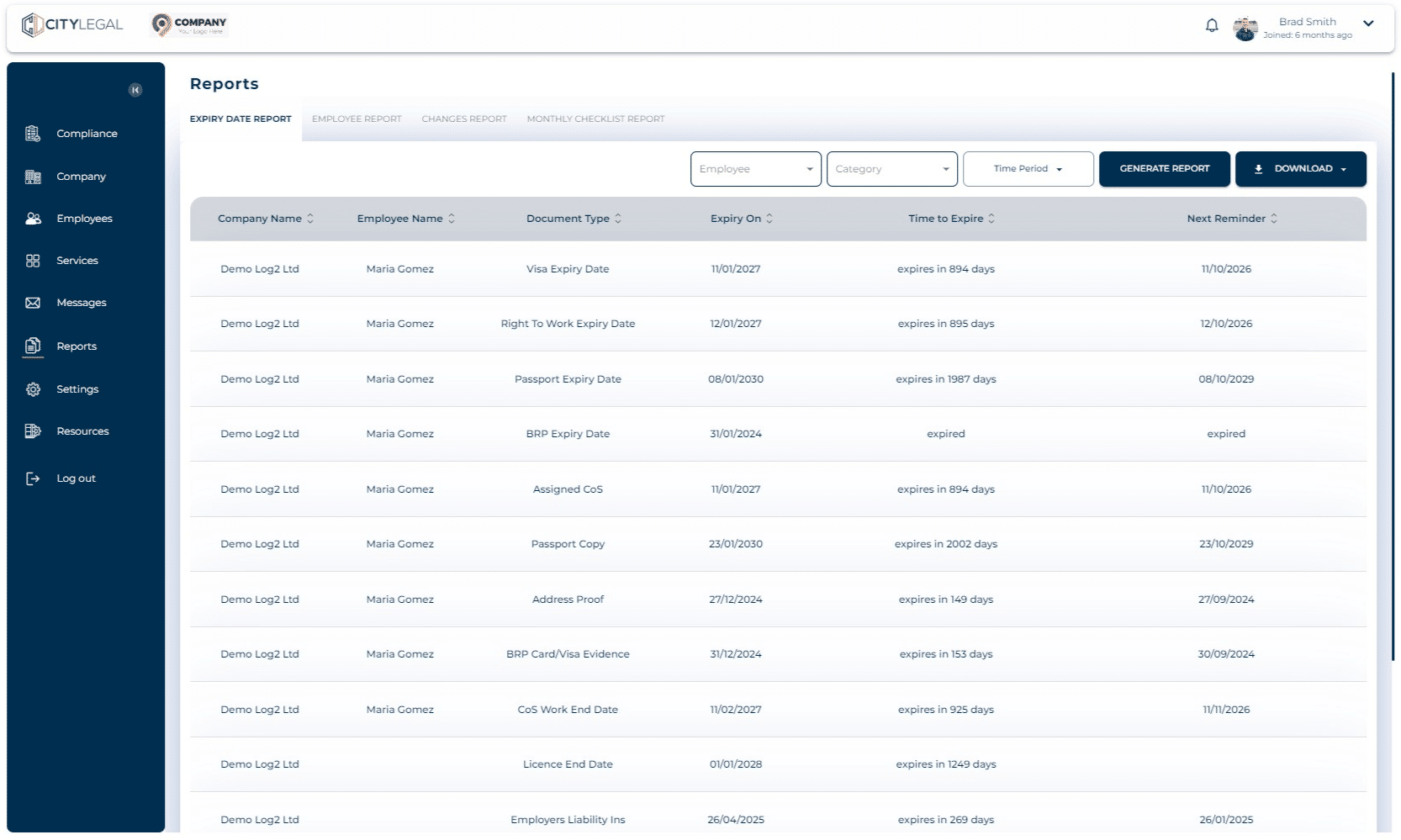
2
Click on "Monthly Checklist Report"
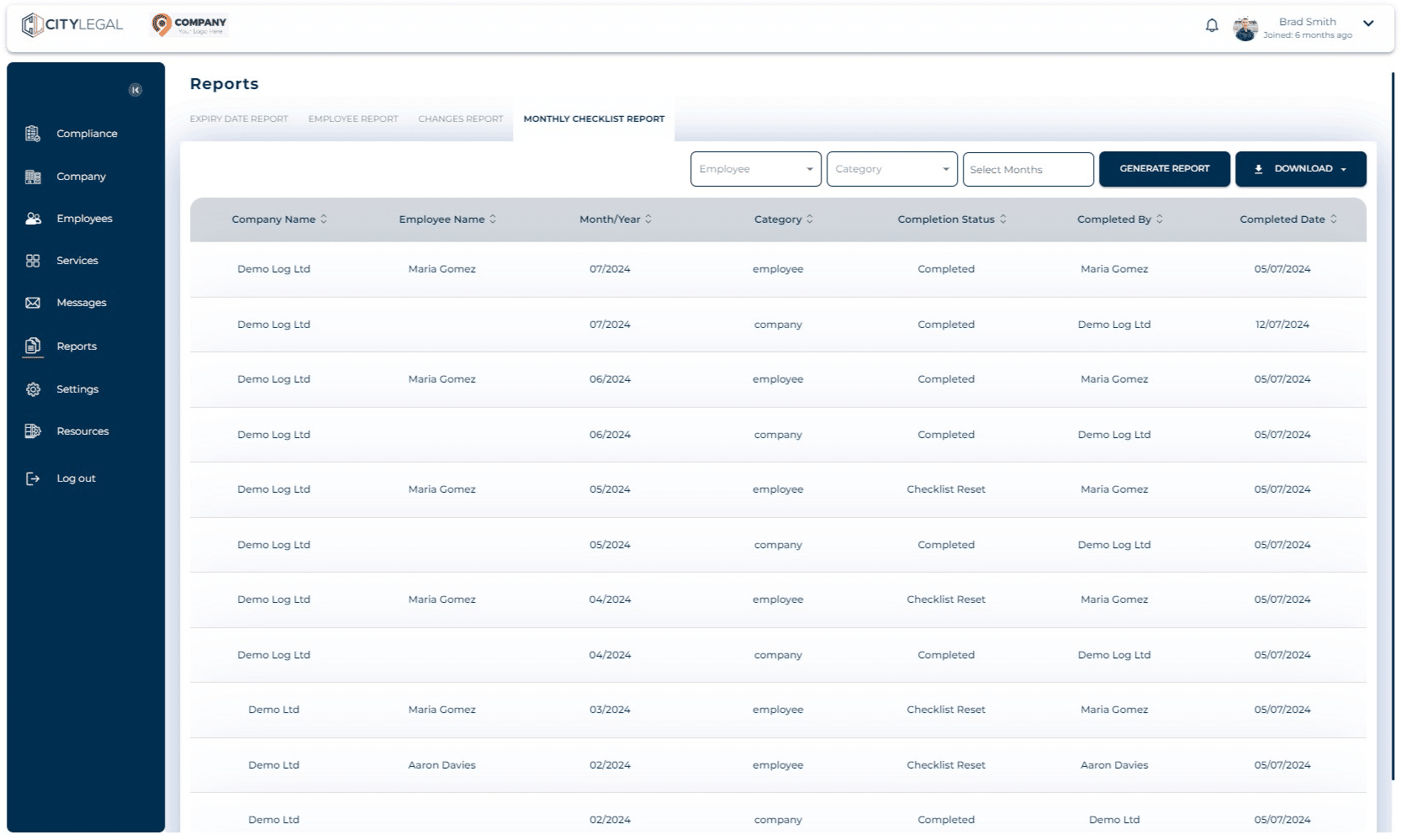
3
You can select different filters such as 'Category', 'Months', etc. if you want to generate specific report. Click on "Generate Report" and the result will show which can then be downloaded.
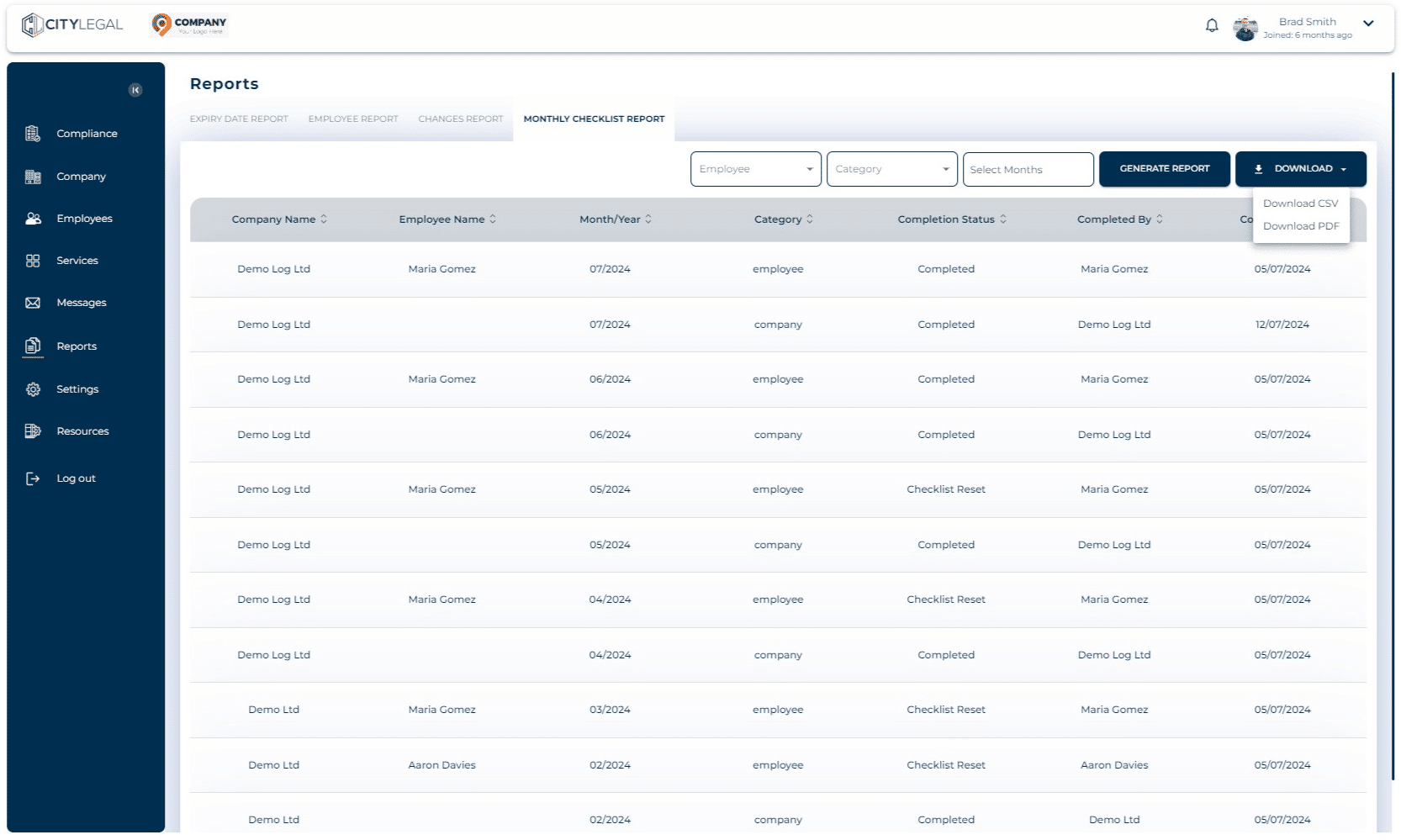
4
Click on "Download" which will give you two download options: PDF and CSV. This will save the file in your local system.