Creating a Recruitment Explanation (No Advertisements Placed)
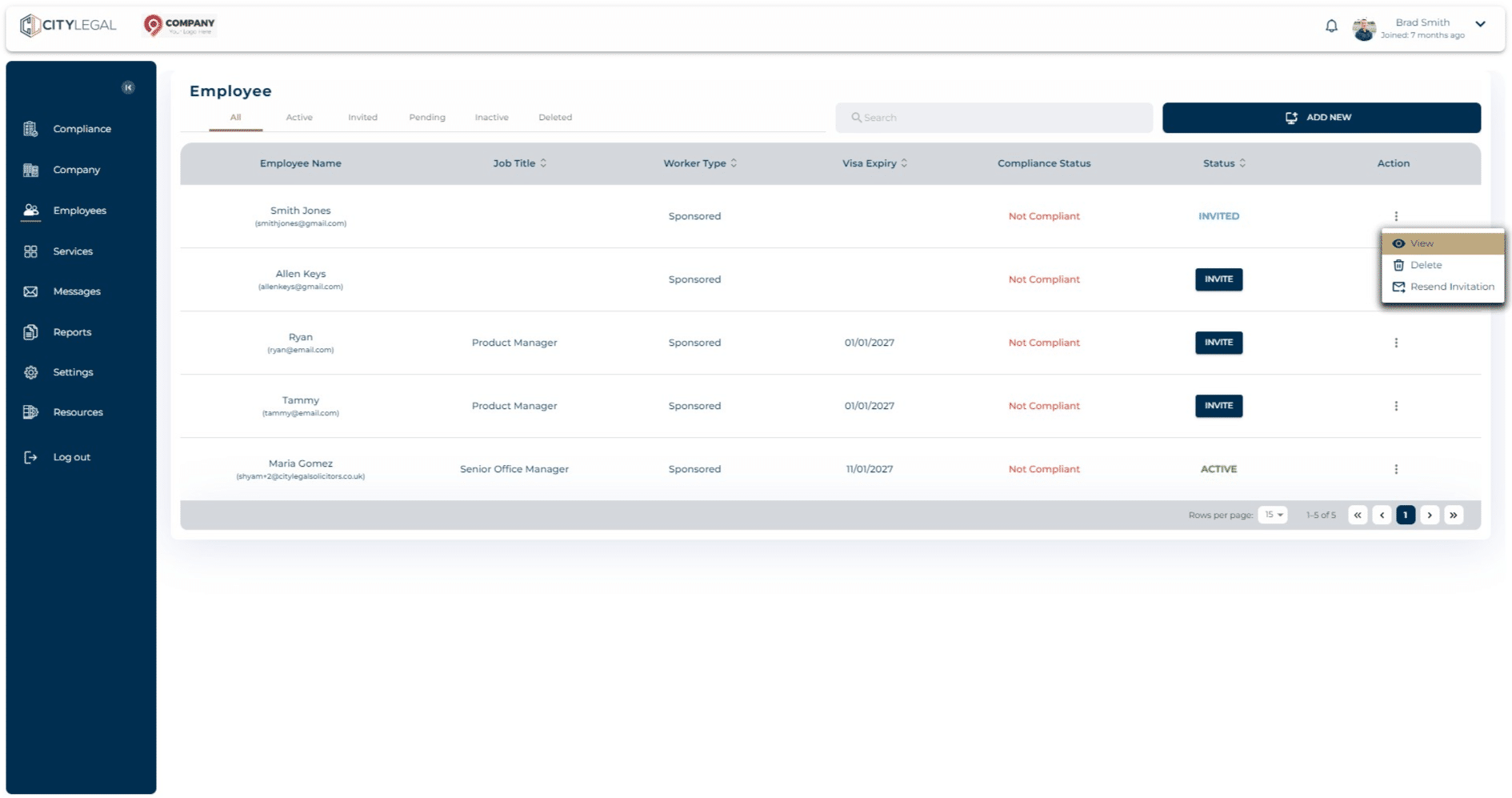
Navigate to 'Employees' and click on the three dots next to the employee that you want to create the recruitment campaign for. Click on View.

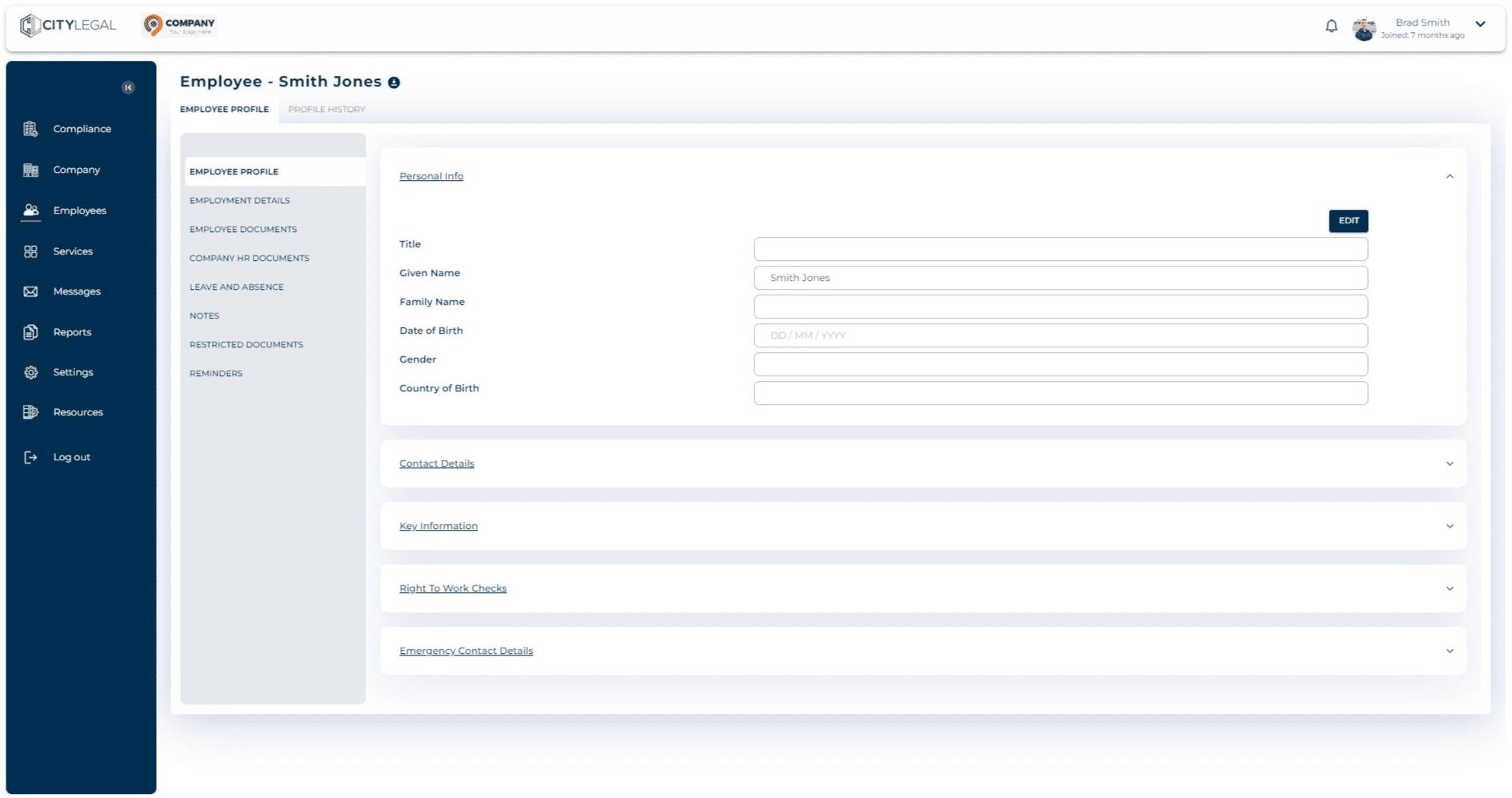
Click on "Employment Details"
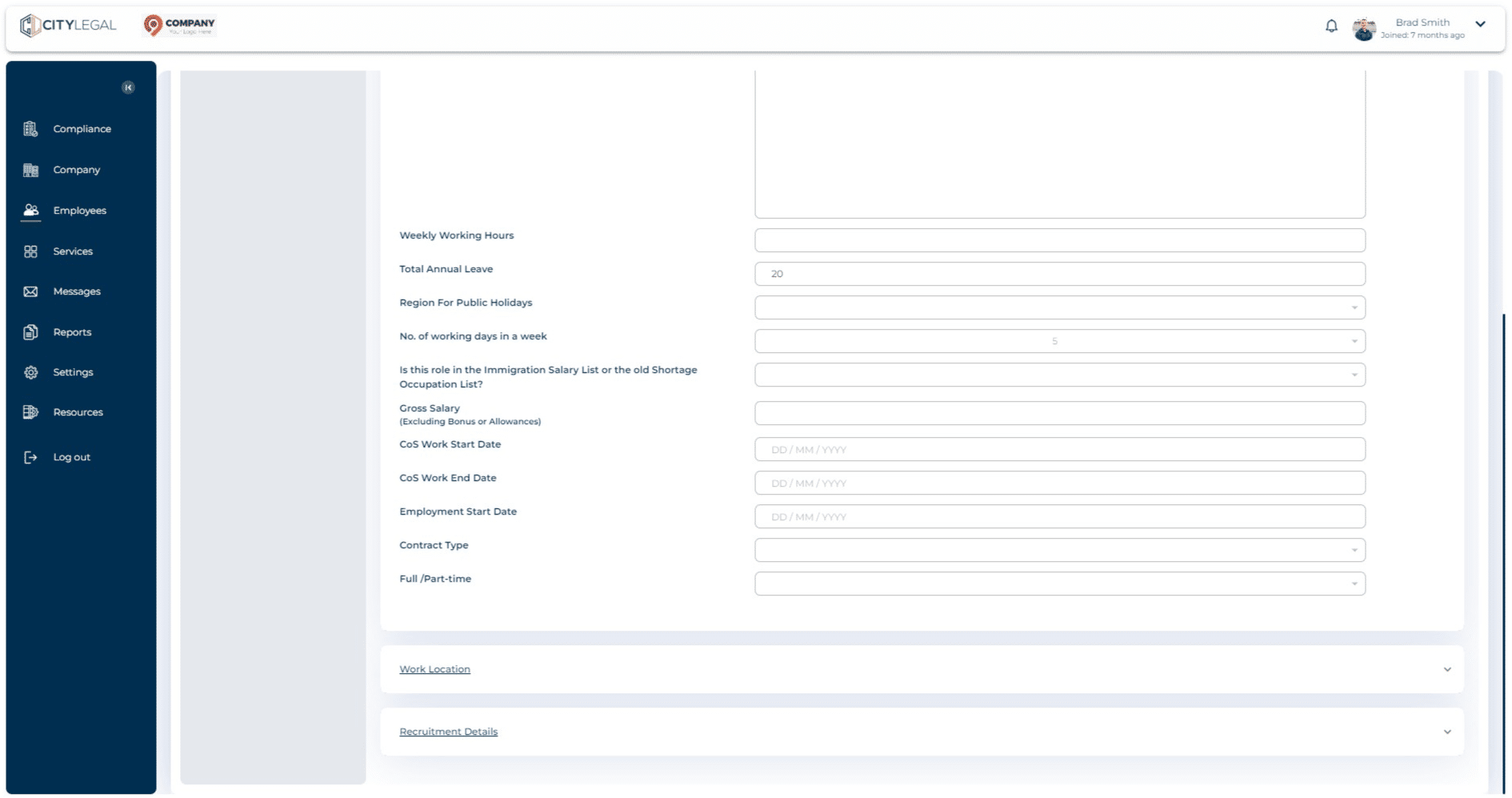
Click on "Recruitment Details" in there.
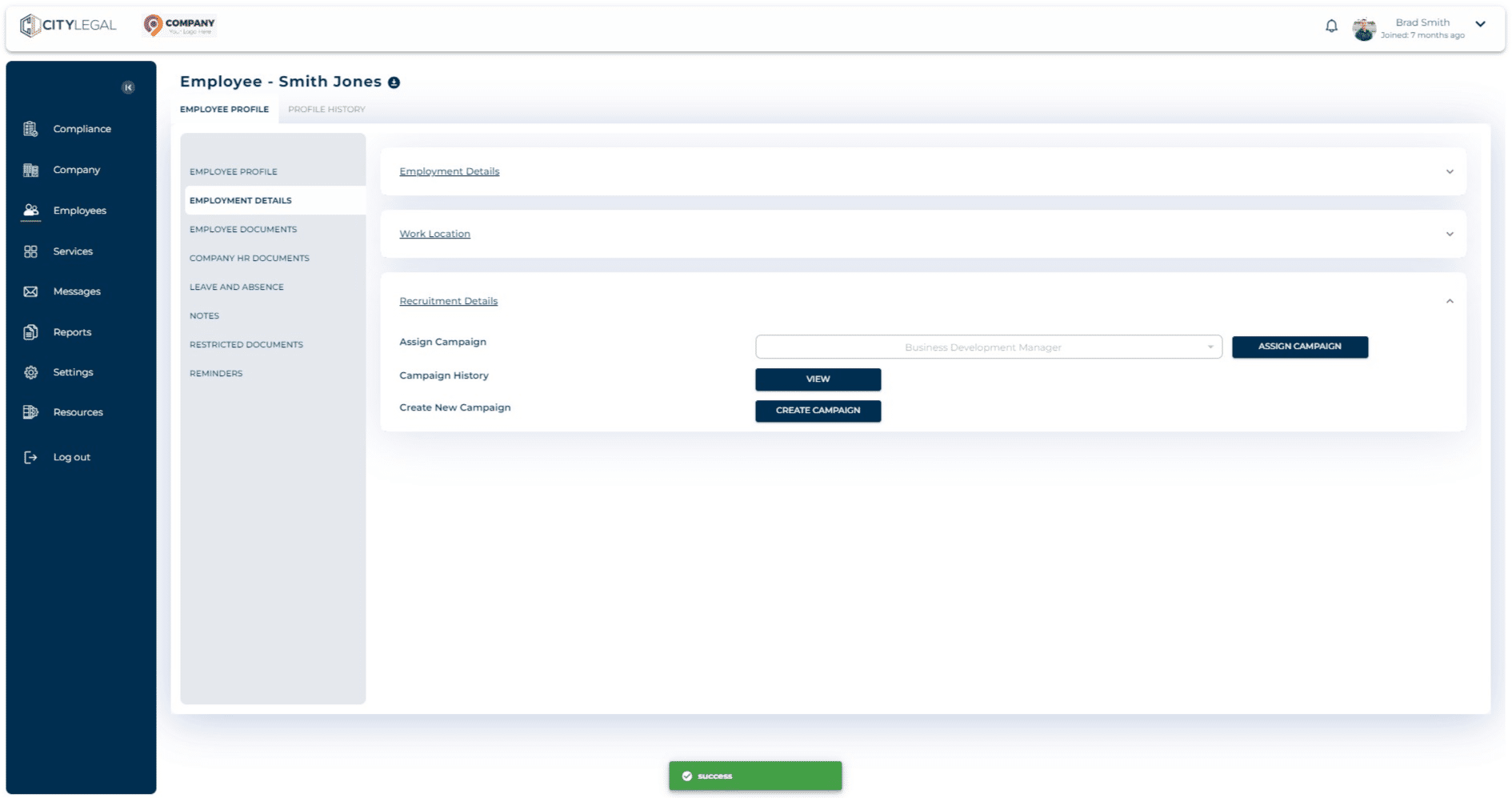
Click on "Create Campaign" to create a brand new campaign.
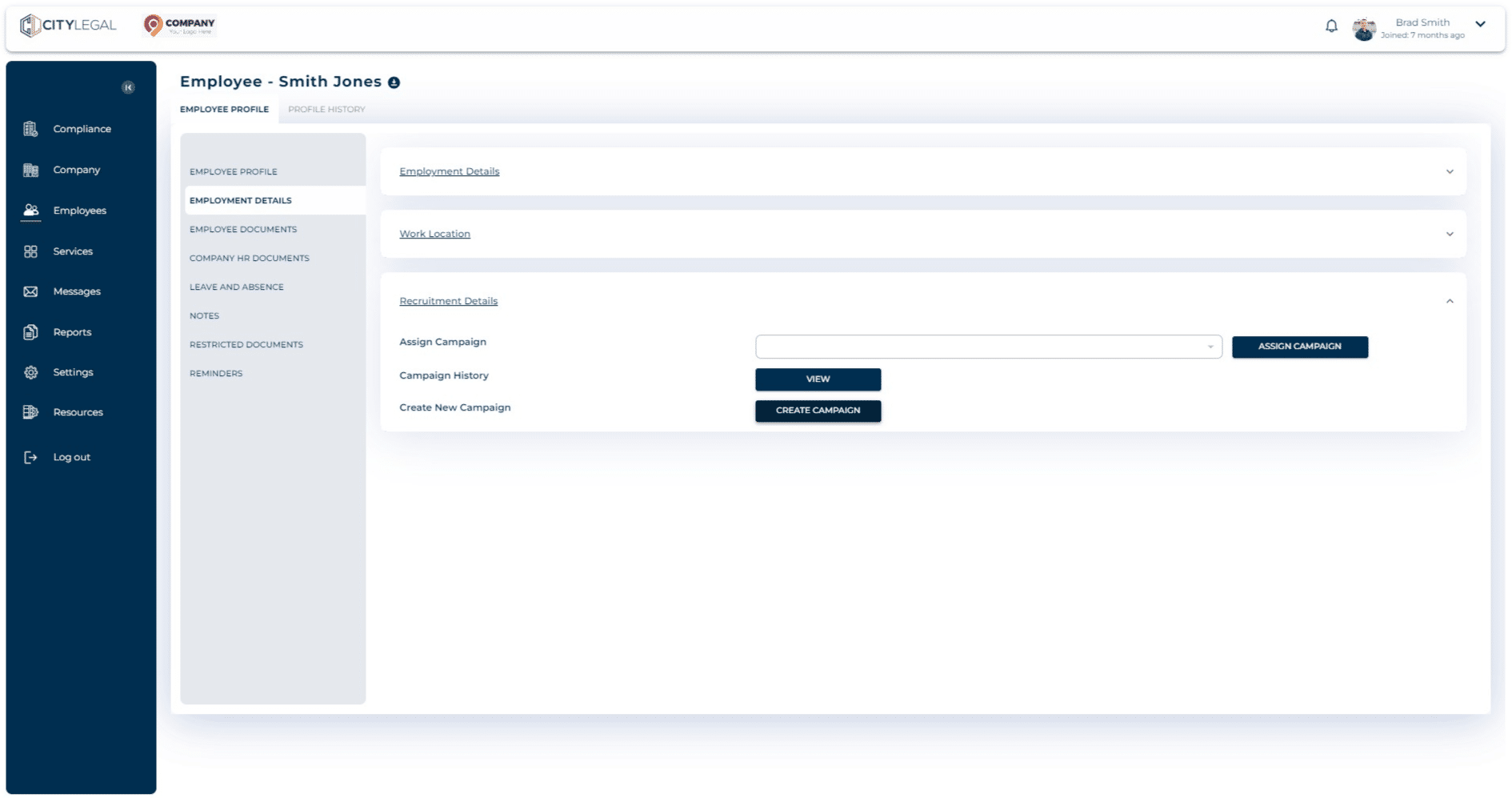
Click on 'Recruitment Explanation' and then click 'Next'.
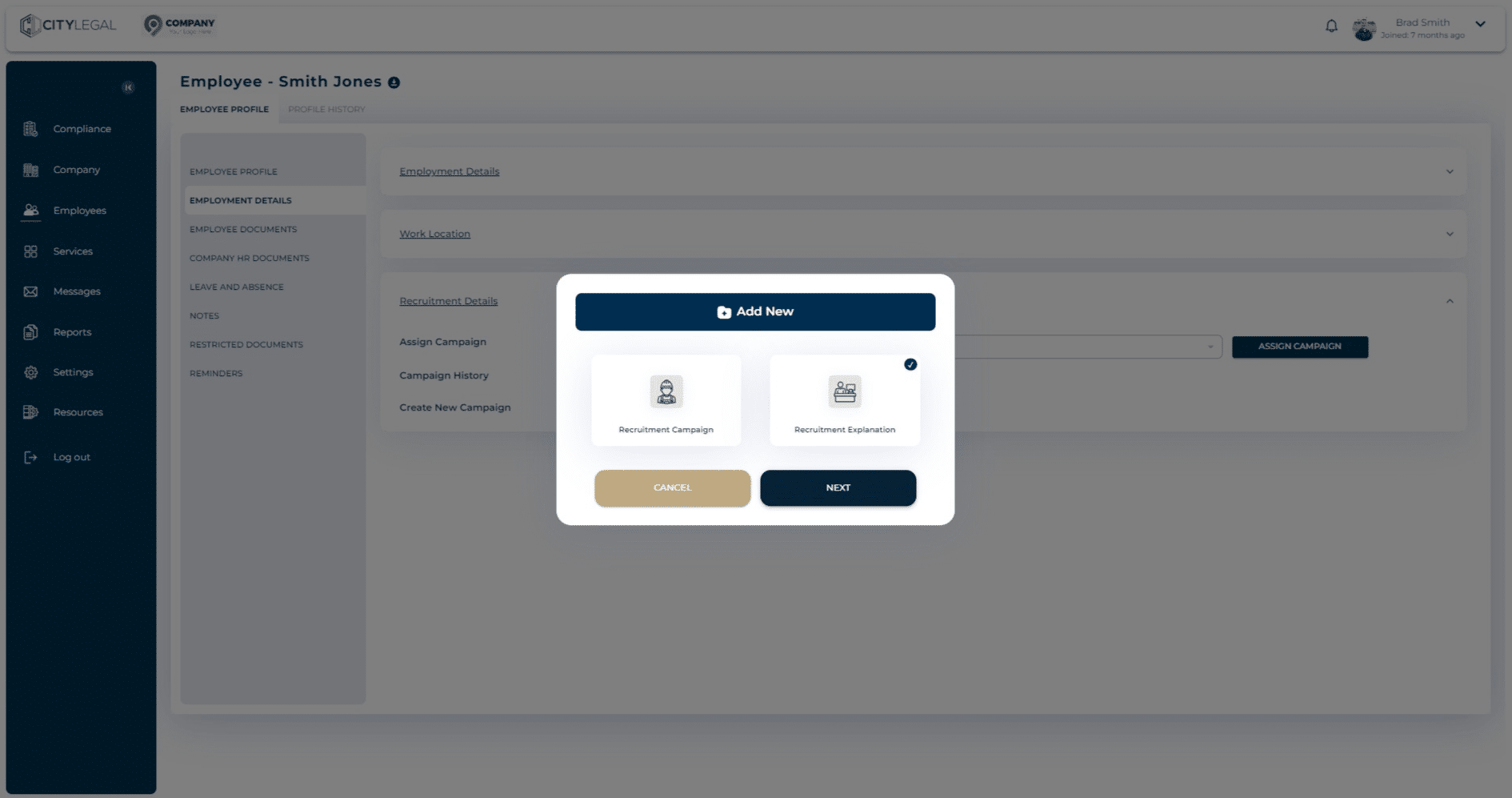
Add the Job Title here.
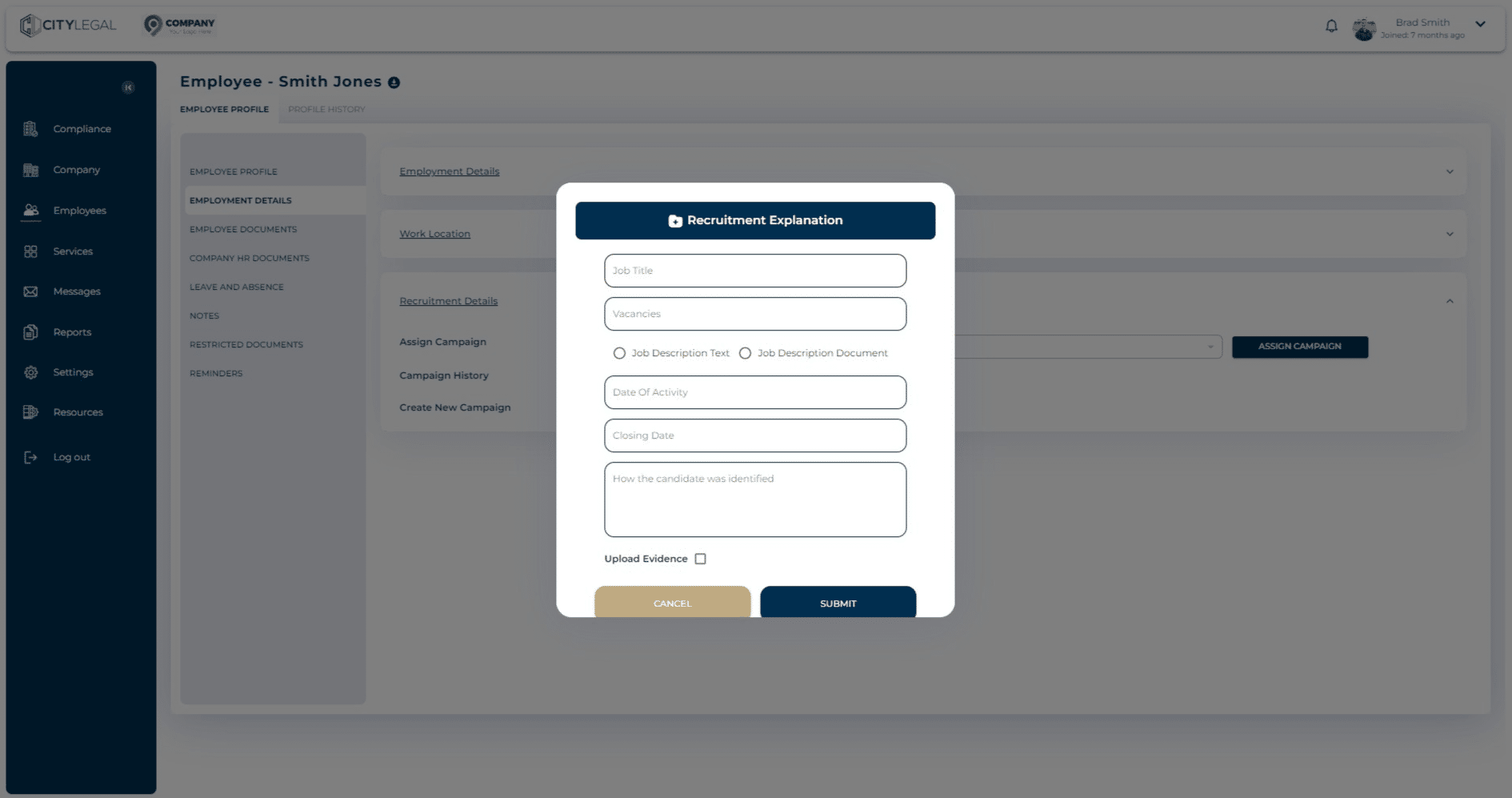
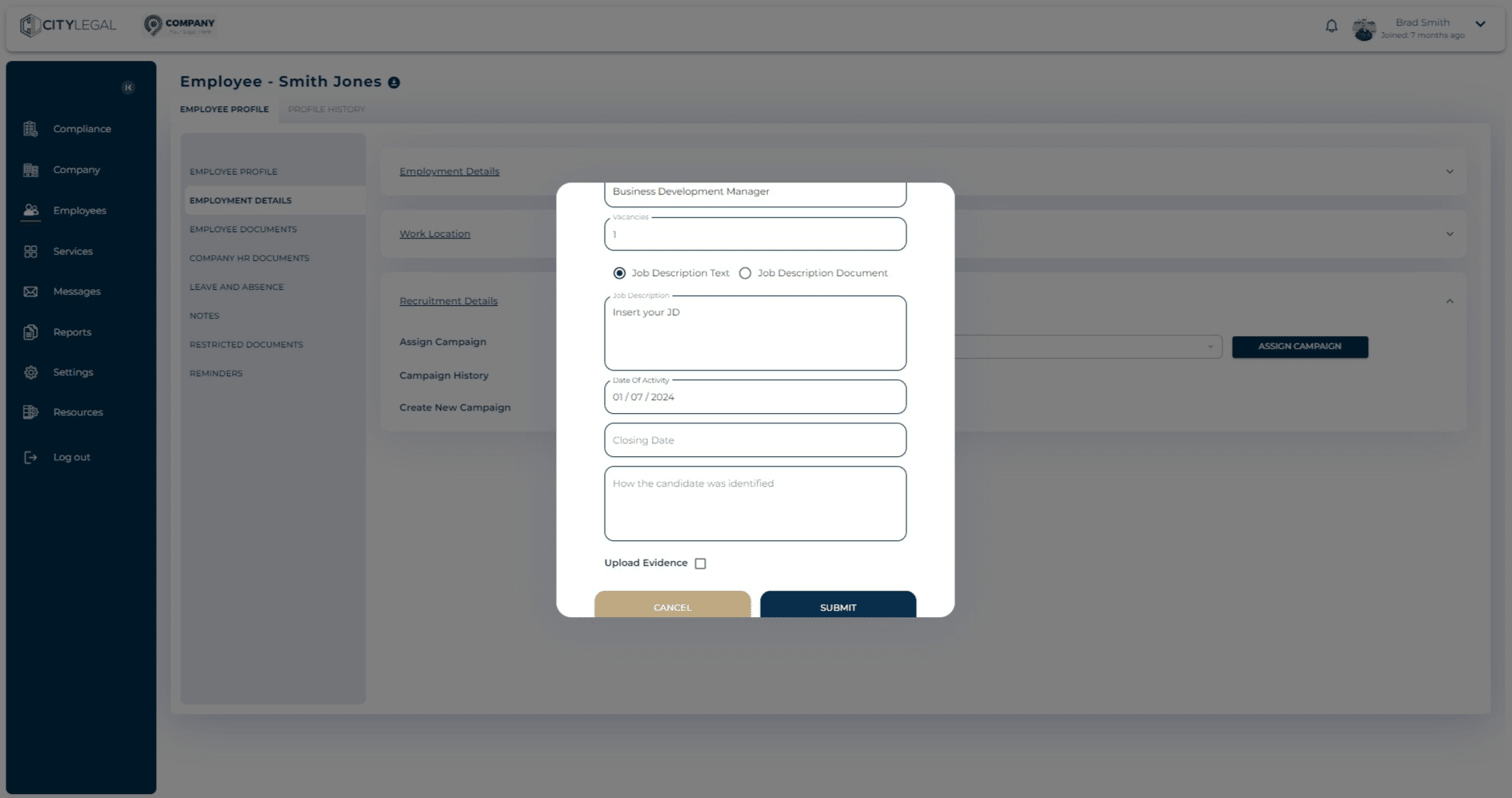
Click on "Job Description Text".
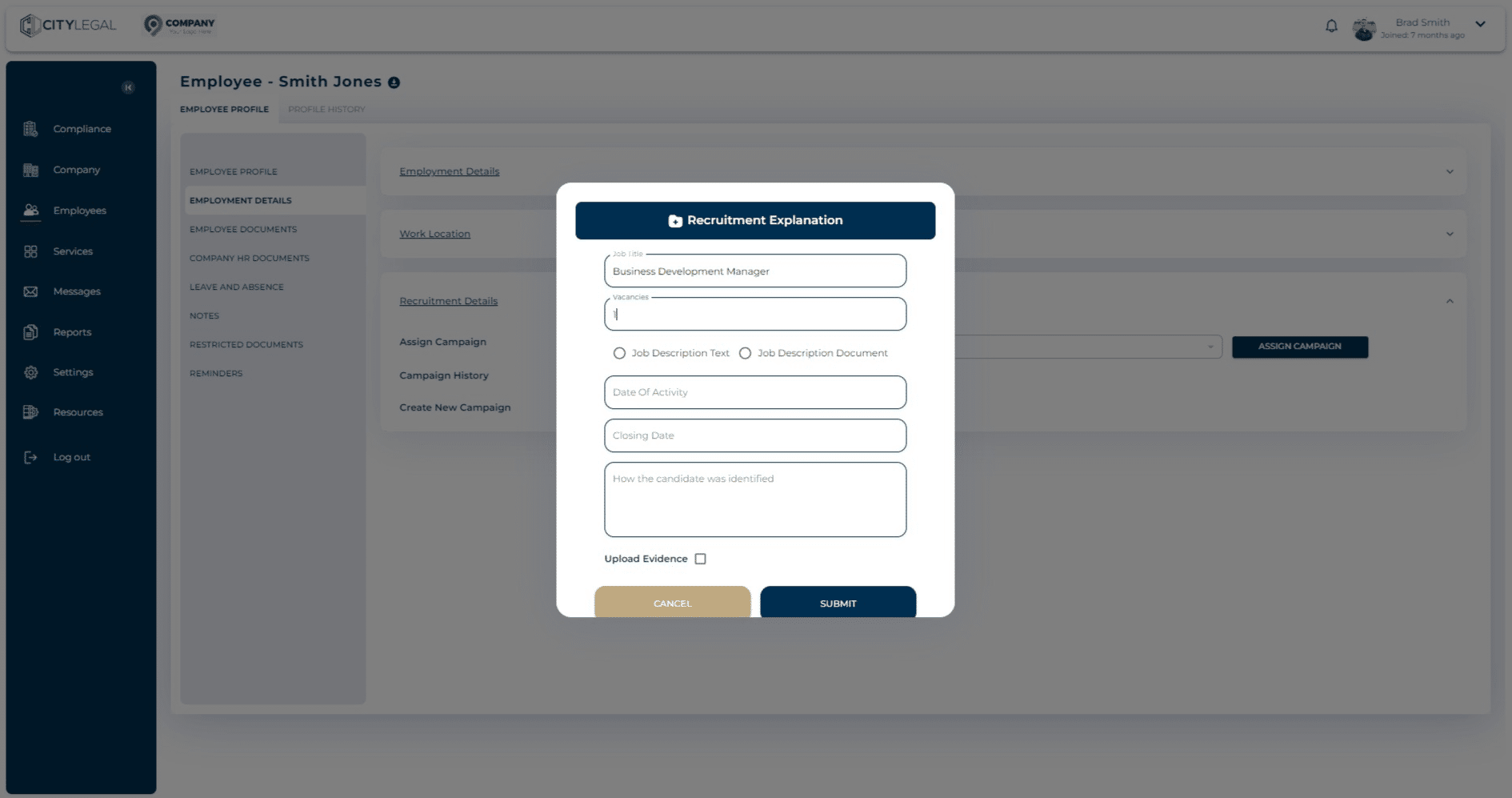
This option gives you a description field where you can put the JD in text for the job role.
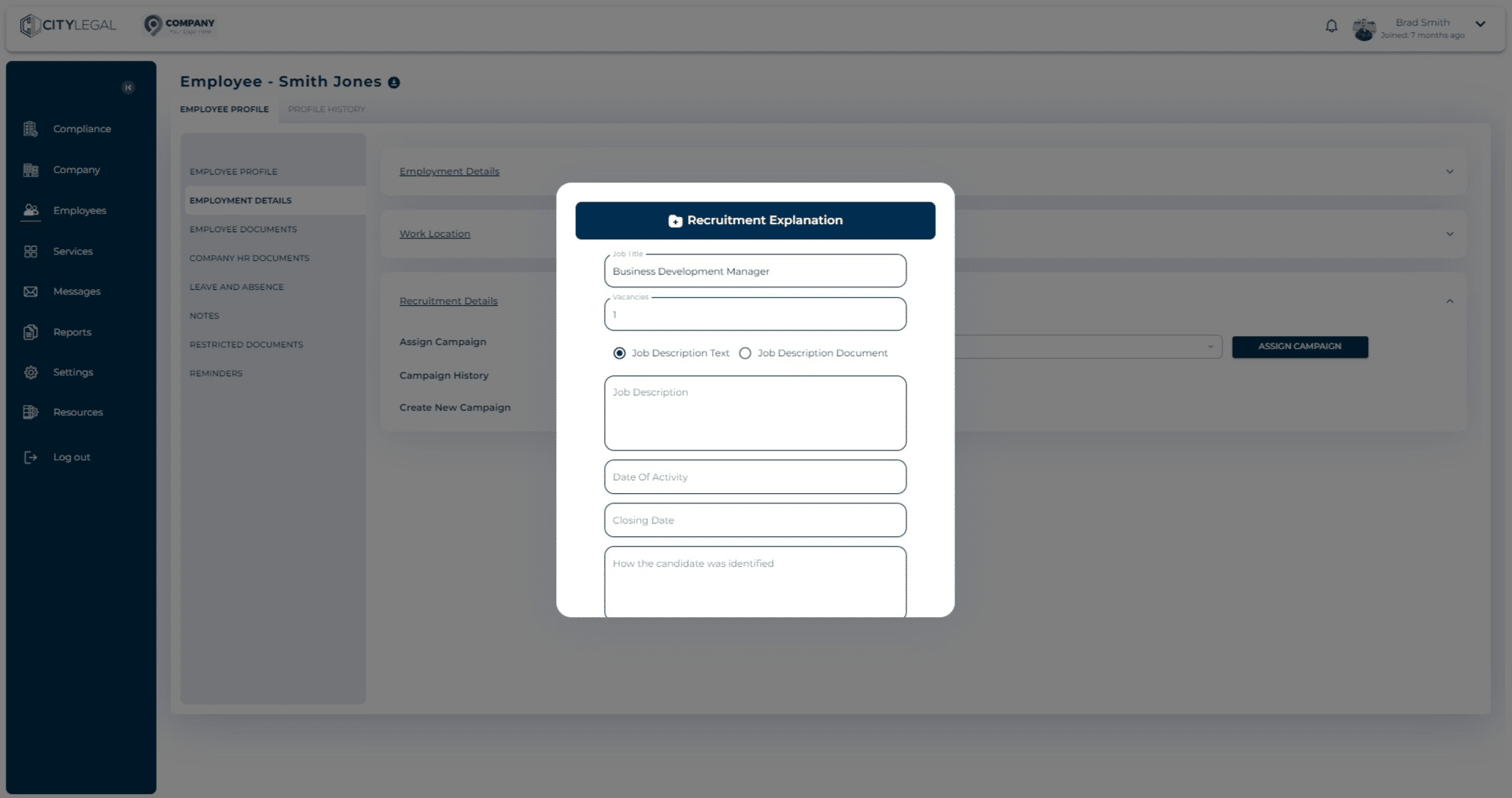
Alternatively, there is an option to attach the JD file if you have it.
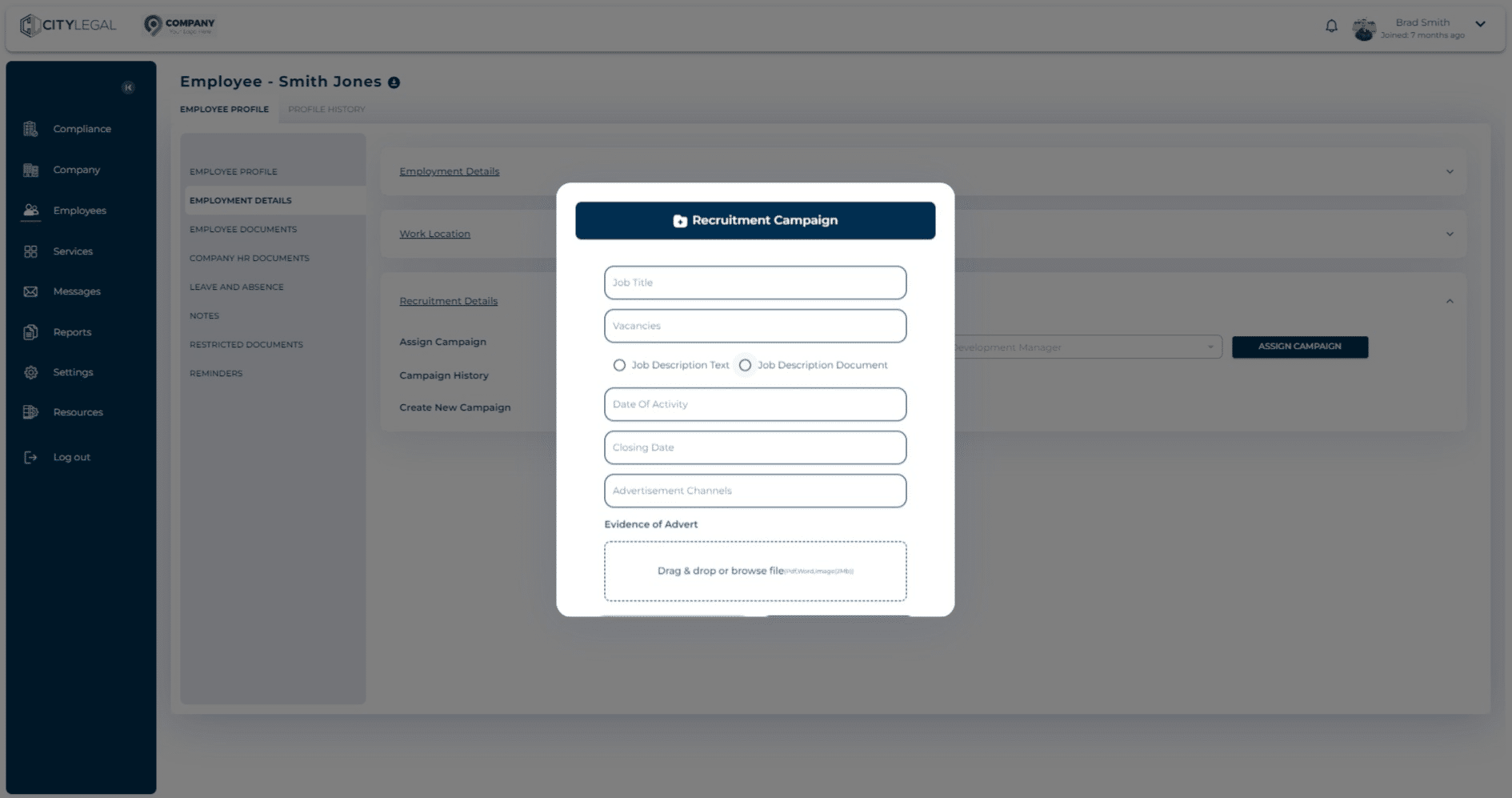
This lets you drag and drop the JD file (PDF, Word, Image) for the Recruitment Explanation.
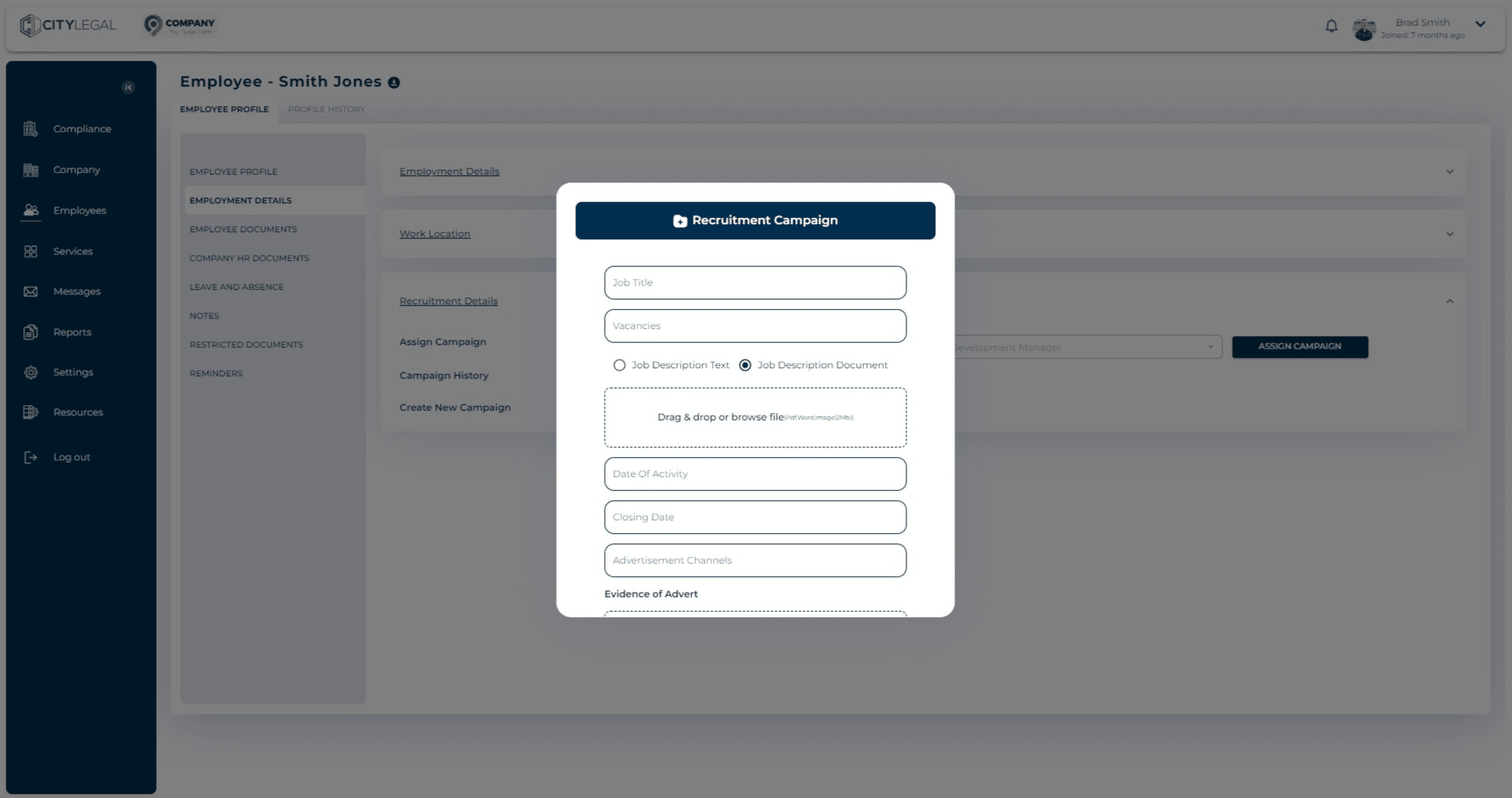
Once uploaded, you can see the file there.
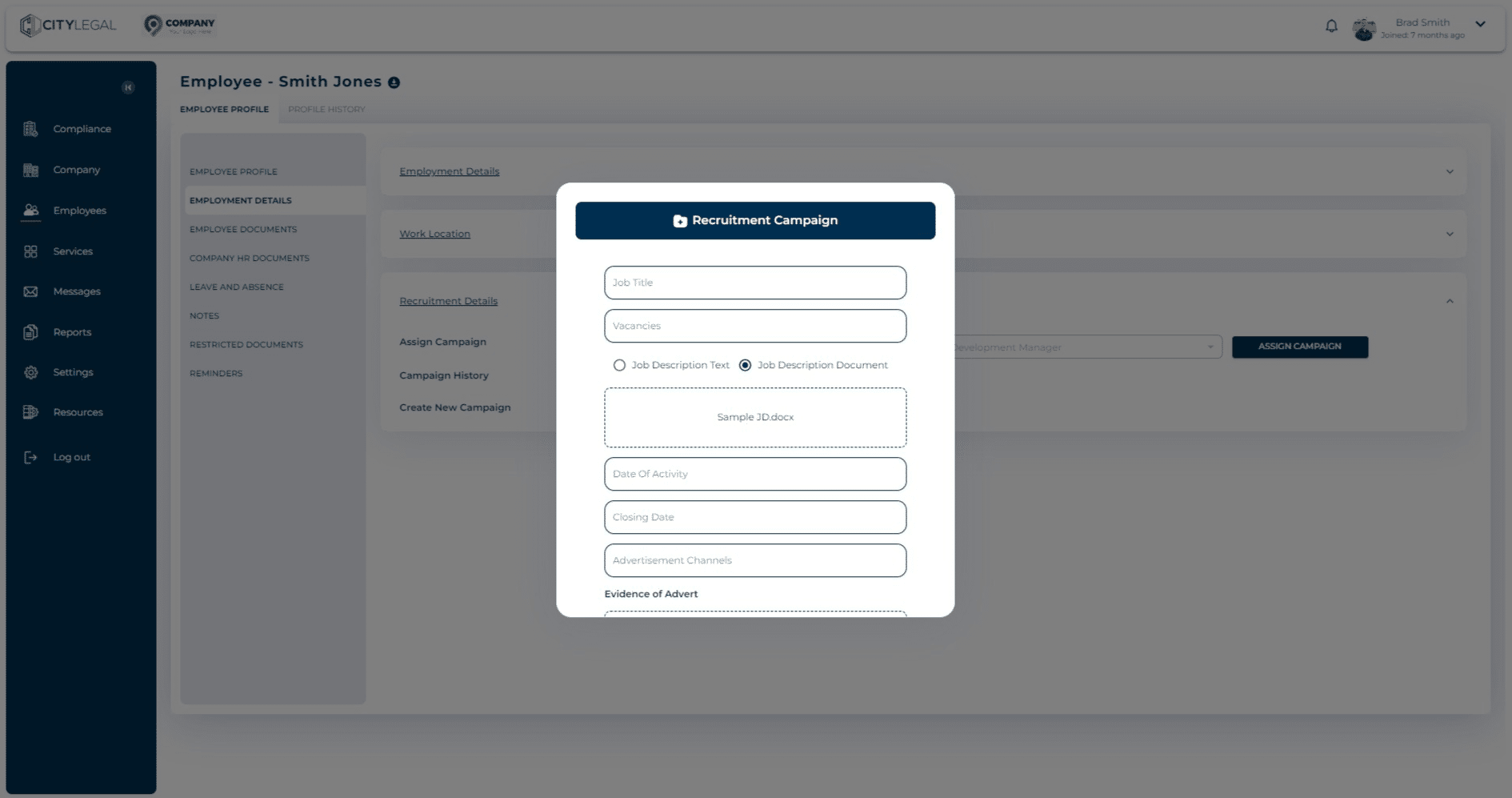
Enter the start date of the recruitment activity from the calendar option.
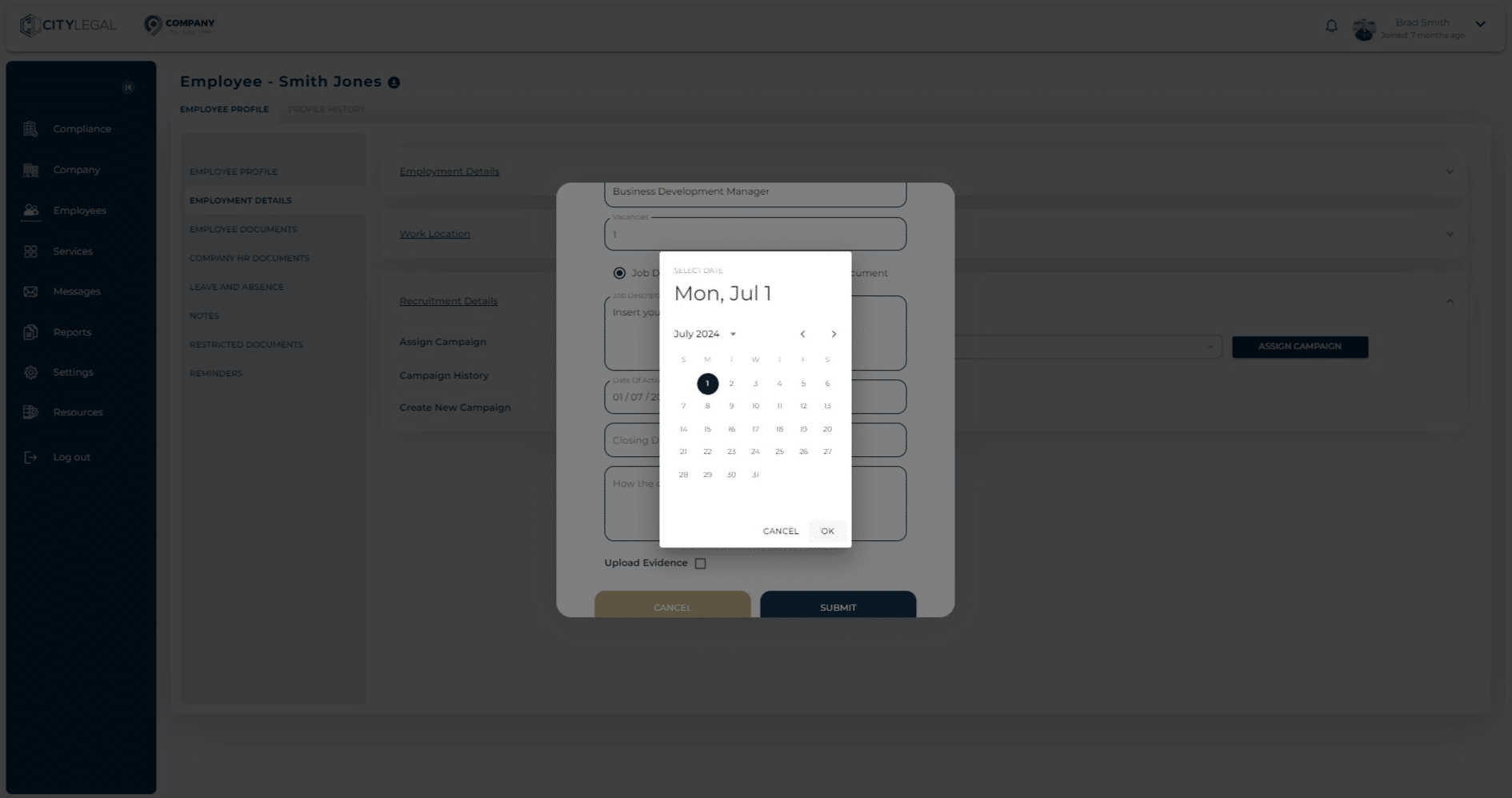
Enter the end date of the recruitment activity from the calendar option.
If you did not advertise the role, you must be able to explain (and, where practicable, provide evidence of) how you identified the worker was suitable– examples include, but are not limited to, the following:
• You identified the worker through a university milk round – you should retain evidence of the milk round by uploading a letter from each university, on their headed paper, confirming the milk round, the dates it was conducted, and the method used – for example, presentation and/or interview method.
• the worker was already legally working for you on another immigration route and you established they were suitable for the role through their previous performance.
• the worker applied to you outside of a formal advertising campaign (made a ‘speculative’ application) and you were satisfied (for example, by interviewing them and/or checking references or qualifications) they had the necessary skills and experience to do the job.
• If you recruited a sponsored researcher, you must keep evidence of the competitive process that took place. This could be an advertisement for the grant, a programme for the selection process, the judging criteria, or any other relevant evidence.
This information will help Home the Office establish, where necessary, that the role is a genuine vacancy.
Guidance Documents
Please see Section B Page 12 for Skilled Worker Category RLMT not required, which can be accessed here.
Please see here for some examples of explanations and evidence that can be uploaded.

**Please see** [here](https://cloud.citylegalsolicitors.co.uk/docs/Recruitment-Explanation-Guidance.pdf) for some examples of explanations and evidence that can be uploaded.](https://assets.guidejar.com/uploads/a0ba4f99-26ba-44f9-b9bc-b883d905a8b1/oYoDHmIAqJYkPPymyOqU6xZNaL53/1045ba30-1621-4f3d-b806-12466515c86c/1722861142221.jpeg)
If you have any evidence of the recruitment explanation, then tick the box.
Please see here for some examples of explanations and evidence that can be uploaded.
 for some examples of explanations and evidence that can be uploaded.](https://assets.guidejar.com/uploads/a0ba4f99-26ba-44f9-b9bc-b883d905a8b1/oYoDHmIAqJYkPPymyOqU6xZNaL53/cdcf2a68-2df8-4f10-865f-bf24edf6705a/1722861151442.jpeg)
This will give you an option to drag and drop any evidence of recruitment or reachout to find the identified candidate.
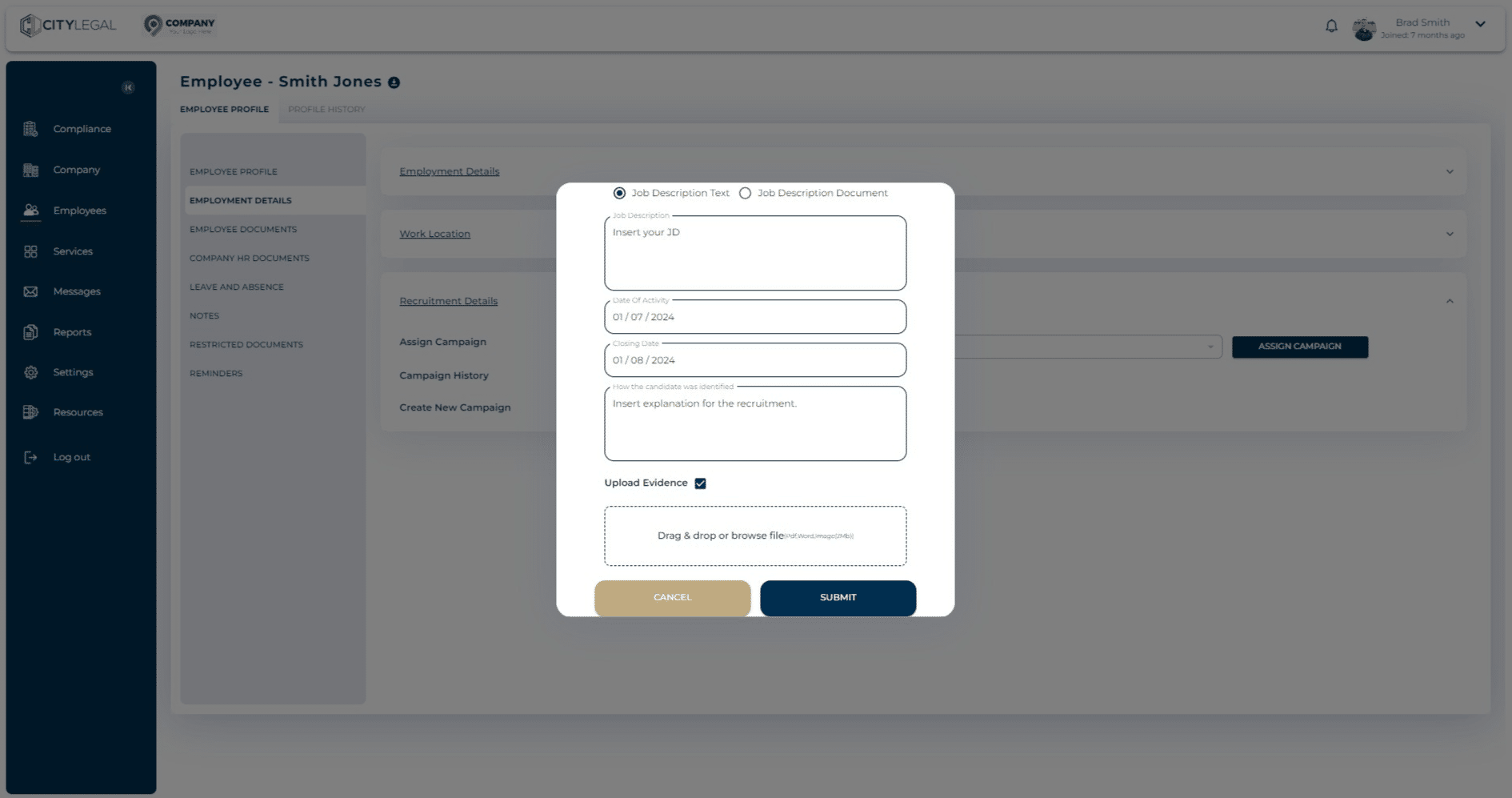
Click on "submit" after all the recruitment information is added.
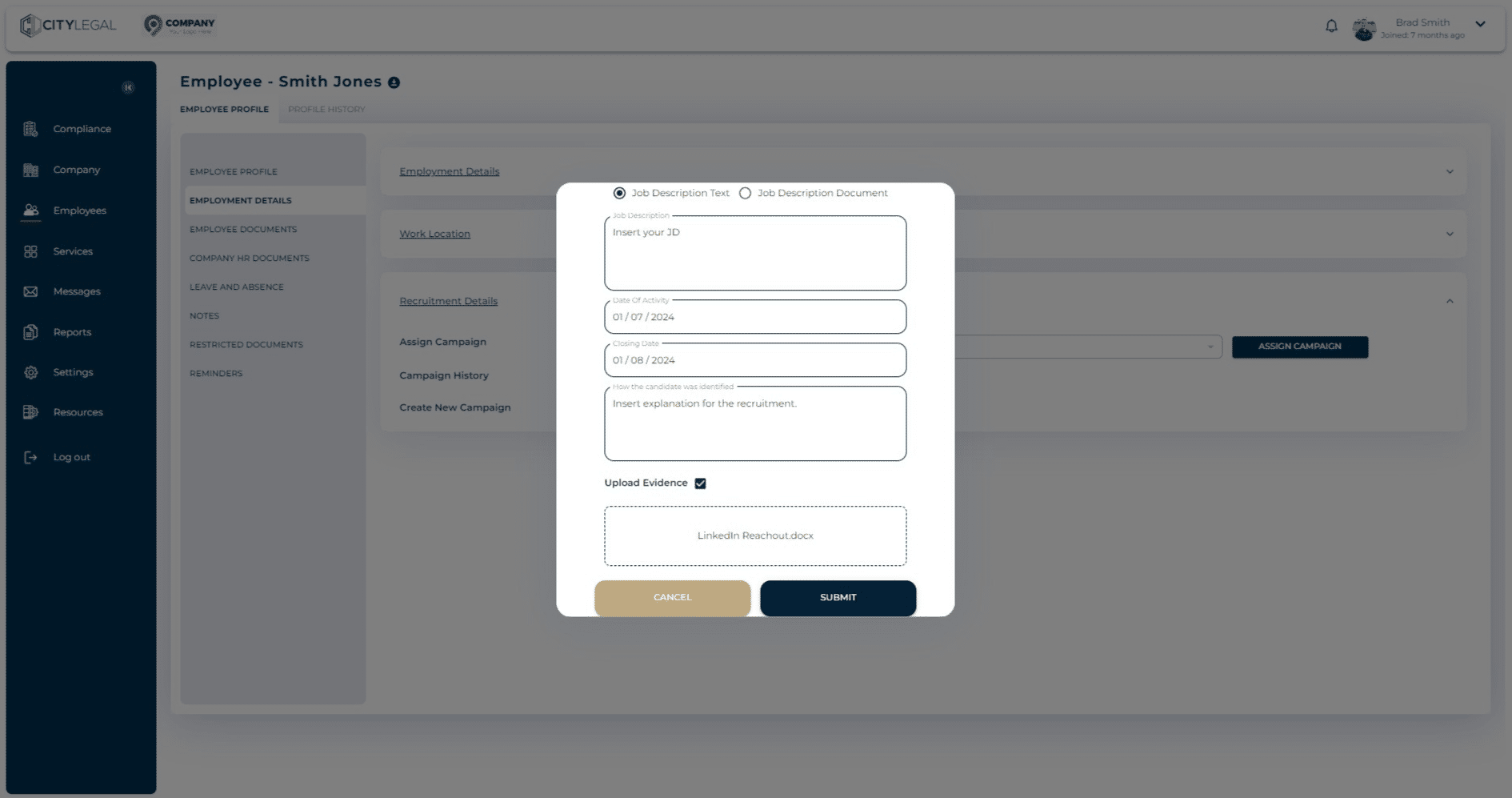
Once the details are submitted, it will autimatically be assigned to the candidate.