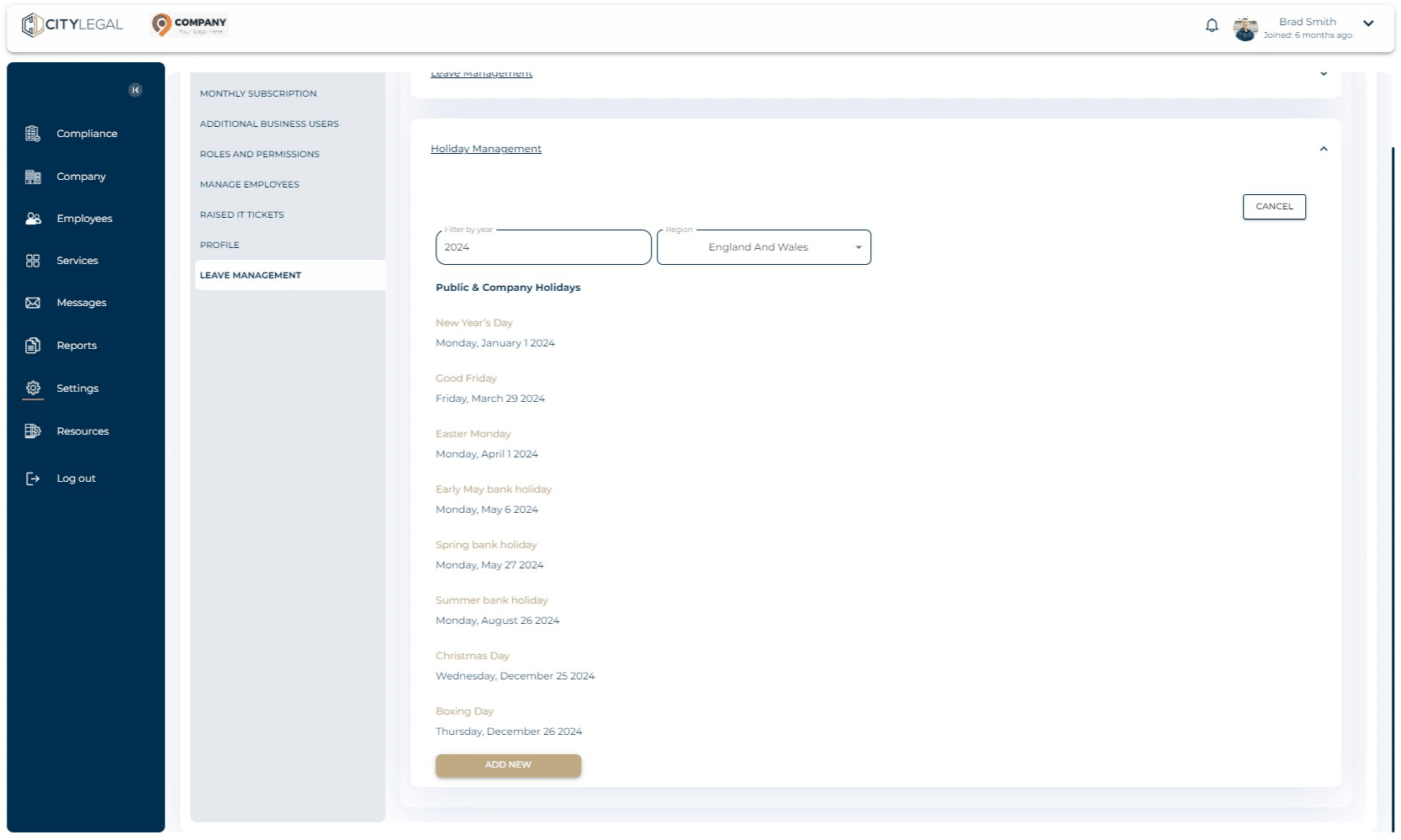
Set up Holiday Period & Working Pattern
Jul 31, 2024●
1
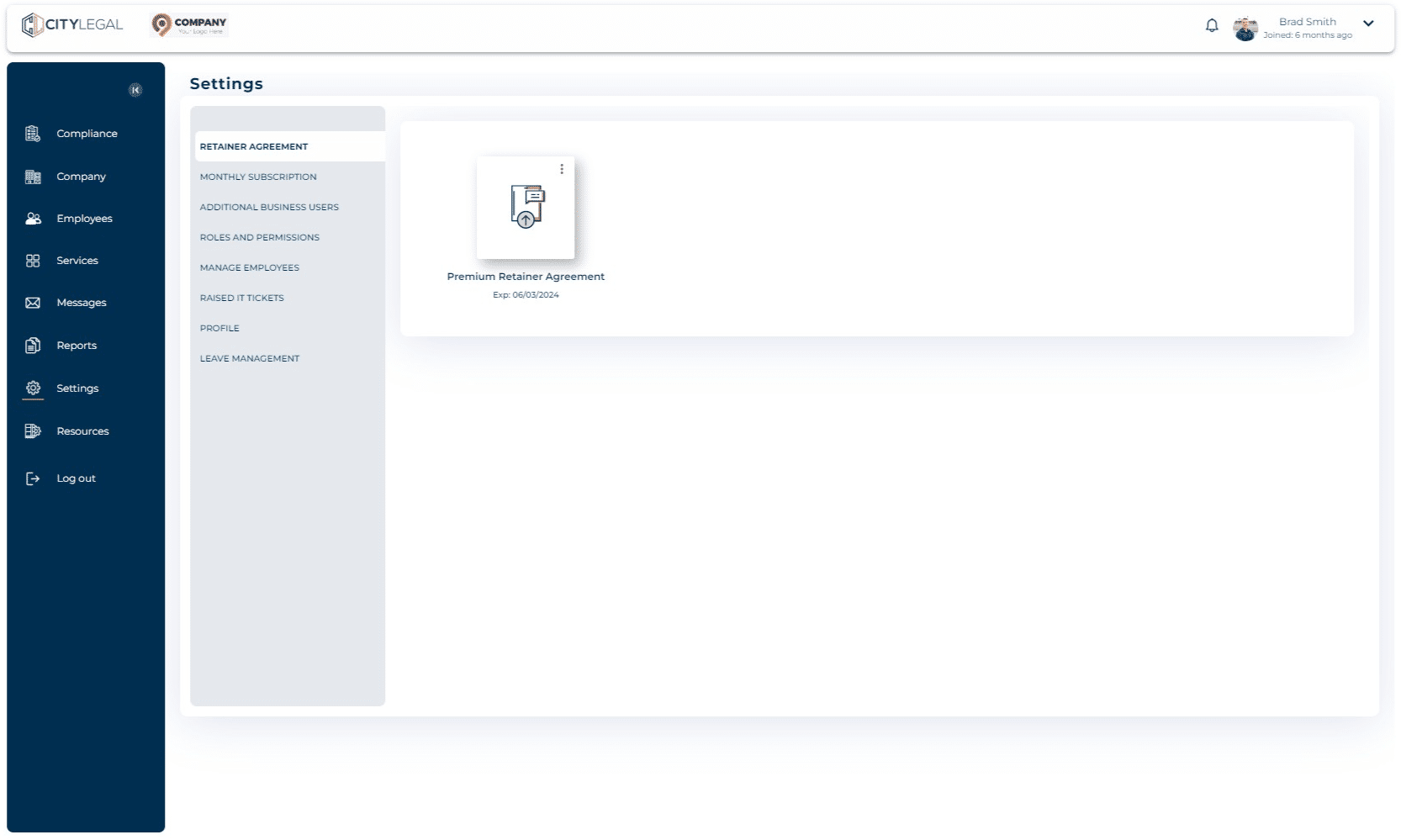
Navigate to 'Settings' and click on "Leave Management"

2
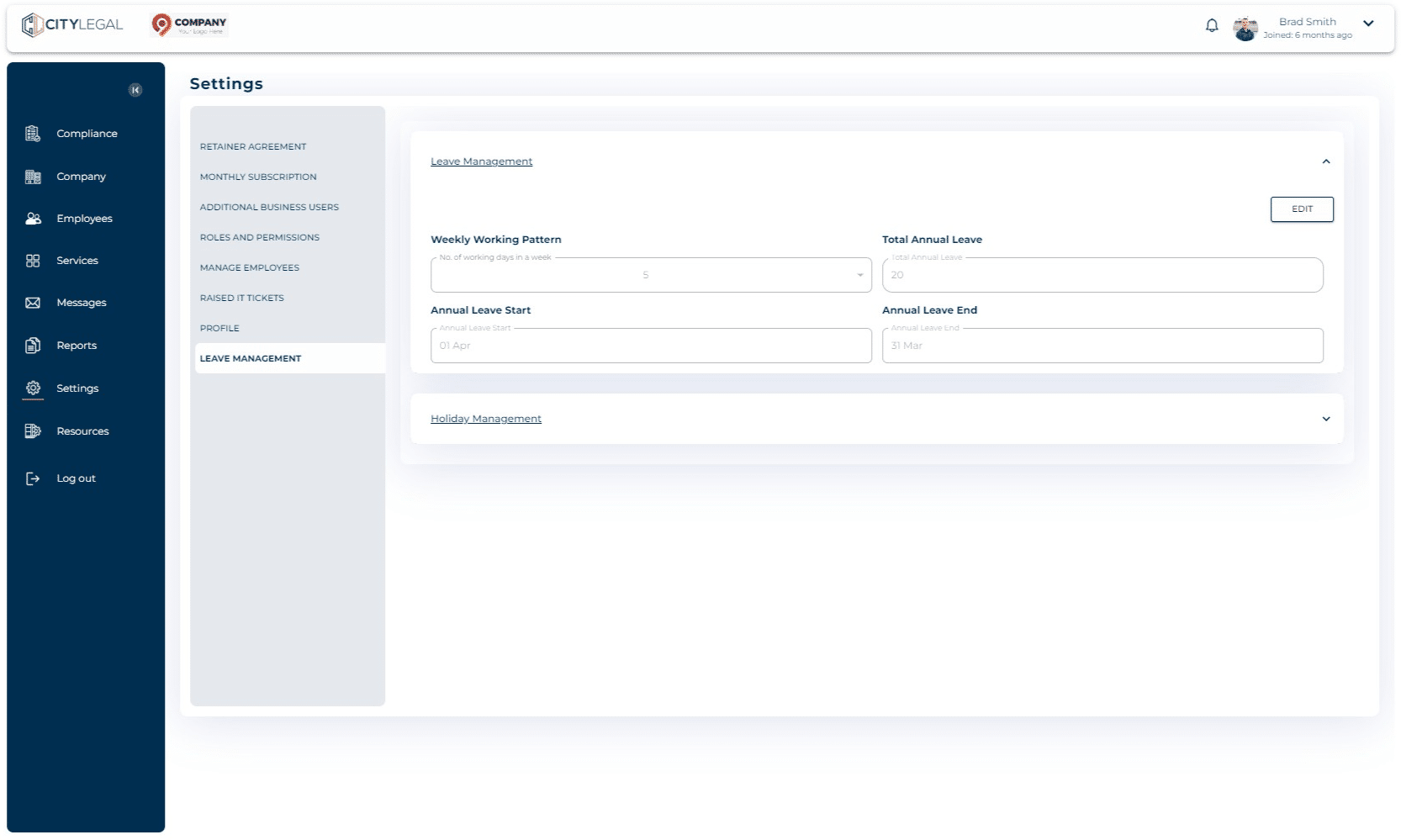
Two sections are available here: Leave Management and Holiday Management.
3
Click on Edit to set up the Weekly Working Pattern, Annual Leaves, etc.
4
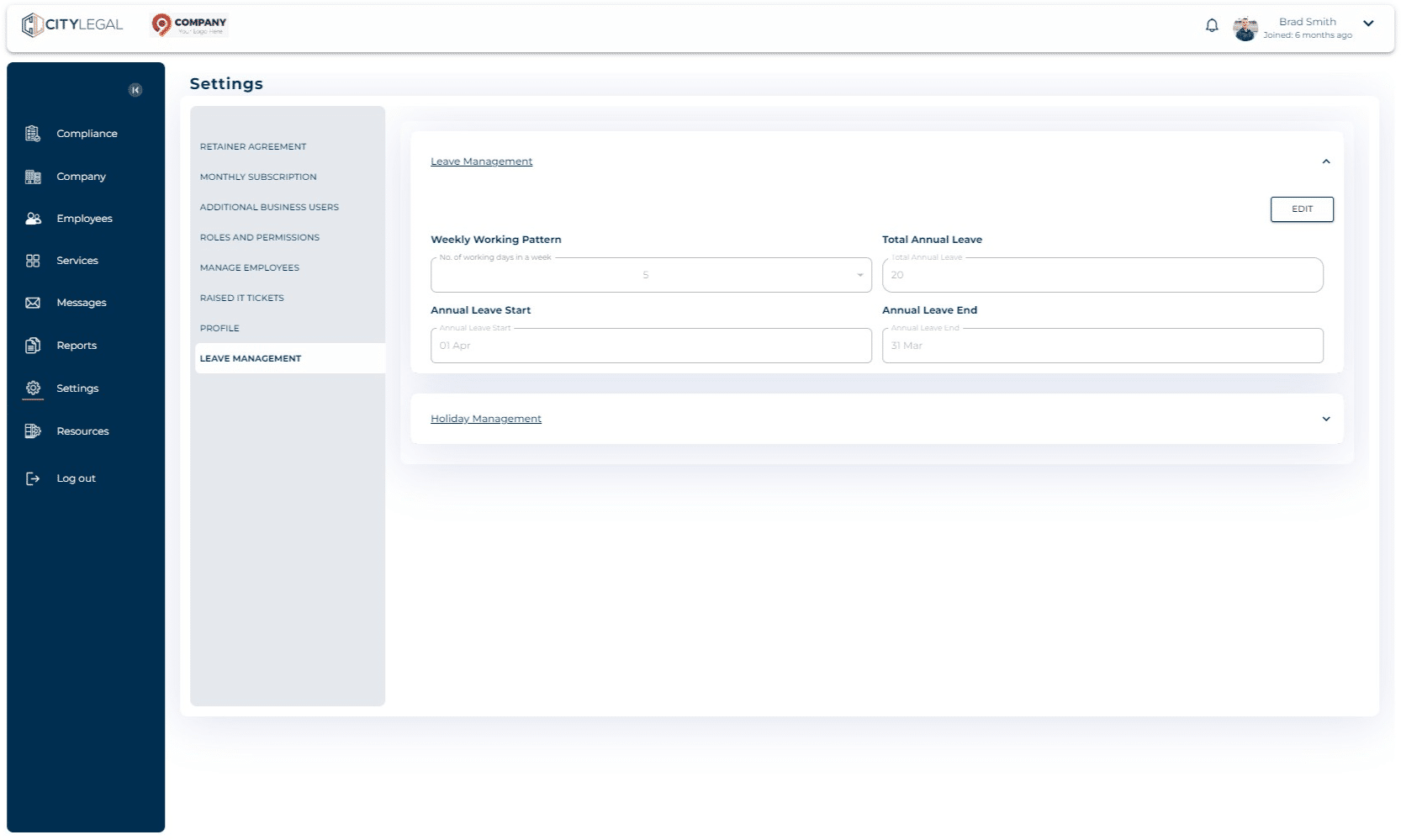
Click on 'Holiday Management' and 'Add New' to add any holidays that the company provides.