Add a New Employee
Nov 12, 2024●
1
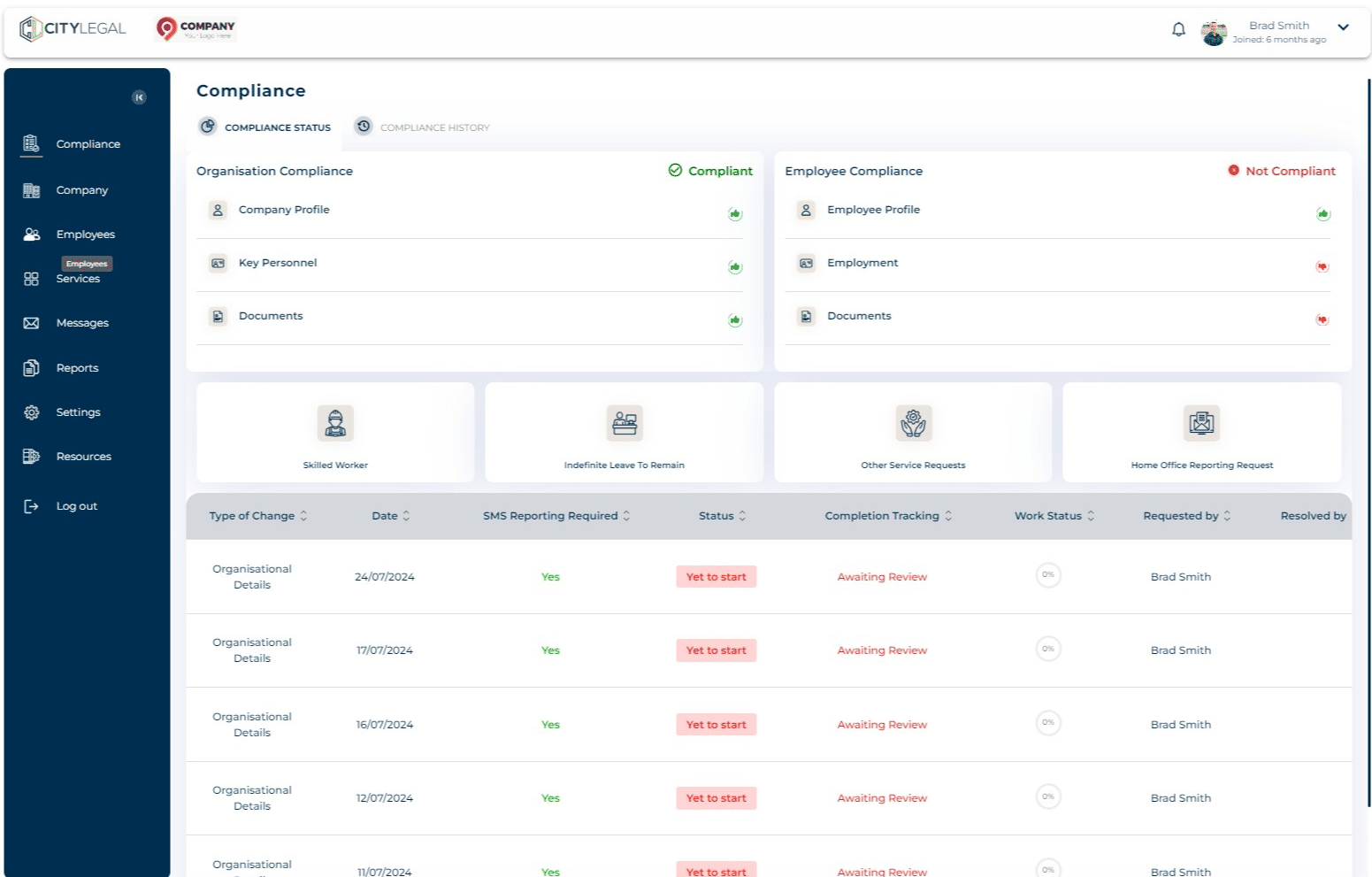
Navigate to "Employees" tab in the portal.

2
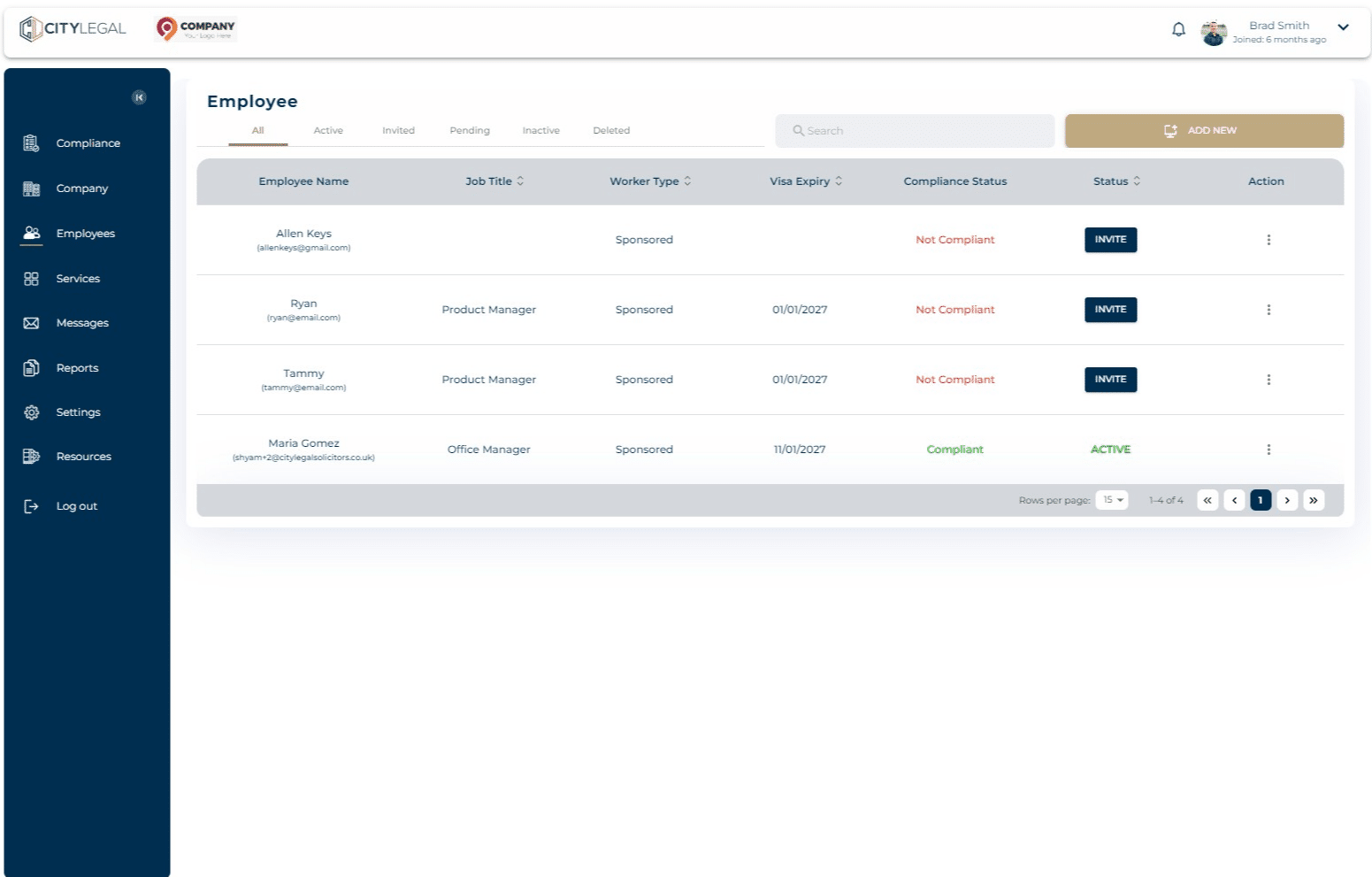
Click on 'Add New' to begin adding the new employee.
3
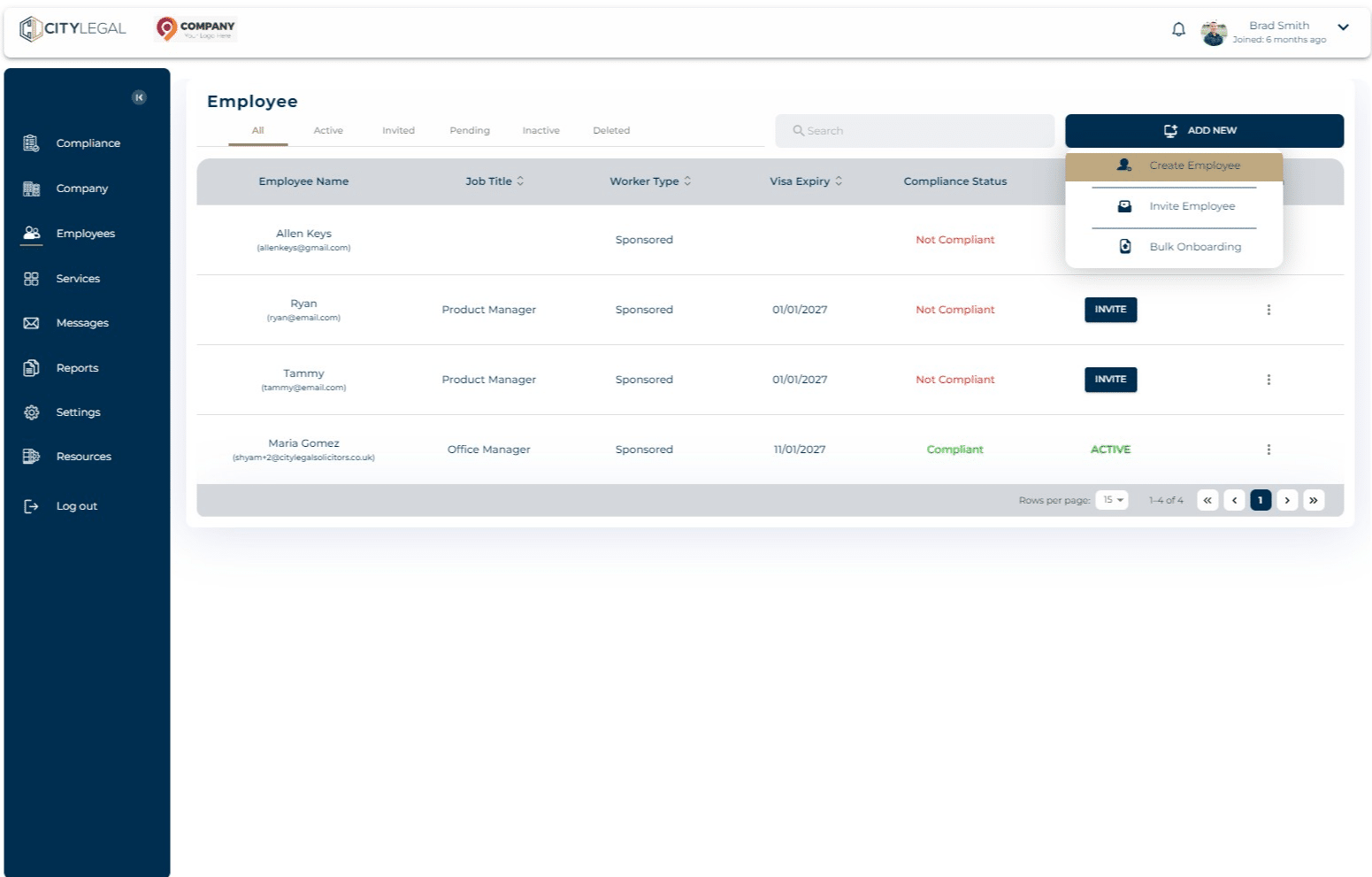
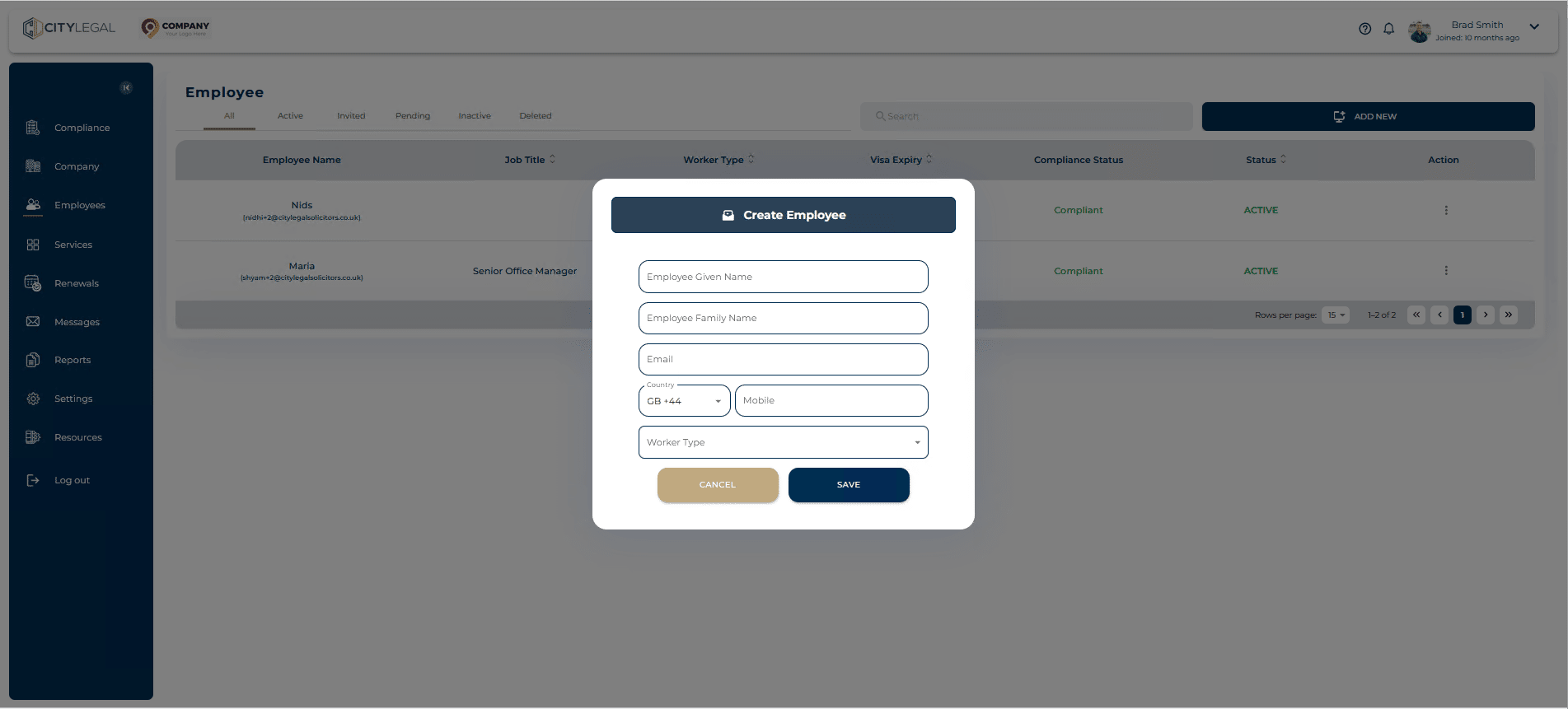
Click on "Create Employee"
4
Fill in the employee details and click 'Save'.
5
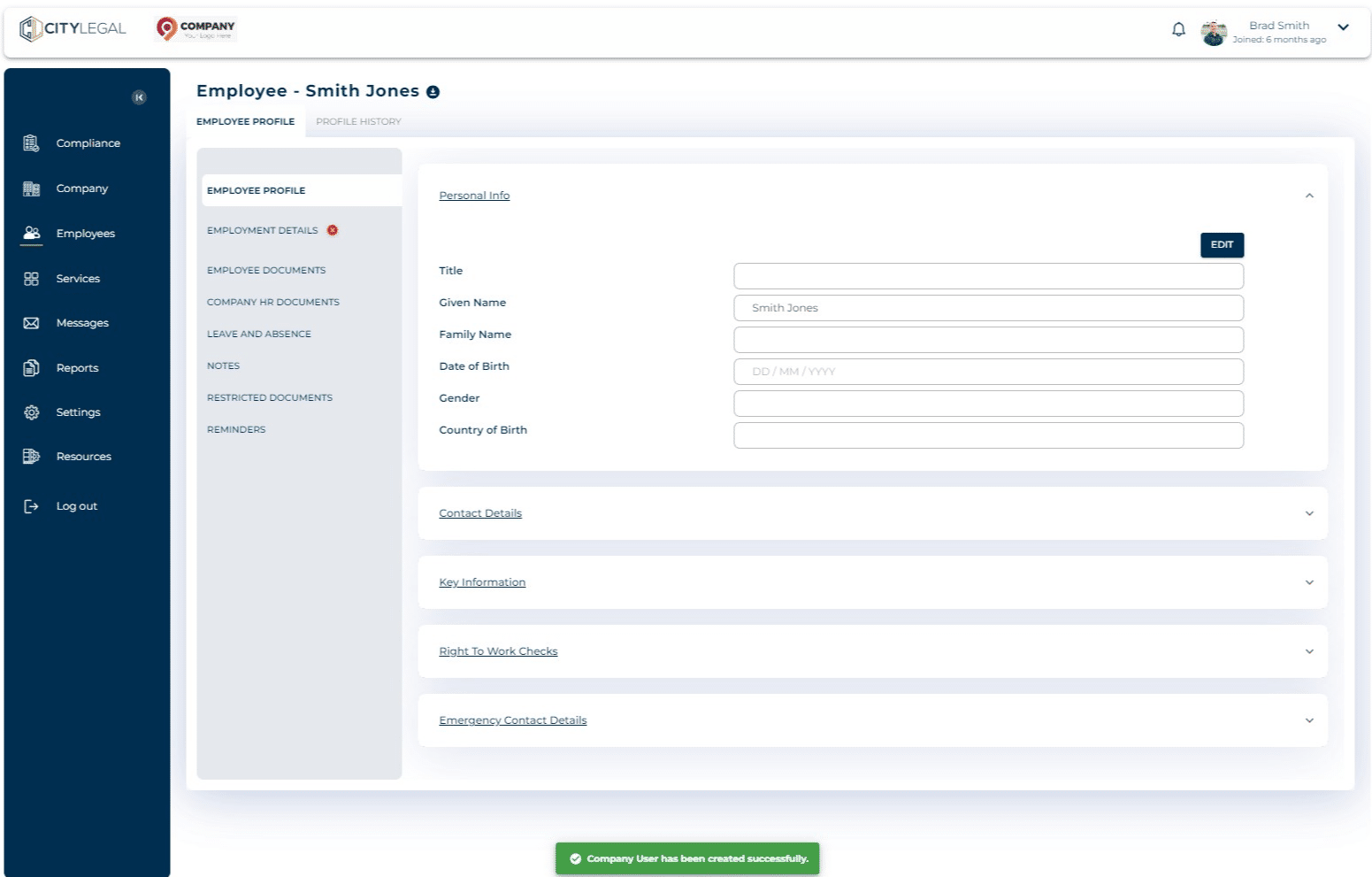
Fill in all the details in the 'Employee Profile' section.