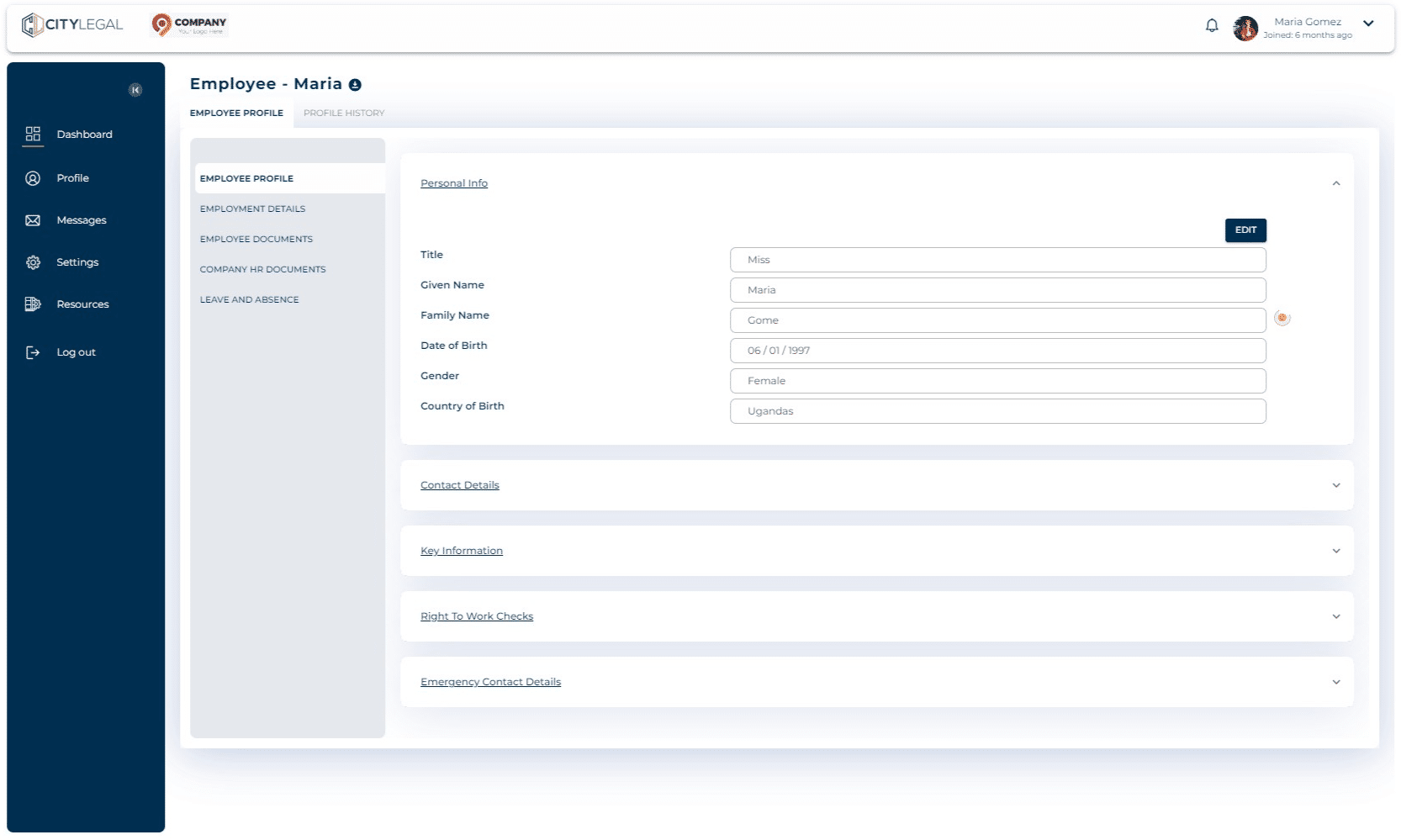
Completing employee profile
Jul 31, 2024●
1
Your employer would have invited you to the portal. Log in to sponsorcompliance.com with your credentials.
2
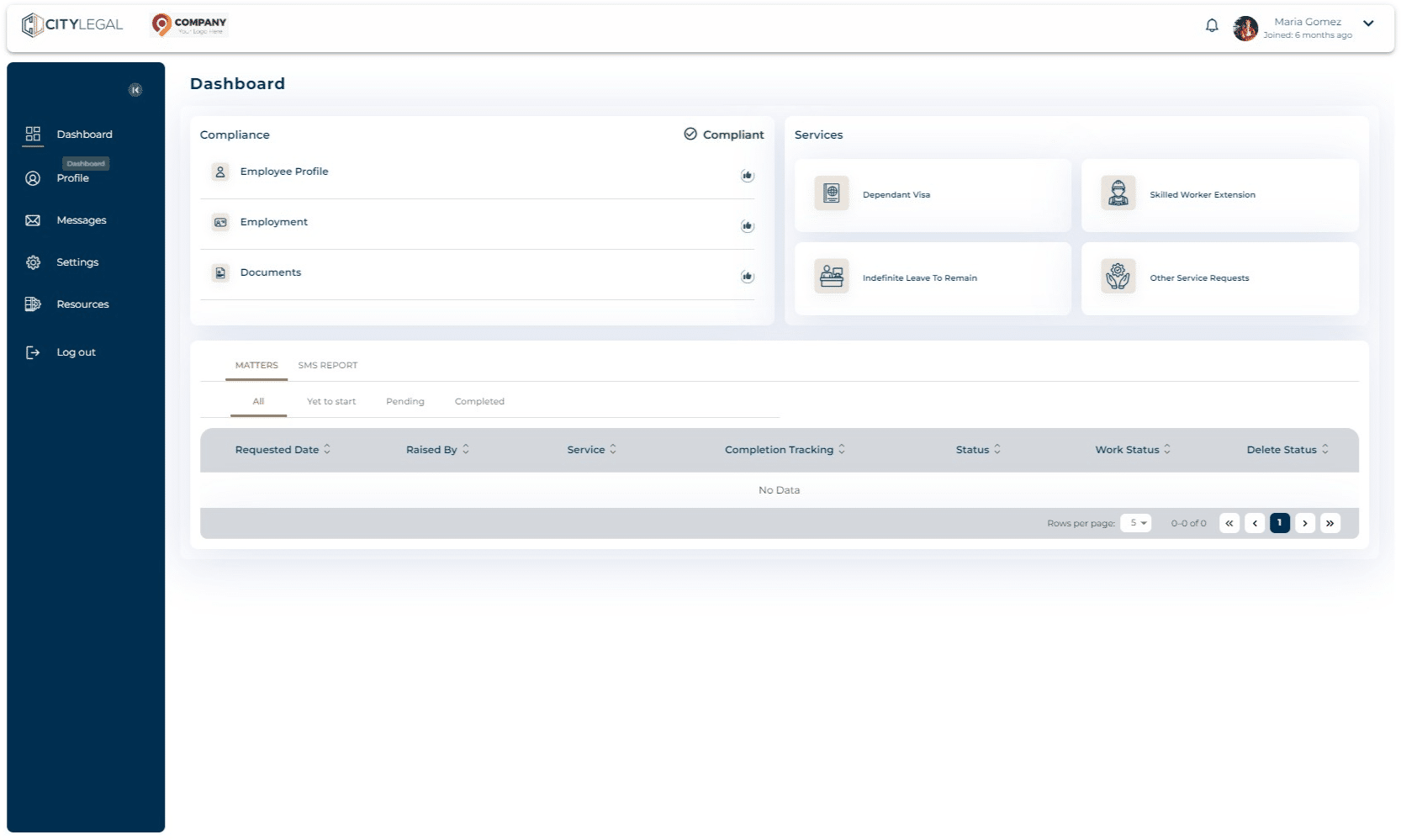
Go to Dashboard and click on Employee Profile.

3
In this section, there are all the sub-sections that need to be filled. Fill it with the accurat information.